Images·5 min read
How to get a photo under 200 KB and check the quality
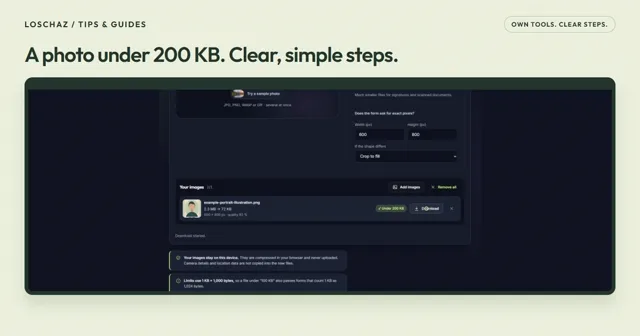
The form asks for 200 KB, but your photo is much larger. Start with the limit the form actually gives you, then check the result before sending it.
Read the guideA little guidance. A useful result.
Clear steps, our own examples, and free tools you can use straight away. Pick what you need help with.
Images·5 min read
The form asks for 200 KB, but your photo is much larger. Start with the limit the form actually gives you, then check the result before sending it.
Read the guideVideo & subtitles·6 min read
A great clip does not need the quiet ten seconds before it. Start with the moment you want to share, then give the compressor a sensible size limit.
Read the guidePhone & computer·6 min read
Your pictures are on the iPhone; you need them on the computer. Photo Transfer connects both browsers, without setting up a cloud folder.
Read the guideVideo & subtitles·7 min read
Automatic captions are a useful first draft. The difference comes when you check the words, leave enough reading time and choose the right file for where your video will appear.
Read the guideDocuments·6 min read
One clear PDF is easier to send than several files with similar names. Here is a practical way to combine documents, fix the page order and avoid an unreadable result.
Read the guideThe screen recordings show LoschaZ tools using sample files created for these guides. They are demonstrations, not tests on every phone or promises of an identical result. Examples are not customer files.
Your files stay in your browser. Photo Transfer sends them directly between your devices; it uses our server for encrypted pairing messages.