The short answer
Open CloudPaws and start the first puzzle. Aim by dragging on a phone or with the mouse on a computer, then shoot. Three or more bubbles with the same colour and symbol pop. Bounce shots off the walls and use Swap, which is free, to change your next bubble.
Play free in your browserWhat is CloudPaws?
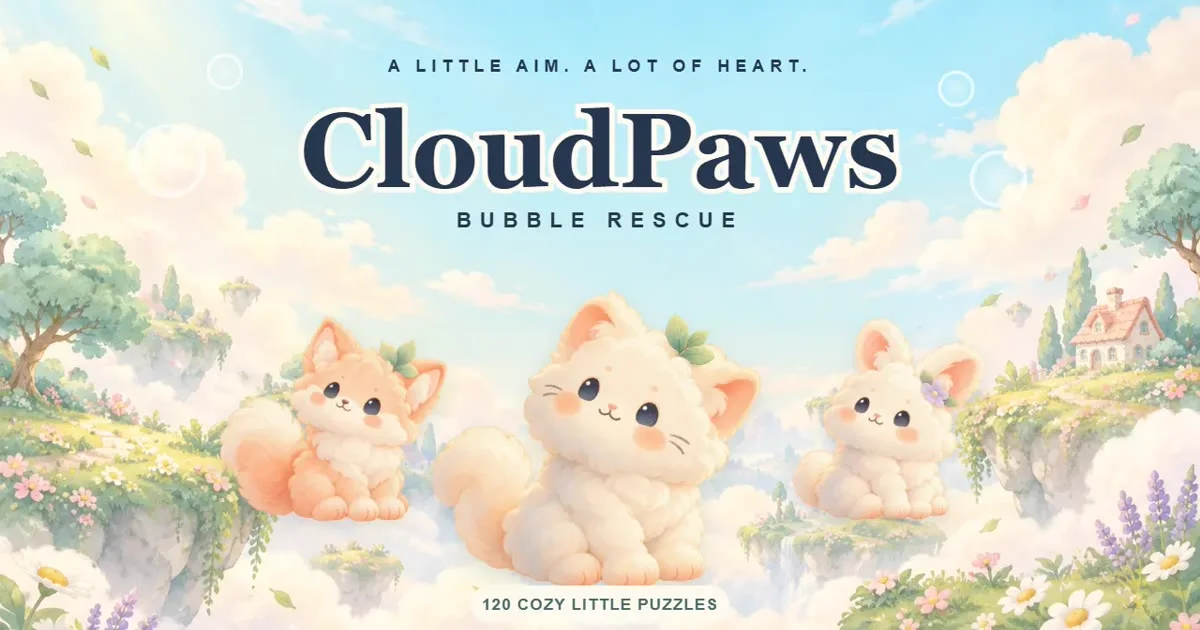
CloudPaws is a gentle bubble shooter with a small world to make your own. You aim, match bubbles of the same colour and symbol, and bring twelve fluffy friends home across 120 puzzles in six painted skies, from Morning Meadow to Aurora Garden.
Between puzzles you earn seeds and place eighteen decorations in your cloud home. A fresh daily puzzle waits every day, and cloud challenges keep going after the campaign.
There is no energy timer and retries are always free. A puzzle fits a short break, and if one goes wrong you simply try again straight away.
How to play bubble shooter in CloudPaws
If you have never played a bubble shooter, these are all the rules you need.
Aim
On a phone or tablet, drag to aim. On a computer, aim with the mouse, or focus the puzzle and use the arrow keys.
Shoot
Release your finger, click, or press Space to shoot.
Match three
Three or more bubbles with the same colour and symbol pop.
Drop what hangs
Clear the bubbles that hold a group in place, and everything left hanging falls. This is how you free trapped friends.
Plan with Swap
Swap changes your current and next bubble, and it is free. The in-game help explains wind bells, mist and anchors when they appear.
How CloudPaws differs from a classic bubble shooter
If you grew up with the classic bubble shooter, the basics will feel familiar within seconds. A few things work differently, all of them in your favour.
- No lives and no energy: a failed puzzle simply starts again, as often as you like.
- Colour and symbol: every bubble shows both, which makes matching easier on small screens and in poor light.
- A goal beyond the score: each sky has fluffy friends to free, and dropping the bubbles that hold them is the heart of every puzzle.
- A home to decorate: seeds from your wins turn into decorations for your cloud home.
- Your save stays yours: you can export it to a file and import it on another device.
Aiming tips for harder puzzles
Bank shots off the side walls reach bubbles hidden behind a crowd. If the direct line is blocked, aim at the wall and let the bubble bounce in.
Look for the bubbles that hold a cluster up rather than the biggest group of one colour. Dropping a hanging cluster clears far more than popping three at a time, and it is the quickest way to free trapped friends.
Check your next bubble before every shot. Because Swap is free, there is no reason to waste a bubble you cannot use. And since every colour also has its own symbol, you can match by shape when two colours look alike, in dim light or if you see some colours poorly.
Wind bells, mist, anchors and seed bubbles
Later skies add a few special bubbles. The in-game help explains them as they appear, but here is the short version so nothing catches you off guard.
To aim precisely, hold your finger or the mouse button and follow the dotted line before you let go. On a keyboard, the left and right arrow keys aim and Space shoots.
- Wind bells: matching next to a bell sends a small gust through the bubbles. Bells can set each other off, so one good shot can start a chain.
- Pale mist: match beside a misty bubble to reveal its colour.
- Anchors: they hold bubbles in place, so a group tied to an anchor stays up until the anchor is cleared.
- Seed bubbles: each one adds a seed to your reward when you win. Seeds go to your cloud home or to an optional extra try.
Fluffy friends, the cloud home and daily puzzles
Twelve fluffy friends wait across the six skies, and dropping the bubbles that trap them is how you bring them home.
Seeds from first clears in the campaign are enough for every one of the eighteen decorations, so you never need to grind for them.
The daily puzzle comes with three tasks, and friendly gifts arrive after three completed days. After the 120 campaign puzzles, cloud challenges continue for anyone who wants more.
On a phone, comfort settings and saving
CloudPaws plays in portrait or landscape. A reduced-movement option calms the effects and the animated background, and music and effects have separate volume sliders. It is gentle, non-violent and has no chat.
Progress saves automatically in this browser on this device. Clearing site data or ending a private session can remove it.
To keep a backup, open Settings and choose Export save. On another device, Import save brings your progress over. There is no automatic cloud sync, so export before you clear browser data.
Questions you might still have
Is CloudPaws free?
Yes. It is free to play in the browser, with no download and no sign-up.
Does CloudPaws have an energy timer or lives?
No. There is no energy and no waiting, and retries are always free.
Can I play CloudPaws on my phone?
Yes. Drag to aim and release to shoot, in portrait or landscape.
What happens after the 120 puzzles?
Cloud challenges continue after the campaign, alongside a daily puzzle with three tasks.
How do I move my progress to another device?
Open Settings, choose Export save and keep the file. On the other device, choose Import save.
Some colours look alike to me. Can I still play?
Yes. Every colour also has its own symbol, so you can match bubbles by shape.
How do I aim more precisely?
Hold your finger or the mouse button and follow the dotted line before you release. On a keyboard, aim with the left and right arrow keys and shoot with Space.
Sources & useful details
These guides are written from the current LoschaZ tools and the sources listed above. Examples are illustrations, not tests on every device or promises of an identical result.