The short answer
Open Tidekin, tap the giant clam for a shell and tap the shell to open it. Drag two identical creatures together to merge them, and drag one of tier 3 or higher into the lagoon to release it. Follow the goal line at the top and spend your first pearls on an upgrade.
Play free in your browserWhat is a merge game, and what makes Tidekin different?
In a merge game you combine two identical things into one better thing. Two small creatures become a bigger one, two of those become a bigger one still, and so on. The fun is in slowly climbing that ladder and keeping your board in order.
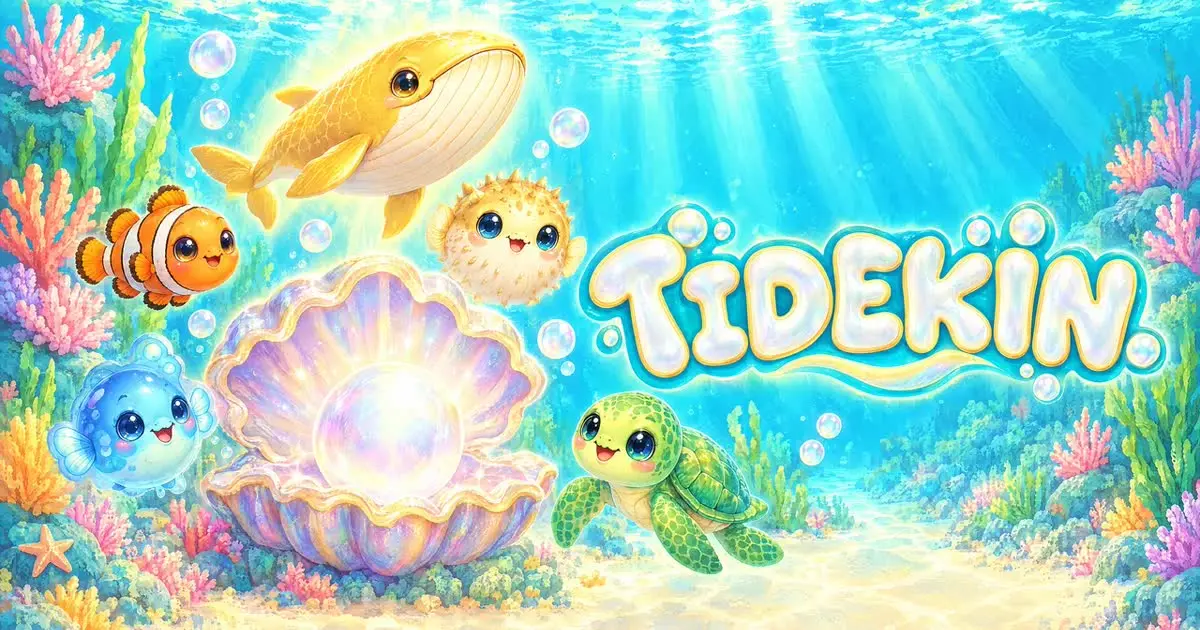
Tidekin sets this in a calm underwater lagoon. You merge sea creatures into bigger, more magical forms and then release them. Released creatures swim in the lagoon, earn pearls and fill your Reef Book. Five waters, from Sun Bay to Moon Deep, hold 50 creatures, rare shimmering variants and 21 wandering visitors.
What sets it apart is what it leaves out. There is no energy bar, no timer and no fail state. You never have to stop because a meter ran dry, and there are no purchases inside the game.
Your first five minutes
The goal line at the top of the screen walks you through the start. Its eight short steps grow corals, light a lantern and lead you to your first upgrade.
Get a shell
Tap the giant clam. On a computer, Space does the same.
Open it
Tap the shell to see which creature is inside.
Merge a pair
Drag two identical creatures together, or tap one and then the other.
Release from tier 3
Drag a creature of tier 3 or higher up into the lagoon. It starts earning pearls and frees a space on the board.
Collect and upgrade
Tap pearl bubbles to collect them and spend the first pearls on an upgrade. Each upgrade shows its current and next effect before you buy.
Board full? How to keep space free
The board is where most players get stuck, so a little order goes a long way. Keep one creature of each tier on the board, so every new arrival already has a partner waiting.
Release spares from tier 3 upwards. You gain pearls and space at the same time, and nothing is lost: the species stays in your Reef Book.
If the board does fill up, release a creature or clear sand to open more space. There is no way to lose, so a full board is a pause, not a game over.
Pearls, wishes and stars explained
Pearls are your everyday currency. Released creatures earn them, and you spend them on upgrades. From reef level 2, residents start asking for specific creatures. Fulfilling these wishes pays pearls, stars and reef experience, and daily goals add a little more.
Stars buy decorations, and every decoration raises your pearl income for good. Once you own all twelve, the Star Current turns 15 stars into three minutes of double-speed shells.
You decide who swims in the lagoon. Under Reef Book and Residents you can pick up to ten released species to show; hidden ones still earn pearls. Aquarium mode hides the board, so the lagoon fills the screen, which is lovely on a second monitor or a tablet.
Shimmering variants, visitors and a calm routine
Each of the five waters, Sun Bay, Seagrass Meadow, Coral Garden, Glow Grotto and Moon Deep, has its own creatures. The game tells you when you have found every creature in a zone, and completing a zone opens the way to new waters.
Some creatures turn up as rare shimmering variants, a small prize for patient players. Twenty-one wandering visitors also pass through. When one arrives, it brings a special wish; fulfil it and the visitor joins your Reef Book.
A short visit works well like this: collect the pearl bubbles first, see whether a resident has a wish you can fulfil, then merge until the board is tidy and release the spares. If you have saved stars, look at the decorations, because each one raises your income for good. Five calm minutes like this move the lagoon forward more than an hour of random merging.
While you are away, on a phone and how saving works
Released creatures keep collecting pearls for up to four hours while you are away, at a reduced rate. When you come back, a note shows what was already added.
Tidekin plays with mouse or touch in portrait and landscape. Slower devices get a lighter effects profile on their own, so an older phone is fine.
Your lagoon saves automatically in this browser on this device. Clearing site data or closing a private window removes it, and it does not move to another device by itself.
Questions you might still have
Is Tidekin free?
Yes. It is free to play in the browser, with no download, no account and no purchases inside the game.
Is there an energy timer in Tidekin?
No. There is no energy, no timer and no fail state. You can merge for a few minutes or as long as you like.
What happens when the board is full?
Release a creature of tier 3 or higher, or clear sand to open more space. Keeping one creature of each tier on the board helps avoid it.
Does the lagoon keep earning while I am away?
Yes, for up to four hours at a reduced rate. A note shows the pearls that were added when you return.
Is Tidekin suitable for children?
It is gentle and non-violent, with no time pressure, no chat and no purchases.
Can I play Tidekin on my phone?
Yes. It works with touch in portrait and landscape, and slower devices automatically get lighter effects.
How do visitors work in Tidekin?
Wandering visitors arrive now and then with a special wish. Fulfil it to add the visitor to your Reef Book. There are 21 in all.
Sources & useful details
These guides are written from the current LoschaZ tools and the sources listed above. Examples are illustrations, not tests on every device or promises of an identical result.