The short answer
Export the class file from the browser that holds the actual class, not a newly typed copy of its names.
Open the free toolPrepare the handover before the substitute arrives
Export the class file from the browser that holds the actual class, not a newly typed copy of its names. The file carries rules and confirmed-round history as well as the list. Give the substitute a short separate note explaining the activity, intended group size and which attendance information needs updating. The software remembers partnerships; it does not know why a particular classroom arrangement matters today.
Import into the browser that will run the lesson
“Import class file” reads the saved class into Group Generator on the receiving device. Check the class identity and the names before generating anything. Importing a class is a deliberate handover of its data: share that file only with the people who need those names and history for the session.
Update attendance without rewriting the class
Mark today’s absent participants by tapping their names. They stay in the roster for the next lesson but are excluded from today’s groups. This is different from deleting them. Read the present count before setting the draw. A returning pupil can be marked present again; if attendance changes after a preview, generate a fresh arrangement rather than assuming the previous cards include the new arrival.
Keep history and preview separate
Leave “Avoid repeat partners” on when the exercise should favour new partnerships. “Shuffle again” tries another arrangement; “Use this round” records the one actually used. Trying several previews should not invent several classroom sessions. If a confirmed activity never took place, “Undo last round” can remove that last confirmation. Check what happened before undoing: the history should reflect actual work, not whichever preview looked most attractive.
Review the practical conditions after a new draw
A substitute should know which “Pair rules” are needed and which were merely preferences from a previous activity. Read warnings before pupils move. Linked keep-together rules can create a cluster larger than the intended group size, while keep-apart rules can conflict with that cluster. The generator reports difficulties, but an adult must decide which arrangement supports the actual task. Repeated shuffling does not resolve incompatible requirements by itself.
An illustrative change in attendance
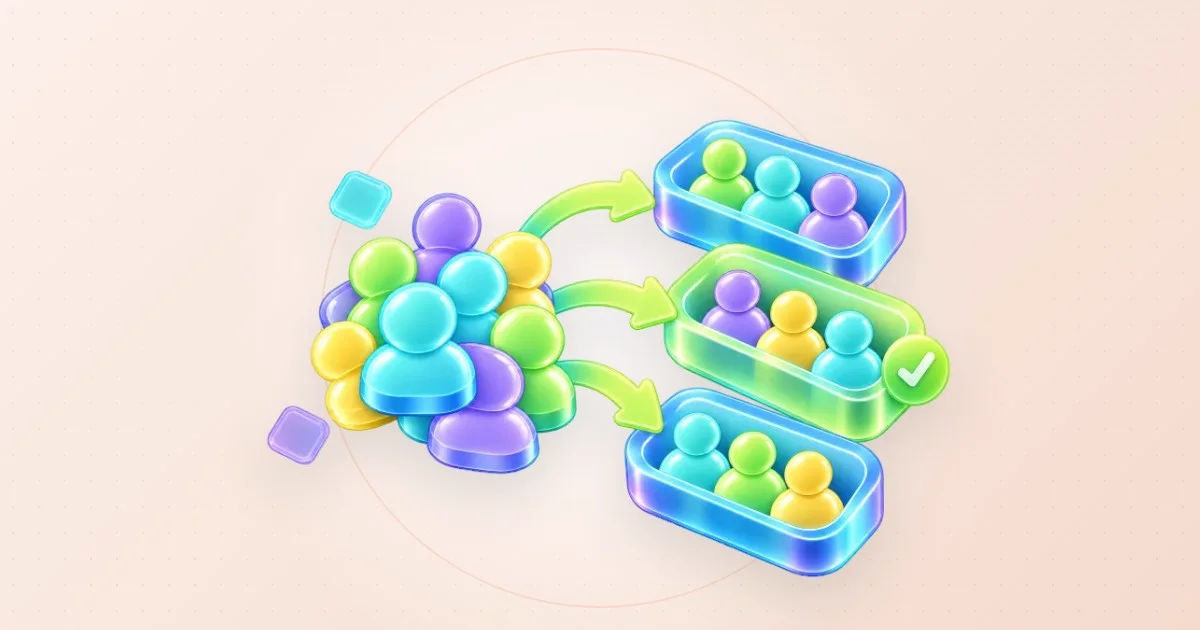
Imagine a roster of eighteen pupils, with two absent at the start. Sixteen present pupils can form eight pairs. If one pupil returns, seventeen people cannot all form pairs without another decision. For example, keep eight groups and use one trio, assigning a clear role to each member of that trio. These headcounts are illustrative. Choose the remainder setting and inspect the resulting cards rather than assuming the first pair arrangement still applies. Confirm only the final arrangement that the class uses.
Display the result that was actually agreed
Make any necessary moves or swaps before using presentation or print output. A manual adjustment can change group sizes, so compare the cards with the room and materials. A projected list should contain recognisable names, not private explanations of support needs. Give the substitute the context separately rather than appending sensitive notes to a label that may appear on screen or in an exported result.
Return the new history to the original organiser
After the lesson, export the class file containing the newly confirmed round and label it clearly as the returned version. The original organiser can import that version when continuing. Two browsers do not automatically merge edits into a shared class. If both people kept drawing independently, agree which rounds actually occurred before choosing a file as the continuing record. On a shared classroom machine, review “Save on this device” and remove the stored copy when it should not remain there.
Resolve two competing return files
A second organiser may prepare another draw while the substitute is teaching. That creates two branches of the class record. Do not choose the later download solely because its filename has a newer date. Ask which file contains the round that actually happened, and compare the visible history with the substitute's account. A practice preview in one browser and a confirmed lesson in another are not equivalent events. Keep both files until the organiser has identified the continuing record. The tool has no shared live history that can decide this question for the two people.
For an illustrative handover note, record the class, session date, attendance change and whether the final cards were confirmed. Add a short description of any manual swap that affected the exercise. This note explains the file; it does not replace importing and checking the actual class. After import, verify the roster and recent round before generating the next session. If the wrong return file was selected, stop before confirming another draw, preserve what happened and agree a corrected starting record. Repeated exports of an uncertain class will multiply copies without resolving which one reflects real partnerships. A clear owner for the next revision is more useful than calling every copy final.
Questions you might still have
Does a names-only CSV keep the partnership history?
Use the exported class file for a continuing class handover. A result CSV describes an arrangement; it is not the same as the class data with its confirmed-round history. Check the export you are transferring before the substitute begins.
Should the substitute confirm every preview?
Confirm only the arrangement actually used. Shuffling is part of choosing, while “Use this round” updates the history. Recording abandoned previews would make future draws avoid partnerships that never happened and distort the account of the class's work.
What if someone returns after groups are shown?
Update attendance and generate a new arrangement. Decide how the new headcount should fit the exercise before confirming it. An extra participant can require a trio or another practical adjustment; the earlier cards do not automatically establish that decision.
Can every round avoid all previous partners?
No. The tool tries to reduce repeated partners, and recent rounds receive more weight. Available people, group sizes and necessary pair rules constrain the possibilities. Read the repeat count and named warnings instead of promising a permanently new partnership for everyone.
How do two browsers exchange the updated class?
Export the class after the used round and import that returned file where the organiser continues. Treat this as a version handover. It is not a shared live record that automatically merges independent changes made on two devices.
What should remain on the shared classroom computer?
Keep only what the organiser intends to retain there. “Save on this device” controls the stored local class copy, and exported files are separate. Check both before leaving; turning off browser saving does not delete copies already downloaded elsewhere.
Sources & useful details
These guides are written from the current LoschaZ tools and the sources listed above. Examples are illustrations, not tests on every device or promises of an identical result.