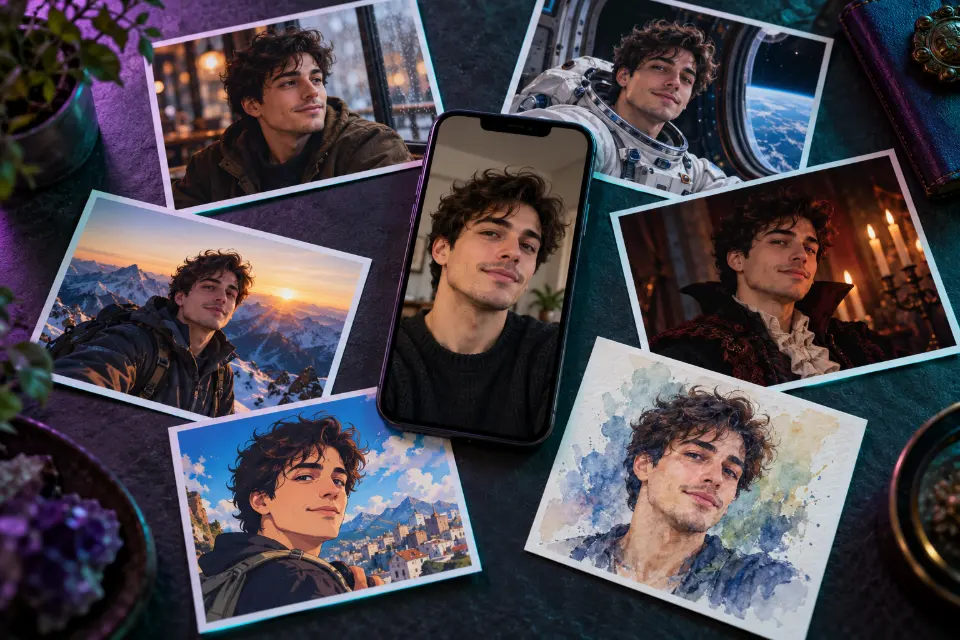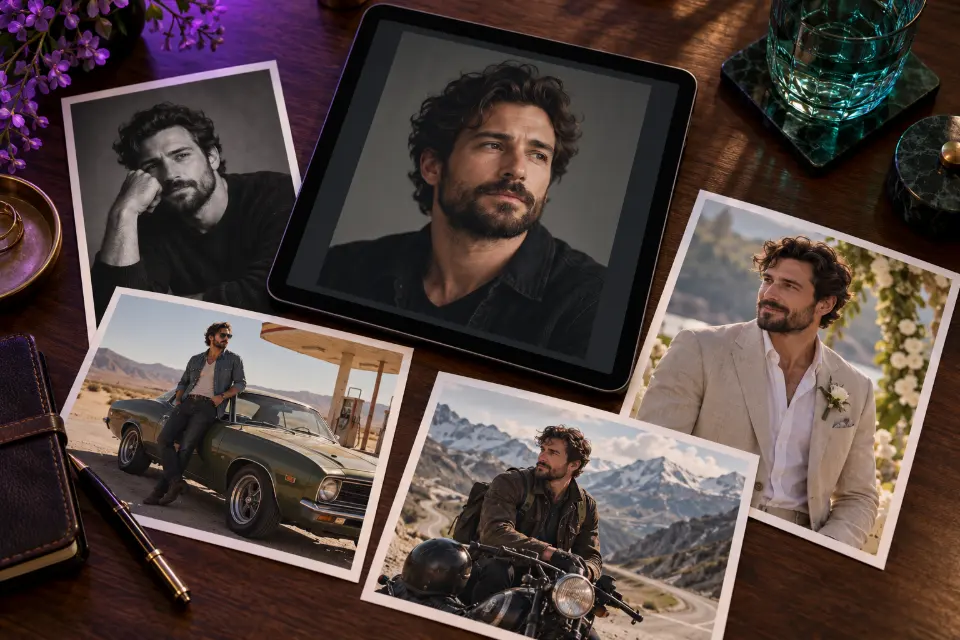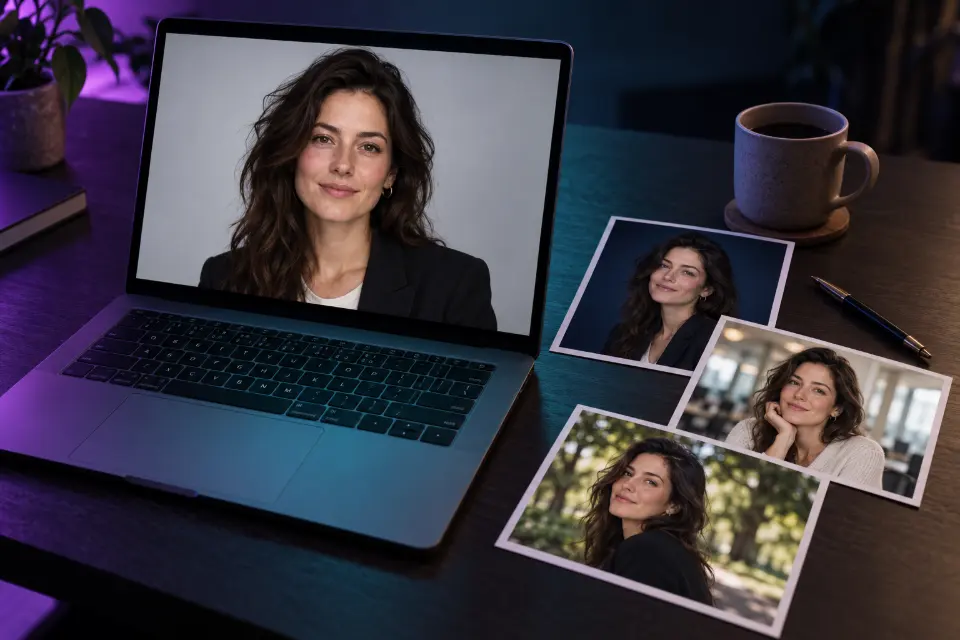
You can make an AI professional headshot from a good selfie in Gemini or ChatGPT if the prompt does two things: keep your face exactly as it is, and control everything a photographer would control, from backdrop and light to crop and clothing. The prompts below are written that way.
They cover the classic LinkedIn crop, team pages where everyone has to match, speaker bios, resume photos and small fixes to a photo you already like. The goal is a picture that recruiters, clients and colleagues recognize when they meet you.
The short answer
Upload a sharp, front-facing selfie taken in daylight, paste a prompt and fill in the brackets. If the result would not pass for you on a video call, send “Keep my face exactly as in the original” and try again.
What makes a good LinkedIn photo?
A LinkedIn photo is shown as a small circle, so your face has to carry it. Head and shoulders should fill most of the frame, with a little room above the hair so the circle does not cut it off. Your eyes look into the lens, light falls evenly across your face and the background is calm enough to disappear at thumbnail size. Clothing matches what you would wear to meet a client in your field: a blazer for a lawyer, perhaps a plain sweater for a developer.
None of that needs a studio. It needs control over light and crop, which is exactly what a prompt gives you.
How to make an AI LinkedIn photo from a selfie
The selfie decides most of the result, so a few minutes here save many retries.
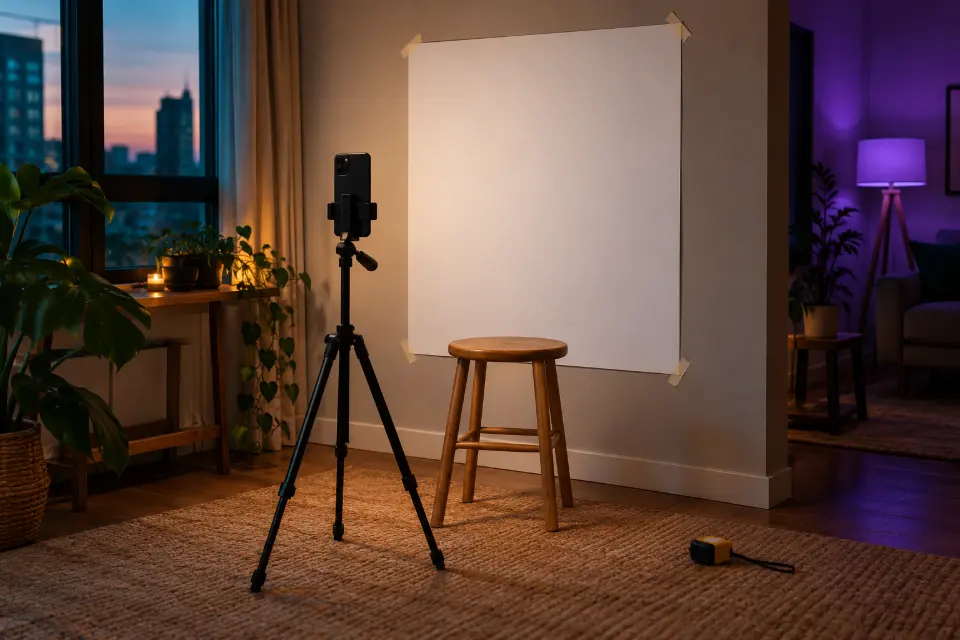
- Use the rear camera with a timer or ask a friend, at eye level and about two meters away. Close front-camera selfies stretch the nose and shrink the ears.
- Face a window so daylight falls evenly on your face.
- Remove sunglasses and hats, but keep the glasses you wear every day.
- Wear the top you want in the result, or name a new one in the prompt.
- Compare the result with your original photo, not with how you would like to look.
14 prompts to copy and adapt
Classic LinkedIn headshot on light gray
Use my selfie and keep my face, skin tone, hairline, glasses and expression exactly the same. Create a professional headshot: light warm gray seamless backdrop, soft key light from the front left, gentle fill, subtle catchlights in the eyes. Navy blazer over a white crew-neck top, head and shoulders centered with space above my hair for a circle crop, eye-level camera, 1:1 format.The space above your hair keeps LinkedIn’s circle crop from cutting into your head. Change the blazer color to suit your field.
Modern office in soft focus
Keep my face, hair and expression exactly as in my photo. Place me in a bright modern office with plants and glass walls softly blurred behind me, window light from the side, a relaxed smile only if I am smiling in the original. Charcoal [blazer or cardigan], chest-up framing, 85mm lens look, shallow depth of field, 4:5 format.A blurred office says “at work” without competing with your face. It suits LinkedIn and company About pages alike.
Outdoor headshot in open shade
Keep my face, skin texture and hairstyle unchanged. Show me standing in open shade under trees in a city park, soft even light on my face, green and warm tones blurred far behind me. Light [color] shirt with an open collar, chest-up framing, eyes to the camera, natural color, 4:5 format.Open shade gives even, flattering light without squinting. A good fit for coaches, consultants and anyone whose work is about being approachable.
Matching headshots for a whole team
Keep this person’s face, hair, skin tone and glasses exactly as in the photo. Create a team page headshot with this exact setup: solid [brand color] backdrop, soft frontal light from a large source slightly above eye level, head and shoulders, camera at eye level, the person centered, plain dark top, 4:5 format. Use the same setup for every person I upload.Run every colleague through the same chat and wording so the page looks like one shoot. Ask each person first and let them approve their own result.
Creative professional with a painted backdrop
Keep my face, hair and expression. Create a portrait for a designer’s or artist’s profile: a hand-painted canvas backdrop in mottled teal and gray, soft window light from the left, a slight shadow on the right side of my face. Black turtleneck or a simple linen shirt, shoulders turned slightly, chest-up, 4:5 format.A painted backdrop is the classic portrait studio look and reads as creative without props. Swap teal for [color].
Headshot for a clinic or practice website
Keep my face, hair and expression exactly as in my photo. Create a professional headshot for a medical or dental practice website: clean white-to-light-blue gradient backdrop, bright even light, friendly expression as in the original, [white coat over a light blue shirt], head and shoulders, 1:1 format.Use the clothes you actually wear at work. Patients should recognize you in the waiting room.
Real estate agent in front of a home
Keep my face, hair and expression. Place me outdoors in front of a softly blurred, generic suburban house with a front porch in late afternoon, warm low sun from the side, a light rim on my hair. Smart casual blazer, arms relaxed, waist-up framing, approachable and confident, 4:5 format.A generic house keeps it honest, because showing a client’s home without permission would not be. Reuse it on business cards and listing pages.
Low-key portrait for law or finance
Keep my face, hairline and expression exactly the same. Create a formal portrait on a deep navy backdrop with low-key lighting: one large soft light from the left and a faint rim light separating my shoulders from the background. Dark tailored suit with [a white shirt and tie], head and shoulders, calm expression, 4:5 format.Darker backdrops read as formal and senior. Keep the rim light so dark clothes do not melt into the background.
Speaker bio portrait with room for text
Keep my face, hair and expression. Create a half-body portrait for a conference speaker page: me standing slightly left of center on a softly lit stage-gray backdrop, arms relaxed, a confident look, empty space on the right where the event can add my name. Smart casual outfit in [color], 16:9 format.Empty space on one side makes the photo easy to use on slides and banners. Make a 4:5 version as well for social posts.
Keep your photo, replace only the background
Keep everything about me exactly as it is: face, hair, clothes, pose and the light on my face. Replace only the cluttered background with a smooth light gray studio backdrop, and blend the shadows and the edges of my hair naturally into the new background. Keep the original framing.If you already like the photo, this is the smallest and safest change. Check the edges around hair and glasses.
Remove reflections from glasses
Keep my face, eyes, glasses frames, expression and everything else exactly as they are. Remove only the white reflections and glare on my glasses lenses so my eyes are clearly visible, keeping the lenses clear and natural. Do not change the frame shape, my eye color or the direction of my gaze.Small, specific fixes keep the rest of the photo safe. Next time, tilt the glasses down slightly when the photo is taken.
Press a wrinkled shirt and fix the collar
Keep my face, hair, pose, background and lighting exactly as they are. Smooth out the creases in my shirt so it looks freshly pressed, straighten the collar so both sides sit evenly, and remove lint and small marks from the fabric. Keep the shirt color, buttons and fit unchanged.Clothing fixes are low-risk because the face stays untouched. Pair it with the background prompt in a second message.
Resume photo for countries where one is expected
Keep my face, hairline, skin tone and expression exactly as in my photo. Create a friendly, formal resume photo: plain light background, soft even light, head and upper shoulders, eyes to the camera, a light smile only if I am smiling in the original. [Dark blazer over a light shirt], 3:4 format.In the US and UK resumes usually go without a photo; in parts of Europe and Asia one is common. This is not an ID photo, which has its own rules.
LinkedIn banner background
Design a wide profile banner background for a professional networking page: an abstract composition of soft flowing shapes in deep navy and [accent color], with a subtle paper texture and a gentle glow on the right side. Keep the lower left area calm and dark, where the round profile photo overlaps. No text, no logos, no people, 4:1 format.The profile photo covers part of the lower left, so keep that area quiet. Add a tagline later in an editor, where the spelling is under your control.
Is it okay to use an AI photo for LinkedIn?
A profile photo exists so that people can recognize you, and that is a useful line to draw. An AI headshot that keeps your real face, age and features and only improves backdrop, light and clothes is close to what a retoucher has always done. One that makes you younger, slimmer or more symmetrical misleads the people who will meet you on a call.
Some employers have photo guidelines for staff pages. If yours does, follow it, and tell the team when headshots are AI-edited.
Realistic AI headshot: details that give a fake away
Before you upload a result, zoom in on the spots where generated portraits tend to slip. Ask for a fix to the one flaw you see, in the same chat, instead of regenerating everything.
- Teeth that are too even and too white.
- Skin without pores, especially on the nose and forehead.
- Earrings, collars or glasses frames that differ from left to right.
- Hair that ends in a blurry halo against the backdrop.
- Catchlights in the eyes that do not match the light in the scene.
Which headshot for which use?
| Use | Format | Background | Clothing |
|---|---|---|---|
| LinkedIn profile | 1:1 with space above the head | Light gray or soft office blur | What you wear to meet clients |
| Company team page | 4:5, the same for everyone | One brand-colored backdrop | Plain dark tops for all |
| Speaker bio or slides | 16:9 with empty space | Stage gray or dark | Smart casual |
| Resume abroad | 3:4 | Plain light background | Blazer or a neat shirt |
| Medical or dental site | 1:1 | White to light blue | Your real work clothes |
Questions and answers
Can I use AI for my LinkedIn profile picture?
Yes, as long as it still looks like you. Keep your real face, age and features, improve the backdrop and light, and update the photo when your appearance changes.
Which background is best for an AI LinkedIn photo?
Light gray, soft white or a blurred office suits most fields. Stronger colors are fine for creative jobs; avoid busy scenes that turn into clutter at thumbnail size.
Is there a Gemini AI headshot prompt that keeps my face?
Every prompt here starts with a keep sentence that works in Gemini. If the face still drifts, upload a sharper photo taken with the rear camera and ask for one change at a time.
Can AI create a professional headshot for free?
The prompts are free to use. Gemini and ChatGPT both offer some image editing without a paid plan, within limits that change from time to time.
How often should you update your headshot?
Whenever your look changes noticeably, such as a new hairstyle, glasses or a beard, and otherwise every few years. The test is simple: would someone recognize you from it at a meeting?
Can I use the same headshot for a passport or ID?
No. Official ID photos follow strict rules, and many authorities reject edited or AI-generated pictures. Take a real, unedited photo for anything official; our passport photo guide explains how.