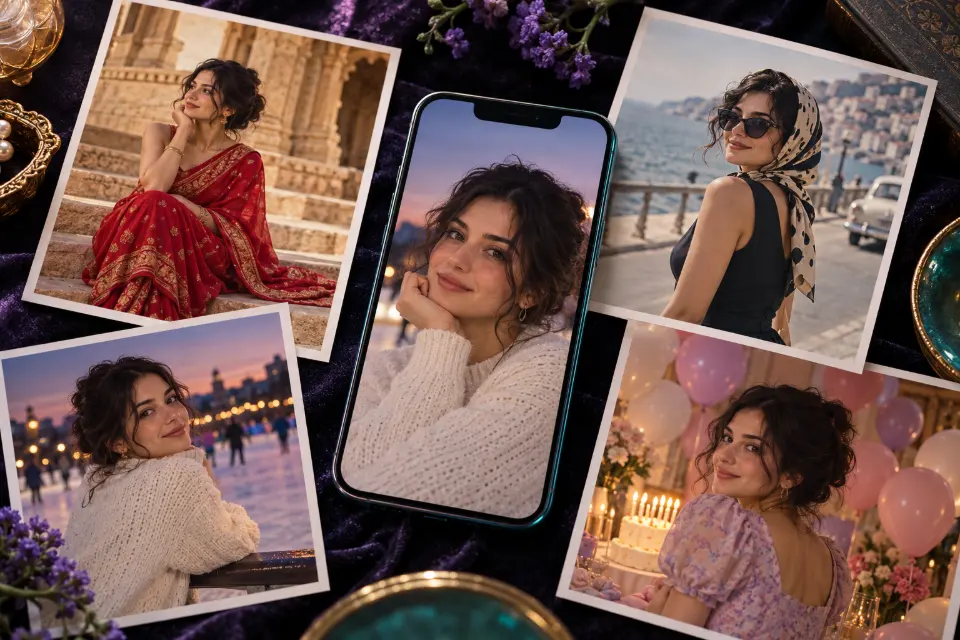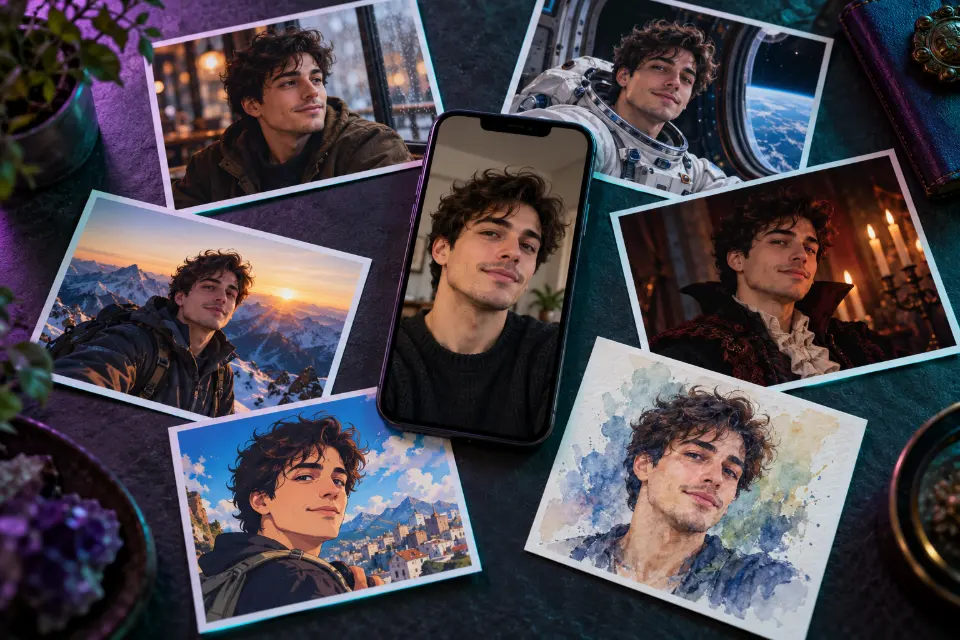
AI prompts for photos of yourself turn one ordinary selfie into a picture you can actually use: a dating profile shot, a profile picture that survives a round crop, a hairstyle test before the salon or a Halloween costume portrait. The 14 prompts below are written for ChatGPT and Gemini, and each one begins by telling the model to keep your face.
Each prompt has a note on why it works and what to swap. Words in square brackets are placeholders, such as [city] or [new hairstyle].
The short answer
Upload one clear, recent selfie, paste a prompt and replace the words in brackets. If the result doesn’t look like you, start again with a sharper photo rather than asking for more changes.
How do AI prompts for pictures of yourself work?
You upload a selfie to an image model, such as ChatGPT with GPT Image 2 or Gemini with Nano Banana 2, and describe the picture you want. The model creates a new image that uses your face as its reference. That is why every prompt here starts with what must stay the same, usually your face, hair and expression, before it describes the new scene, outfit or style.
Change one big thing per prompt. A new place, a new outfit and a new art style in one go is a reliable way to end up with a stranger who looks a bit like you.
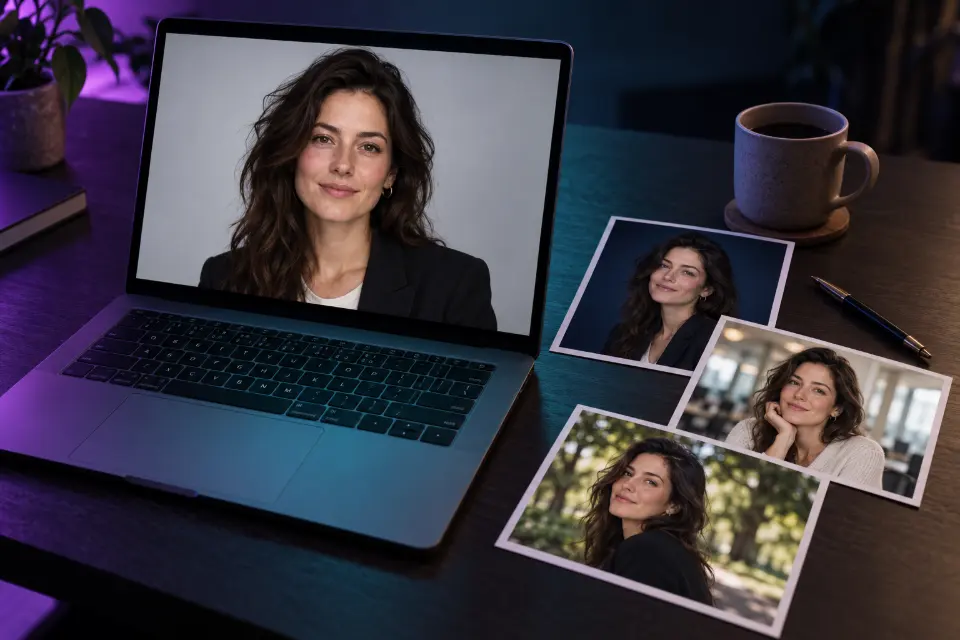
AI prompts for selfies: which photo should you upload?
The input photo decides most of the result, so pick one that shows you clearly. It should also be recent: if you changed your hair last month, upload a photo with the new cut.
- Face toward the camera, or turned slightly, and large in the frame.
- Even daylight, with no hard shadows across the eyes.
- No sunglasses, heavy filters or beauty-mode smoothing.
- Only you in the picture, unless the prompt is meant for a group.
- The expression you want to keep, since most prompts preserve it.
Gemini AI prompts for photos or ChatGPT: does it matter?
Every prompt on this page works in both apps, because it is written in plain sentences without special codes. Which one keeps your face better can change with each update, so the practical test is to run the same prompt with the same selfie in both and keep the better result. Images made with Gemini can carry Google’s invisible SynthID watermark. In Prompt Studio you pick the model and the wording adapts; the prompts also suit FLUX.2 and Seedream.
14 prompts to copy and adapt
Mirror selfie to a portrait someone else took
Using my mirror selfie, keep my face, hair, outfit and body shape exactly the same. Recreate the photo as if a friend had taken it from a few steps away: no phone in my hand, no mirror frame, my arms relaxed naturally at my sides. Same room in the background but tidy, soft daylight from a window, eye-level camera, 4:5 format.Mirror selfies hide part of your face behind the phone; this frees it. If the hands look odd, ask for “hands in pockets” instead.
Fix the front-camera look
Keep my face, features, expression and hair exactly as they are, including skin texture and small marks. Correct the wide-angle distortion of the phone’s front camera so the photo looks as if it was taken from about six feet away with a portrait lens: natural proportions, softer background blur, even light on both sides of my face. No smoothing, no makeup, no new features.Front cameras sit close and stretch whatever is nearest, often the nose. This keeps you as you are and only fixes the lens.
Relaxed café portrait for a dating profile
Keep my face, smile, hairstyle and body shape exactly as in my photo. Show me sitting by the window of a small neighborhood café, holding a cup with both hands, laughing at something just off camera. Soft natural window light, warm wood and plants in the background, shallow depth of field, candid and unposed, realistic photo, 4:5 format.Candid laughter reads friendlier than a posed smile. Keep it honest: a profile photo should look like the person who shows up for coffee.
Profile picture made for a round crop
Keep my face, hair and expression exactly the same. Make a clean profile picture: head and shoulders centered, my face filling about half the frame, with enough space around it that a round crop doesn’t cut my hair or chin. Plain [color] background with a soft gradient, soft front light, crisp focus on the eyes, 1:1 format.Most apps crop profile pictures into a circle, which cuts the corners first. Choose a background color that contrasts with your hair.
Try a new hairstyle before the salon
Keep my face, skin, eyebrows, expression and clothes exactly the same. Change only my hair to [new hairstyle, length and color], styled the way it would look on a good day, with natural strands, realistic volume and a hairline that matches mine. Keep the original lighting and background, front view, realistic photo.Show the result to your stylist as a reference. Describe length in plain words, such as “chin-length bob” or “short sides, longer on top”.
Try on different glasses
Keep my face, eyes, expression, hair and clothes exactly the same. Add [frame style, such as round tortoiseshell or thin black rectangular] glasses that fit my face naturally, resting correctly on my nose and ears, with clear lenses and a faint natural reflection. Match the light and shadows of the original photo and keep the frame size realistic for my face.Run it once per frame style and compare the results side by side. A quick way to narrow down choices before you visit an optician.
Street style photo in a big city
Keep my face, hairstyle and body shape from my photo. Show me walking across a crosswalk in [city] in a street style fashion shot: [outfit, piece by piece], mid-stride, looking slightly past the camera. Overcast soft light, busy street blurred behind me, low angle with a 50mm lens, editorial magazine look, 4:5 format.Describe the outfit piece by piece for a convincing look. Overcast light is flattering and avoids harsh shadows on the face.
Cozy autumn reading corner
Keep my face and hair exactly as in my photo. Show me curled up in a deep armchair by a rainy window in autumn, wrapped in a chunky knit sweater, reading a book with a mug of tea on the windowsill. Warm lamp light inside, cool blue light from the window, a few candles, soft film grain, calm aesthetic mood, 4:5 format.Warm light inside against cool light outside gives the cozy look its glow. Swap the book for a sketchbook or a guitar.
Vampire portrait by candlelight
Keep my face, eyes and expression recognizable from my photo. Turn me into an elegant vampire for Halloween: a dark velvet coat with a high collar, pale skin with a faint glow, subtle dark lips, standing in a gothic stone hall lit by tall candles. Deep shadows, warm candlelight on one side of my face, misty air, cinematic portrait, 4:5 format. No blood or gore.Elegant beats scary when you want to post it. Swap in a witch, a ghost or a skeleton costume and keep the candlelight.
Cozy Halloween pumpkin patch
Keep my face, smile and hair from my photo. Show me sitting on a hay bale in a pumpkin patch at golden hour, wearing [a costume or a cozy outfit], holding a small carved pumpkin with a candle inside. Orange and amber tones, low sun behind me creating a warm rim light, a few autumn leaves in the air, shallow depth of field, 4:5 format.Backlight from a low sun gives the warm halo around your hair. Upload a photo with friends or your dog for a group version.
Sunrise on a mountain summit
Keep my face, hair and build from my photo. Show me standing on a rocky mountain summit at sunrise in hiking gear with a backpack, arms raised, seen from slightly behind and to the side so my face is visible in profile. A sea of clouds below, pink and gold sky, wind in my hair, realistic adventure photo, 3:2 format.Nice as a goal poster or a fun post. If you share it, don’t pass it off as a real climb; a short “AI” label keeps it honest.
Astronaut by the space station window
Keep my face recognizable from my photo. Show me as an astronaut floating inside a space station, wearing a blue flight suit with plain mission patches, my hair drifting in zero gravity. Behind me a large round window shows Earth at night with glowing city lights. Soft cabin light, realistic photo, 4:5 format.Drifting hair sells the zero gravity. Kids love this one for a birthday invitation or a school project about space.
Your selfie as an anime illustration
Turn my photo into a hand-drawn anime-style illustration while keeping my hairstyle, hair color, eye color, glasses and outfit recognizable. Clean line art, soft cel shading, big expressive eyes, a quiet city street at dusk behind me with glowing shop signs that have no readable text. Warm pastel palette, 4:5 format.Listing hair, eyes and clothes keeps it you in a new style. Don’t name a studio or a series; describe the look you want instead.
Watercolor portrait as a gift
Turn my photo into a loose watercolor portrait painting. Keep my face, expression and hairstyle recognizable. Soft washes of color that bleed at the edges, visible paper texture, a few pencil lines left showing, plain cream background with splashes of [favorite color]. Head and shoulders, 4:5 format, ready to print.A favorite color in the splashes makes it personal. Print it on matte, textured paper for a softer, painterly finish.
Halloween AI prompts for selfies: costume tips
Costume portraits follow the same rule as every other edit: the face stays, the costume changes. Describe the costume piece by piece (coat, collar, makeup, props) instead of naming a film character, because named characters may be refused or come out generic. Pick a setting with one strong light source, such as candles, a jack-o’-lantern or a full moon, and keep makeup subtle so your face stays recognizable. Skip blood and gore if you want to post it where family and coworkers will see it.
Should you use AI pictures of yourself on dating apps and profiles?
Use them the way you would use a good filter: to show yourself in good light, not to become someone else. Keep your real face, body and age, and say an image is AI-made when people could reasonably take it for a real photo, such as a trip you never took. Dating apps can have their own rules about edited or AI-made photos, so check before you upload. And upload only your own selfies, since editing someone else’s face needs their permission.
Which selfie prompt fits your goal?
| Your goal | Start with | Format |
|---|---|---|
| A dating profile | Relaxed café portrait for a dating profile | 4:5 |
| A new profile picture | Profile picture made for a round crop | 1:1 |
| Testing a haircut | Try a new hairstyle before the salon | Same as your photo |
| A Halloween post | Vampire portrait by candlelight | 4:5 |
| A gift for family | Watercolor portrait as a gift | 4:5 |
Questions and answers
Where can I create AI images of myself?
In any image app that accepts an uploaded photo, such as ChatGPT, Gemini or Adobe Firefly. Prompt Studio writes and adapts the prompt for the model you pick; the picture itself is made in that app.
Can I make AI pictures of myself for free?
ChatGPT and Gemini both offer image features, with limits that depend on your plan and change over time. The prompts here are free to copy and adapt.
What are some cool AI prompts for selfies?
Try the astronaut by the space station window, the street style shot in a big city or the anime illustration. They change the scene or the style but keep your face as the anchor.
Why doesn’t the AI picture look like me?
Usually the prompt asked for too many changes, or the selfie was small, dark or filtered. Upload a sharper photo, put the keep sentence first and change one thing at a time.
Is it safe to upload selfies to AI apps?
Your upload is handled under the app’s privacy policy, and both ChatGPT and Gemini have settings for how your data is used. Read them once, don’t upload other people’s faces without permission and delete chats you don’t want to keep.