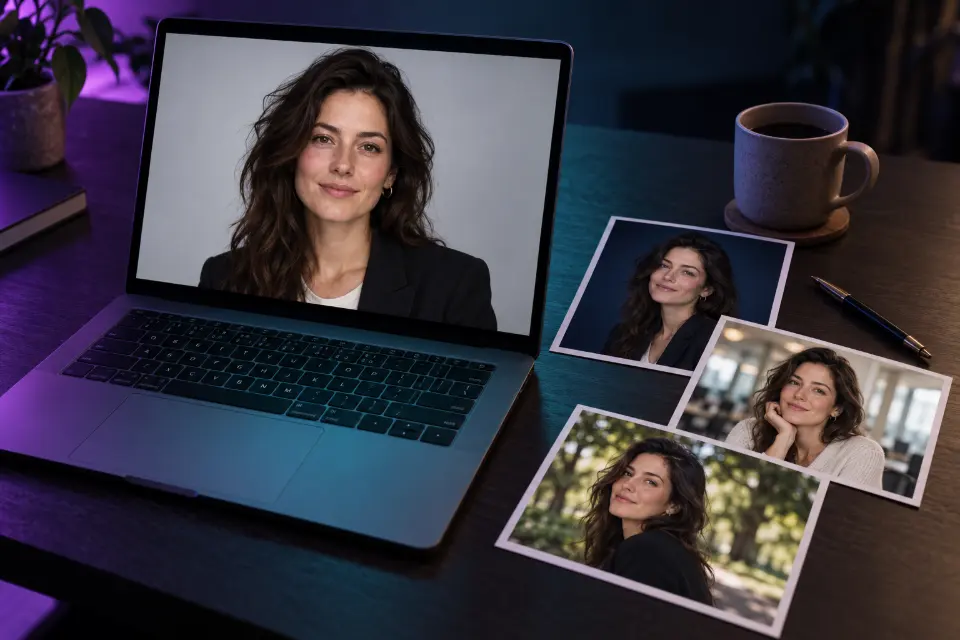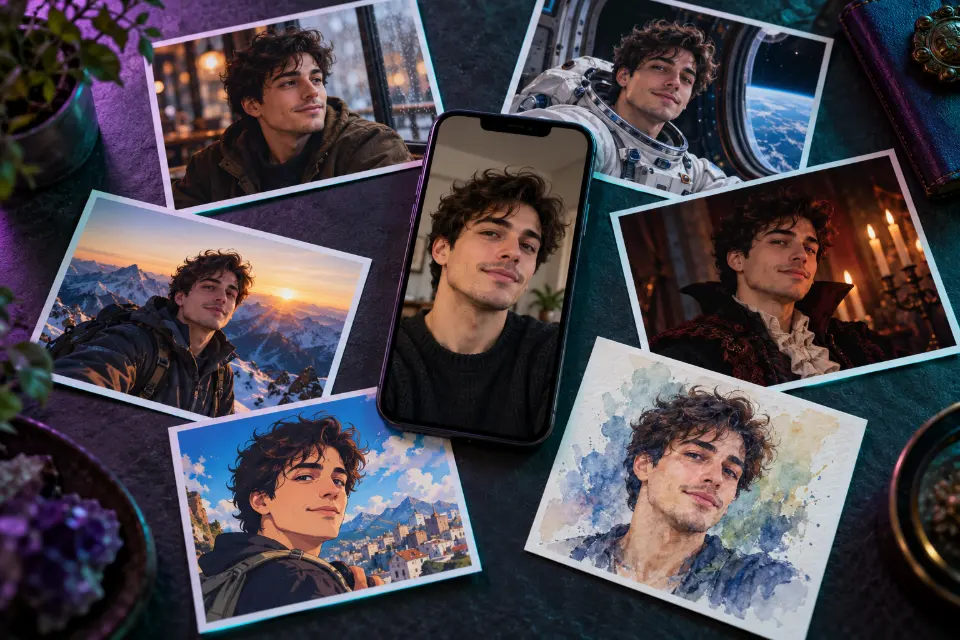
An AI passport photo is the one AI edit you should not submit. The US State Department tells applicants not to change their photo with software, phone apps, filters or artificial intelligence and says it checks every photo; the UK asks for a photo unaltered by computer software. Many other authorities have similar rules, and a rejected photo means a new photo and a slower application.
So this page works differently. The prompts help you plan a real, compliant photo: what to wear, how to set up light and background at home, and how to explain the rules to family or customers. A few are for unofficial cards, such as a gym pass, where the organization decides what is allowed.
The short answer
Do not edit your official photo with AI. Use the planning prompts to set up a white wall, even light and the right framing, then take an unedited photo or visit a photo booth or photo counter, and check it against your country’s official rules.
Can you use AI for a passport photo?
For an official passport or visa photo, no. The photo has to show you as the camera captured you: no retouching, no background replacement, no filters and no image generated from your selfie. The State Department even shows an AI-made example that looks acceptable and marks it as not acceptable. Other countries word it differently, but the direction is the same, and the official photo page of your country has the final say.
Cropping a real photo to the required size is a normal part of printing it. Changing what is in the picture is what the rules forbid.
US passport photo requirements in short
These are the main points for US passports as checked on travel.state.gov in October 2026. If you apply elsewhere, use your own country’s official page; UK digital photos, for example, need a plain light-colored background, no shadows and a photo taken within the last month.
- 2 x 2 inches, with the head 1 to 1 3/8 inches from chin to top of head.
- Plain white or off-white background without shadows, texture or objects.
- Taken within the last six months, in color, sharp and evenly lit.
- No glasses, apart from rare medical cases with a signed doctor’s statement.
- Neutral expression or a natural smile, both eyes open, facing the camera.
- No uniforms or camouflage, and no filters, retouching or AI changes.
How to make a passport photo at home
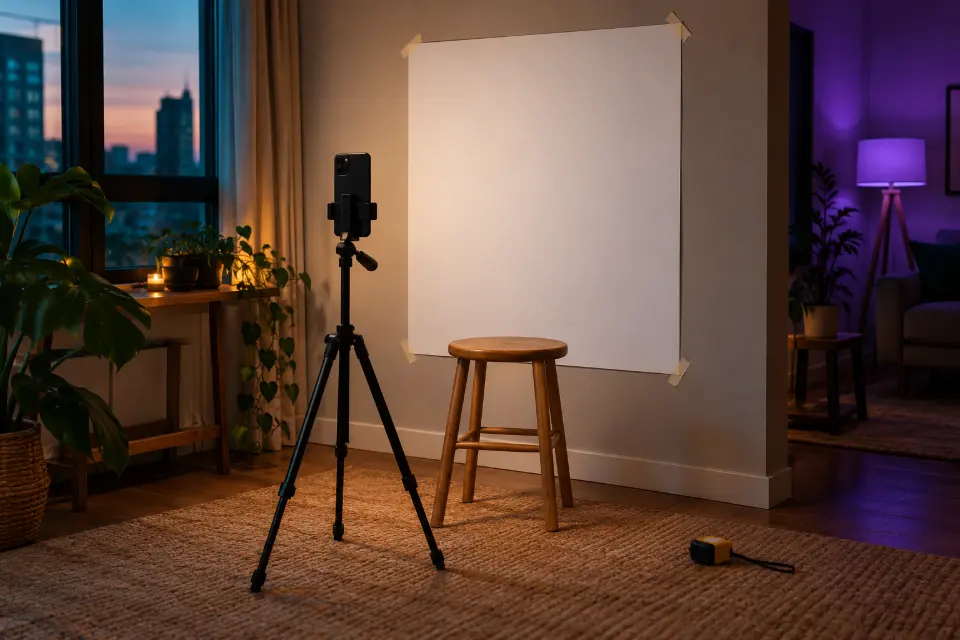
A phone and a bright window are enough in most cases. The State Department even suggests a white sheet or blanket if your wall is not white.
- Stand a step or two in front of a plain white or off-white wall, or tape up a white sheet or poster board.
- Face a window with indirect daylight and switch off ceiling lights, which cast shadows under the eyes.
- Ask someone else to take the photo with the rear camera at your eye level, about four feet away, with zoom, portrait mode and beauty effects off.
- Take several shots, pick the sharpest and crop it to size without any other edits.
12 prompts to copy and adapt
Preview which top works against a white background
Using my photo only as a preview, keep my face and hair exactly as they are and show me three times side by side in a plain head-and-shoulders frame against an off-white wall: in a [navy] crew-neck top, in a [burgundy] collared shirt and in a white shirt. Even front light. This is for choosing clothes, not for an application.A white shirt can blend into a white background, which is why darker tops usually work better. Wear the winner and take a real, unedited photo.
Illustrated home setup for a passport photo
A clean top-down illustration of a home setup for taking a passport photo: a person standing a short distance in front of a plain white wall, a large window to the side and slightly in front of them, a second person holding a phone at the subject’s eye level a few steps away. Simple flat vector style, soft colors, arrows showing the daylight direction, no text.Avoid: text, letters, watermark
Show it to whoever takes your photo, or use it in a blog post. Labels are left out because generated text often misspells.
Correct and incorrect examples poster
A clean infographic grid of six illustrated portraits of the same invented person, each in a square frame on a white background: a correct passport-style photo, a shadow behind the head, a tilted head, glasses with glare, hair covering the eyes, a background that is too dark. A green check under the first frame and a small red cross under the others. Flat illustration style.Handy for a school, an office front desk or a photo shop window. Add captions in an editor so the spelling is right.
Lighting comparison for a home photo
A side-by-side photo-realistic comparison of the same invented woman photographed against a white wall: on the left lit by an overhead ceiling lamp, with dark eye sockets and a hard shadow on the wall; on the right lit by soft window light from the front, with even skin tones and no shadow behind her. Neutral expression, head and shoulders, 2:1 format, no text.Seeing both versions makes it obvious why ceiling lights fail. Use it to explain the rule, never as a template for editing your own photo.
Clean photo for a gym or club card
Keep my face, hair, skin tone and expression exactly as they are. Replace the cluttered background with a plain light gray wall, even out the light on my face and crop to head and shoulders, centered, 3:4 format. This is for an unofficial membership card, not for a passport or government ID.Gyms, libraries and clubs set their own photo rules and often accept a clean edited picture; ask first. Never reuse it for an official ID.
2x2 photo in formal attire for a form that allows edits
Keep my face, hairline, skin tone and expression exactly as in my photo. Dress me in a dark blazer over a white collared shirt, place me against a plain white background with even front light and no shadows, head and shoulders centered, square 1:1 format for a 2x2 print. For a school club or company form that accepts edited photos only.Many people search for this for job or school forms. Never use it for a passport, visa, driver’s license or national ID, and check that the form allows edited photos.
Short how-to clip for a photo shop or blog
Bright, friendly clip in a small apartment: a woman stands in front of a white poster board taped to the wall, facing a window, while a friend raises a phone to her eye level and takes the photo. Smooth handheld camera moving slowly around them, soft daylight, calm acoustic background music.Made for a photo shop, a travel blog or a school explaining the setup. One action per shot keeps the clip clean; make a second clip for printing.
Window poster for a photo counter
A clean window poster for a small photo shop: headline “[Passport photos while you wait]”, a smaller line “[Printed in minutes, 2 x 2 inch]”, a simple illustration of a camera on a tripod and a framed portrait silhouette, white background, navy and [accent color], generous margins, 2:3 format.Put the exact wording in quotes and check it in the result. Ideogram 3.0 is known for clean lettering, but any model can misspell.
How to photograph a baby for a passport, as an illustration
A soft, friendly illustration showing how to take a baby’s passport photo at home: a baby lying on its back on a plain white sheet spread on the floor, a parent standing above and photographing straight down with a phone, daylight from a nearby window, no other people or toys in the frame. Gentle flat illustration style, pastel colors, no text.Laying a baby on a white sheet is a common way to get a plain background. Check your country’s infant photo rules before you start.
Friendly profile picture from the extra shots
This is an extra shot from my passport photo session. Keep my face, hair, clothes and expression exactly as they are. Replace the plain white wall with a softly blurred café interior in warm tones, add gentle side light that matches my face, and crop to a relaxed head-and-shoulders portrait, 1:1 format, for a social profile.Take one or two extra shots during the session for this. Submit an untouched shot for the application itself.
Blog header for a passport photo at home guide
A photo-realistic flat lay on a light wooden floor: a white foam board, a roll of tape, a small phone tripod, a smartphone with a blank screen, a tape measure and a printed photo sheet with empty square frames, soft daylight, top-down view, calm neutral colors, 3:2 format, no text and no real documents.“No real documents” keeps passports and ID cards out of the picture. Swap the props for your own story.
Photo booth corner for a shop or agency website
A clean, modern photo corner in a small travel agency: a white backdrop on a stand, a large softbox on each side, a round stool, a camera on a tripod at eye height and a warm wooden counter in the foreground. Bright, even light, no people, no text, realistic interior photo, 3:2 format.Useful for a shop that offers ID photos and wants a picture of the setup on its website. Replace it with a real photo of your corner when you can.
When to use a photo booth or photographer instead
Taking the photo at home works for many adults, but a photo booth, a photo counter or a photographer is the safer choice in some cases. You need prints and only have a home inkjet that leaves streaks. A photo has already been rejected once. You travel soon and cannot risk a second round. You wear glasses for a medical reason and need help with the exception. Some countries also take the photo at the appointment or accept digital photos with a code from approved booths and shops, so check how yours works before you shoot anything.
Why are passport photos rejected?
Most rejections come from a short list of problems, nearly all of which you can see before you submit.
- Shadows on the face or on the background.
- Glasses, glare or hair covering the eyes.
- Filters, smoothing, background replacement or AI edits.
- A head that is too small or too large in the frame.
- A blurry, pixelated or old photo.
What to prepare, and what not to edit
| Item | Do this | Do not do this |
|---|---|---|
| Background | Plain white or off-white wall, sheet or board | Replace the background with AI |
| Light | Indirect daylight from the front | Remove shadows in an app |
| Face | Neutral expression or natural smile, eyes open | Retouch skin or eyes |
| Glasses | Take them off for a US passport | Remove glare digitally |
| Size | Crop the real photo to 2 x 2 inches | Generate a new image at that size |
Questions and answers
Can you take a passport photo at home?
For a US passport, yes, as long as the photo meets the requirements: plain white or off-white background, even light, the right head size and no edits. Ask someone else to take it so the camera is level and far enough away.
Is there an AI prompt for a 2x2 picture with a white background?
Not for official use: replacing the background is an alteration that passport and visa rules forbid, so shoot against a white wall instead. For forms that explicitly accept edited photos, use the 2x2 prompt above.
What should I wear for a passport photo?
Everyday clothes in a color that stands out from the white background, such as navy, gray or a darker shade. US passports do not accept uniforms, clothing that looks like a uniform or camouflage.
How do I take a passport photo at home with an iPhone?
Use the rear camera with portrait mode, filters and beauty effects switched off. Have someone hold it at eye level about four feet away, take several shots in daylight and crop the sharpest one to size without other edits.
How do I avoid shadows in a passport photo at home?
Stand a step or two away from the wall so your shadow falls out of frame, face a window with indirect light and switch off ceiling lights. A white board held low in front of you bounces light under your chin.
Are AI passport photo makers legit?
Apps that only crop and resize your real photo and check it against the rules can help. Apps that generate a new face, change your clothes or replace the background produce the altered images authorities reject, so read what an app does before you pay.