Everyday helpers · Free
Face shape detector – free AI face shape test
Add a front photo or selfie: an AI face-landmark model measures your face in your browser and shows your face shape with hairstyle, glasses and beard ideas. No upload, no account, no limit.
- No account
- Runs on your device
- Phone & desktop
Find your face shape
Stays on your device
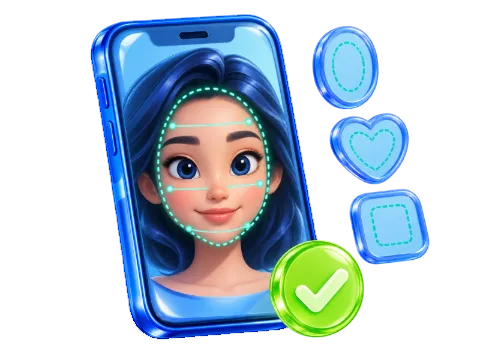
Add a front photo or selfie
JPG, PNG or WebP · drop it here or press Ctrl+V · HEIC only where your browser opens it
For a reliable result
- Camera at eye level, about an arm’s length away
- Hair back, so forehead and jaw are visible
- No glasses, a relaxed face, looking straight ahead
- Even light from the front, no strong shadows
Your photo never leaves this device. The face model (about 18 MB) loads from this website when you add a photo.
No photo? Enter four measurements
Use a mirror and a ruler held flat, or a printed front photo. Measure straight across, not around the curve of your face.
- Forehead
- Cheekbones
- Jawline
- Face length
The colored lines show where to measure. Hold the ruler level and read it with your head straight.
Your face shape
- Forehead
- Cheekbones
- Jawline
- Face length
The model ends on the upper forehead, so the hairline is estimated. Drag the dashed line on the photo or use the slider until it sits where your forehead meets your hair.
Not quite on the edge of your face? Drag the colored dots to your forehead, cheekbones, jaw corners and chin, or focus one and use the arrow keys. Everything updates at once.
Try glasses on your photo
The frames are drawn on your photo at the size of your face, so you can compare shapes. Frames marked “Suits you” are the ones suggested for your face shape.
All seven shapes
How close your measurements are to each shape. Many faces sit between two shapes.
Your measurements
| Measurement | Value | In plain words |
|---|
Ideas for your face shape
Balanced proportions let most cuts work. Keep the face visible.
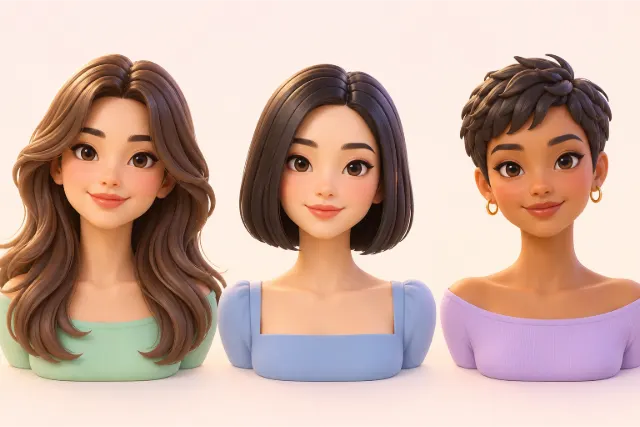
Long hair
- Long layers
- Sleek, straight lengths
Medium hair
- A shoulder-length lob
- A chin-length bob
Short hair
- A pixie cut
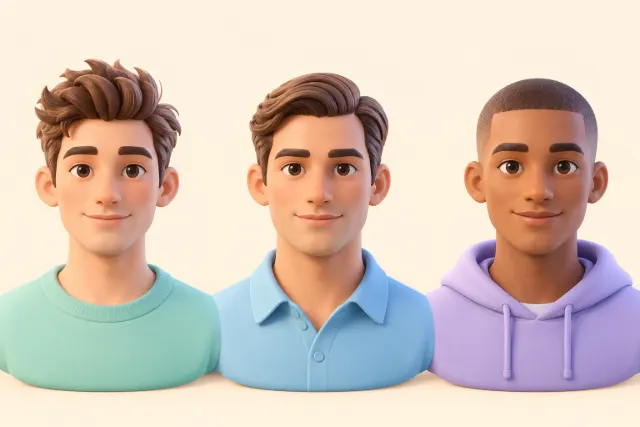
Shorter men’s cuts
- Textured quiff
- Classic side part
- Buzz cut
Better avoided: heavy bangs or curtains of hair that hide the face.
Frames as wide as your cheekbones, or a little wider, keep the balance.
- Rectangular frames add a little structure.
- Geometric frames give a soft face a clear line.
Less flattering: frames much narrower than your face.
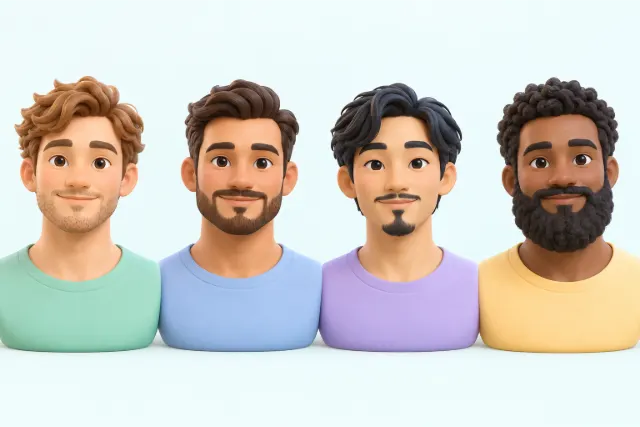
Most beard styles suit an oval face.
- Keep the length even on the cheeks and chin
- Light stubble, a short boxed beard or a full beard all work
Add height and length so the face looks longer.
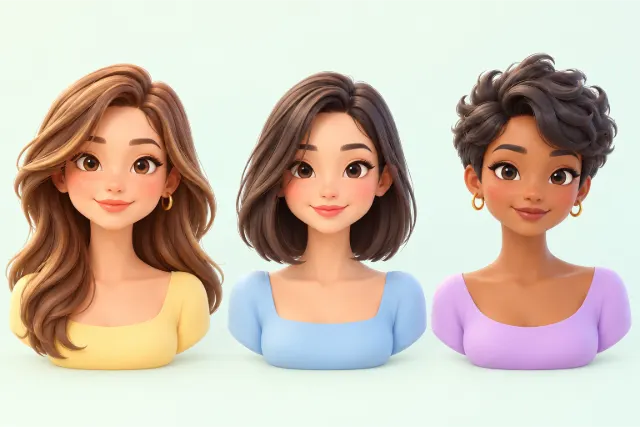
Long hair
- Long layers
- A deep side part with side-swept bangs
Medium hair
- A long bob that ends below the chin
Short hair
- A pixie with volume on top
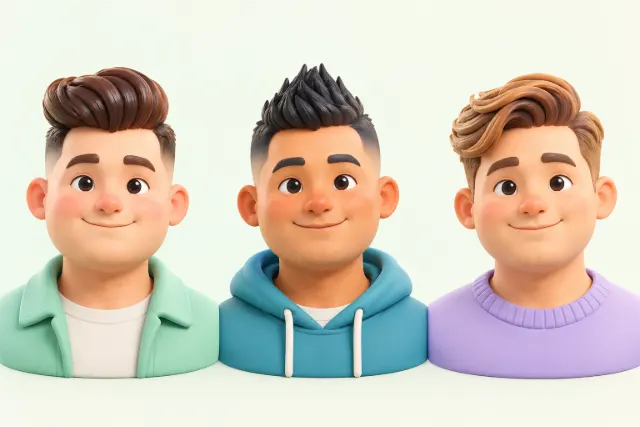
Shorter men’s cuts
- Pompadour with shorter sides
- Quiff
- Faux hawk
Better avoided: chin-length rounded bobs and a blunt full fringe.
Angular frames add definition to soft curves.
- Rectangular frames straight lines balance round cheeks.
- Square frames clear corners add structure.
Less flattering: small round frames.
A beard can make a round face look longer.
- Keep it longer at the chin
- Keep the cheeks short and neat
Soften the strong jaw with movement and layers.
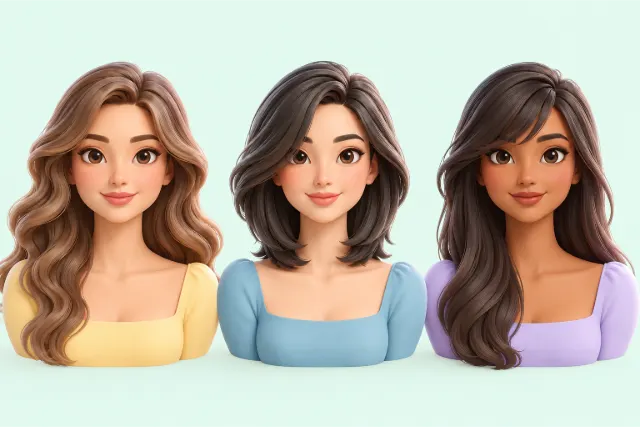
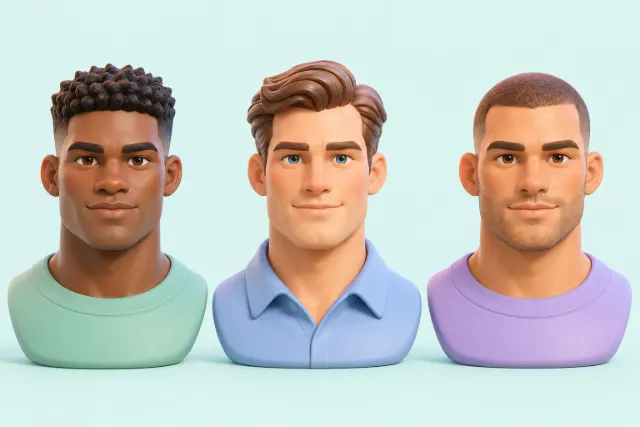
Long hair
- Soft waves
- Long layers with side-swept bangs
Medium hair
- A layered long bob with a side part
Short hair
- A soft, textured pixie with a side part
Shorter men’s cuts
- Textured crop
- Side part
- Buzz cut
Better avoided: blunt bobs that end exactly at the jaw.
Curved frames soften the angles.
- Round frames curves contrast with a strong jaw.
- Oval frames thin rims keep it light.
Less flattering: heavy, angular frames.
Keep the beard rounded rather than boxy.
- A rounded beard
- Light stubble
Add width at the jaw and keep the top calm.
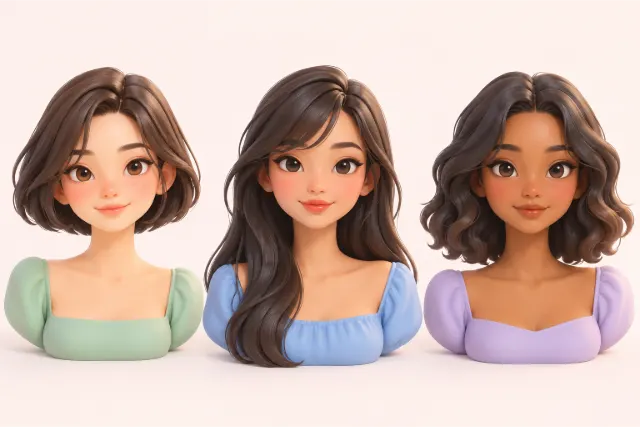
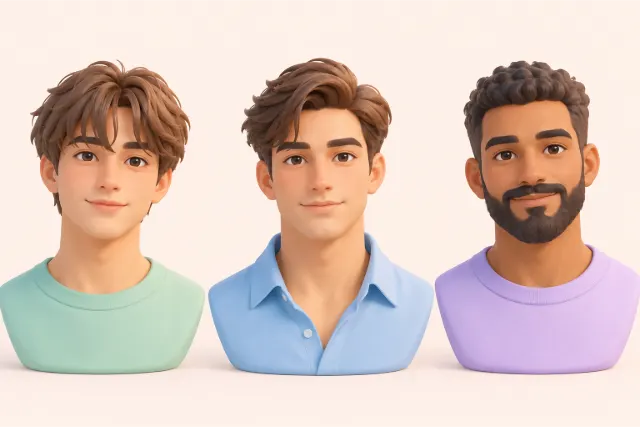
Long hair
- Waves that start at jaw level
- Long hair with side-swept bangs
Medium hair
- A long bob with waves from the jaw down
Short hair
- A chin-length bob
Shorter men’s cuts
- Medium fringe
- Side part with medium length on top
Better avoided: lots of volume on top.
Frames that are lighter at the top balance a wider forehead.
- Bottom-heavy frames add weight below the eyes.
- Oval frames soft and balanced.
- Rimless glasses keep the forehead light.
- Light aviators widen toward the jaw.
Less flattering: heavy, top-heavy frames.
A beard adds width below a narrow chin.
- Fuller at the chin
- A short full beard
Add width at the forehead and the jaw.
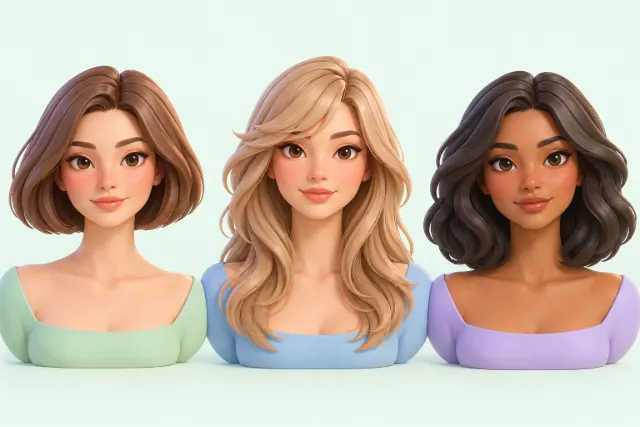
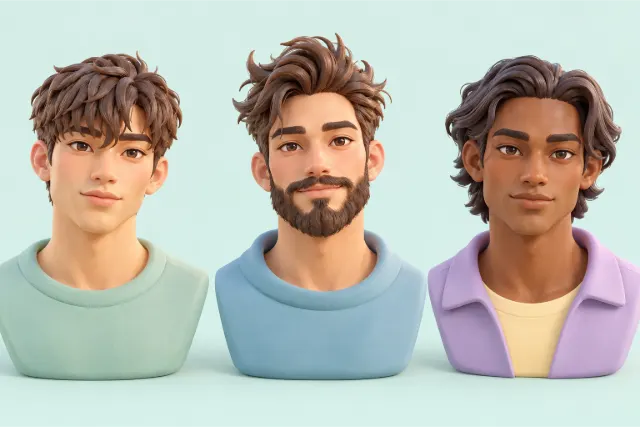
Long hair
- Long layers with side-swept bangs
Medium hair
- A shoulder-length cut with fullness at the jaw
Short hair
- A chin-length bob
Shorter men’s cuts
- Textured fringe
- Messy quiff
Better avoided: hair slicked flat at the sides.
Frames that soften the cheekbones and add width above them.
- Oval frames soft lines over high cheekbones.
- Cat-eye frames widen the upper face.
- Rimless glasses light over the cheekbones.
- Browline frames add width at the brows.
Less flattering: narrow frames that stop at the cheekbones.
A beard fills in a narrow chin.
- A full beard
- A short beard with a fuller chin
Add width at the sides and keep the length in check.
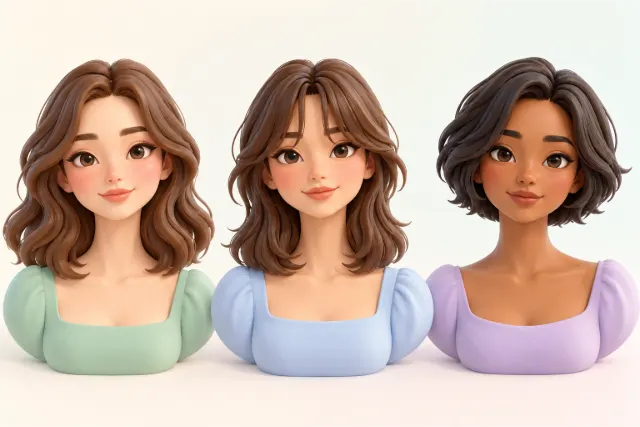
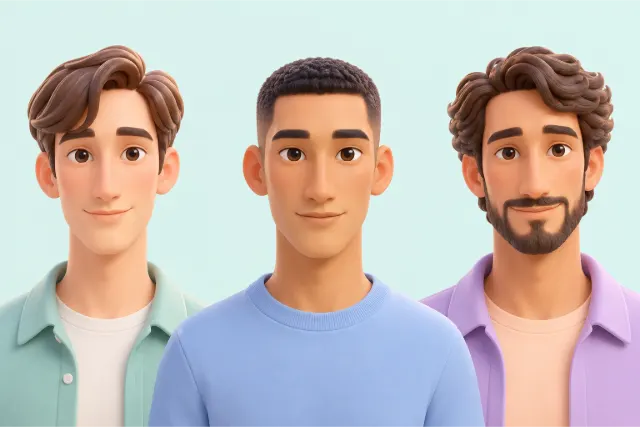
Long hair
- Shoulder-length waves
Medium hair
- Curtain bangs with medium hair
- A layered bob
Short hair
- A short crew cut without height on top
Shorter men’s cuts
- Side part with a fringe
- Short sides kept a little fuller
Better avoided: very long straight hair and height on top.
Deeper frames break up the length of the face.
- Oversized frames cover more of the face.
- Deep frames with tall lenses shorten the face.
Less flattering: small, narrow frames.
A beard can widen a long face.
- Fuller on the sides
- Short at the chin
Add volume at the temples and the crown.
Long hair
- Layers that start above the jaw
Medium hair
- Side-swept bangs with volume on top
Short hair
- A pixie with height on top
Shorter men’s cuts
- Volume on top with shorter sides
Better avoided: fullness at jaw level.
Frames with more weight at the top balance a wider jaw.
- Browline frames strong brows widen the forehead.
- Cat-eye frames lift the eye line.
Less flattering: bottom-heavy frames.
Keep the jaw from looking wider.
- Short and neat
- Stubble or a short, tidy beard
Your photo stays private. It is measured in your browser and never uploaded or stored. The face model (about 18 MB) comes from this website the first time you add a photo.
A face shape is an estimate. Pose, lens and light change the numbers a little, and many faces sit between two shapes. The tool measures proportions only: it does not recognize who you are.
How to use the face shape detector
Add a photo
Drop a front photo on the box, choose one, or paste it with Ctrl+V. On a phone, Take a selfie opens the front camera. The first photo loads the face model, about 18 MB, from this website.
Check the points and the hairline
The AI face shape detector draws your face outline, four measuring lines, colored measuring points and a dashed hairline. If a point is off the edge of your face, drag it there (a magnifier helps on phones); move the hairline with the handle or the slider. The outline, the scores and the ideas follow at once.
Try glasses on your photo
Under the photo, pick a frame shape such as rectangular, round or cat-eye. It is drawn on your eyes at the size of your face; the frames suggested for your shape are marked “Suits you”.
Read the result
You see your closest face shape, how close all seven shapes are, a table of your measurements, and ideas for hairstyles, glasses and beards.
Prefer not to use a photo? Open the manual form under the photo box and enter four measurements in centimeters or inches.
How do I take a good selfie for a face shape test?
The face shape test measures proportions, so anything that bends them changes the answer. A few habits help:
- Camera at eye level, about an arm’s length away. A phone held below the chin makes the jaw look wider; very close shots stretch the nose and the middle of the face.
- Hair back. Tie long hair back and push bangs away, so the hairline, the temples and the jaw corners are visible.
- No glasses, a relaxed face. Look straight into the lens with your mouth closed. A big smile widens the cheeks.
- Even light. Face a window or a lamp. Hard shadows can hide the jawline.
If the tool says your head is turned or tilted, take the photo again: one turned cheek looks narrower than the other.
How the AI face shape detector measures your face
This AI powered face shape detector uses an open-source face landmark model from Google’s MediaPipe project. It places 478 points on the face in your photo. The tool straightens the points along your eye line, then measures four distances: the forehead at the temples, the cheekbones at the widest part, the jaw between its corners and the face length from chin to hairline.
The model ends on the upper forehead, so the hairline is estimated above it; that is why you can move it. From the distances come the ratios that decide the shape, for example face length divided by cheekbone width, plus the angle at the jaw corners and how narrow the chin is. These numbers are compared with seven typical shapes, and the closest one wins.
Everything happens in your browser. The photo is never uploaded, and nothing is stored after you close the page.
The seven face shapes at a glance
| Shape | What the measurements show |
|---|---|
| Oval | A little longer than wide, the jaw slightly narrower than the forehead, soft corners |
| Round | About as wide as long, soft jaw, full cheeks |
| Square | About as wide as long, wide jaw with clear corners |
| Heart | Wide forehead and cheekbones, narrow jaw, pointed chin |
| Diamond | Cheekbones clearly widest, narrow forehead and chin |
| Oblong (long) | Clearly longer than wide, similar widths from forehead to jaw |
| Triangle (pear) | Jaw wider than the forehead |
The guide to face shapes explains each shape with drawings and shows how to recognize it in the mirror.
Why do face shape apps give different results?
Two apps can name two different shapes for the same photo, and both can be partly right. Most faces mix two shapes, and every tool decides differently where one ends.
- Different points. Each tool measures at slightly different places, especially at the forehead and the jaw.
- The hairline. It is hidden by hair in many photos, so tools guess it. A higher hairline makes the face longer and can turn round into oval.
- Camera distance and pose. Close-up phone lenses widen the middle of the face, and a turned head narrows one side.
That is why this free face shape detector shows its measurements and the scores of all seven shapes. If two shapes are close, read the ideas for both.
Face shape detector for men
The measurements are the same for men and women. A beard is the main difference: a full beard can hide the real jaw corners, so the model may read the jaw wider or softer than it is. For the most reliable reading, use a photo with short stubble, or measure the jaw by hand under the beard with the manual form.
The Beards tab of the result suggests beard shapes for your face, and the hairstyle ideas include shorter men’s cuts such as a quiff, a side part or a textured crop.
What to do with your face shape result
Use it as a starting point when you talk to your hairdresser, choose new frames or try a new beard. The ideas in the result are short; the guides go deeper:
- Hairstyles for an oval face, a round face, a square face, a heart-shaped face, a diamond face and a long face
- Glasses for your face shape: frame shapes and frame width
- Beards and shorter cuts: men’s haircuts and beards by face shape
Face shape is one guide among several. Hair texture, your features and what you like matter just as much, so treat the ideas as suggestions, not rules.
Free face shape detector online, without upload
Many online face shape detectors send your selfie to a server. This one works differently: after the model has loaded, the photo is measured on your phone or computer, and no one else sees it. There is no account, no daily limit and no watermark on the saved result image.
The face model is the only large download, and it comes from this website. Your browser often keeps a copy, so the next photo usually starts sooner.
More Face Shape Detector pages
Frequently asked questions
Is the Face Shape Detector free?
Yes. There is no account, no subscription and no limit on photos. The page is funded by the website, not by your photos.
Is my photo uploaded or saved?
No. The photo is measured in your browser and never sent to LoschaZ or anyone else. It is gone when you close or reload the page, unless you save the result image yourself.
How accurate is the AI face shape test?
It measures your proportions consistently, but face shape itself is a loose category, and pose, lens and lighting move the numbers a little. Use a straight, well-lit front photo, check the hairline, and if two shapes are close, read the ideas for both.
Why does it say I am between two shapes?
Most faces do not match one textbook shape. When two shapes score close to each other, the tool says so instead of picking one at random, and the bars show how close they are.
Does the face shape detector work for men?
Yes. The measurements are the same for everyone. A full beard can hide the jaw corners, so a photo with short stubble or the manual form gives a more reliable jawline.
Do I need an app on my phone?
No. The Face Shape Detector runs in the browser of your phone. Take a selfie opens the front camera, and Choose photo opens your gallery.
What if no face is found?
Use a front photo where the whole face is visible, from the hairline to the chin, in good light. Very small faces in group photos, strong side views and covered faces are often not found.
Take a break