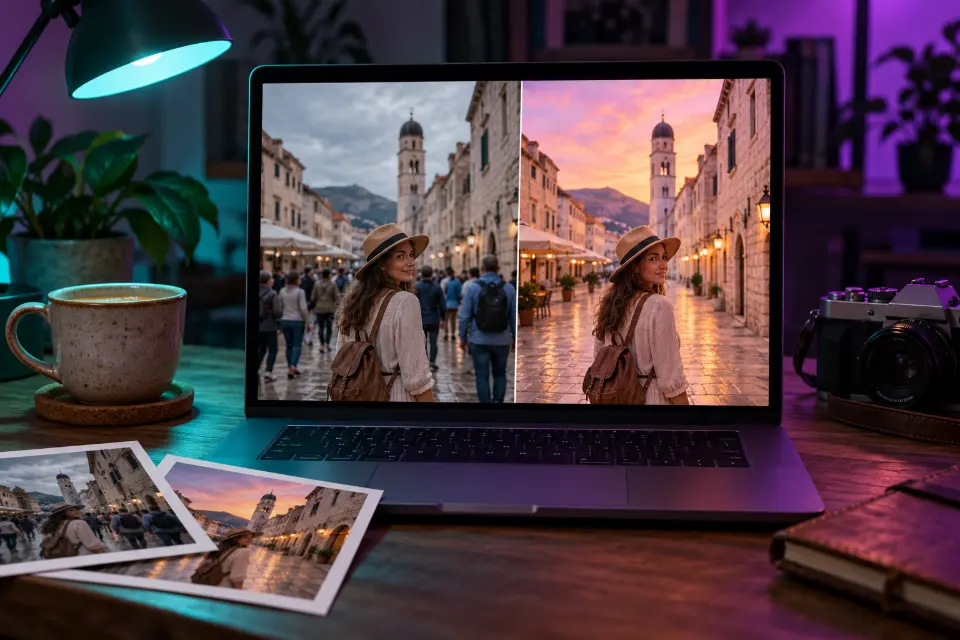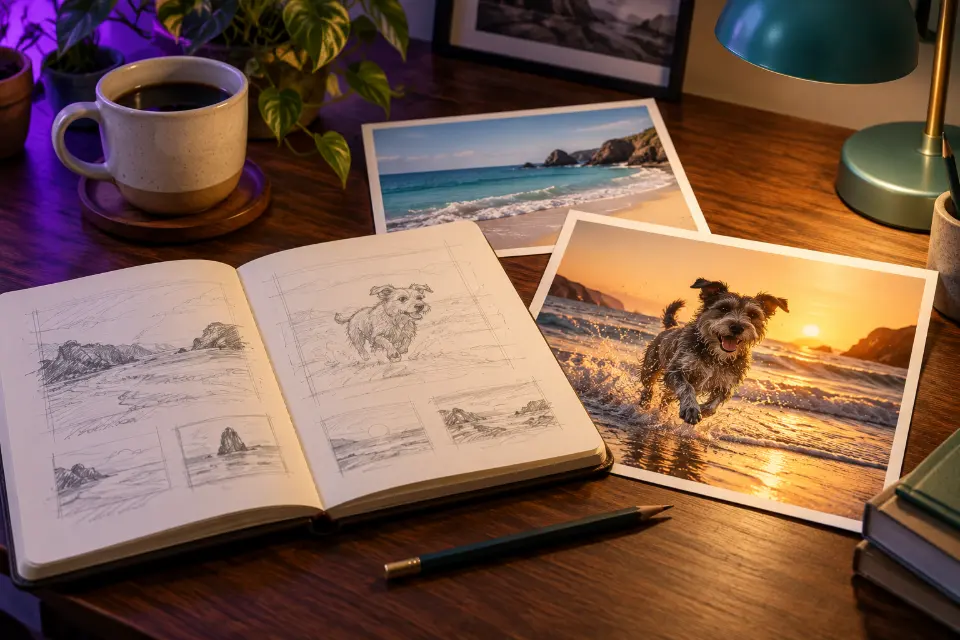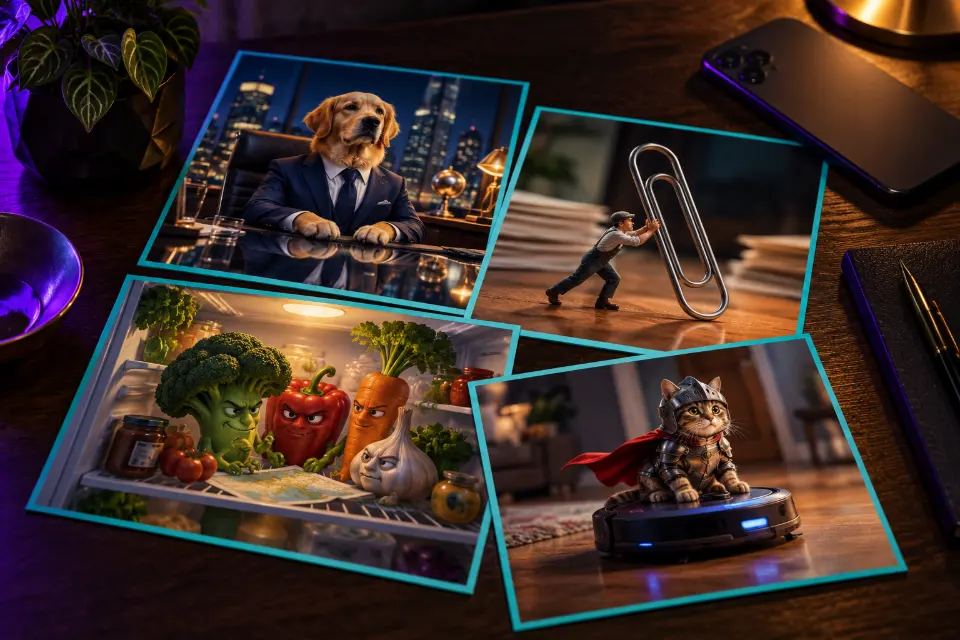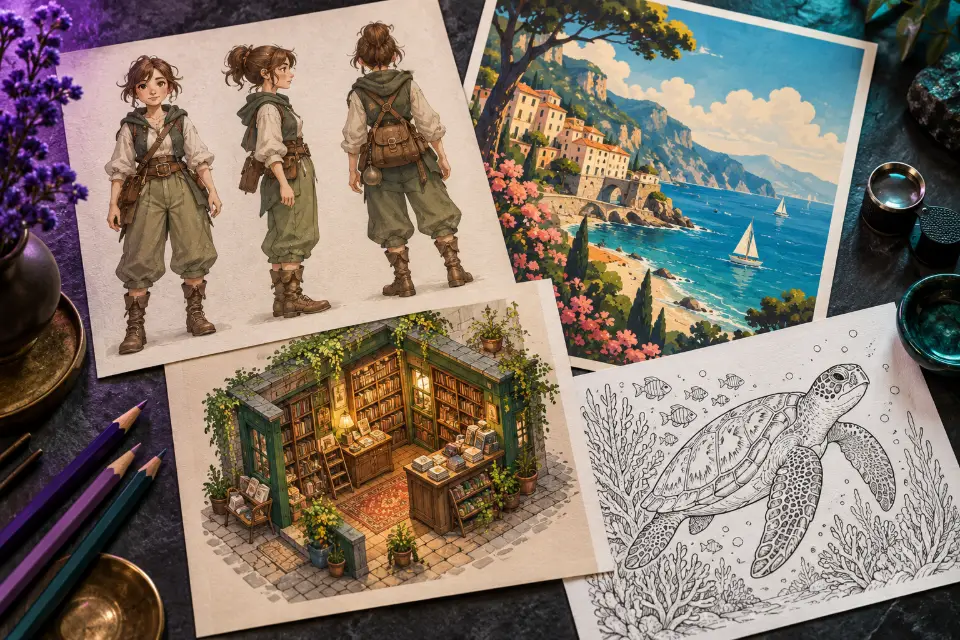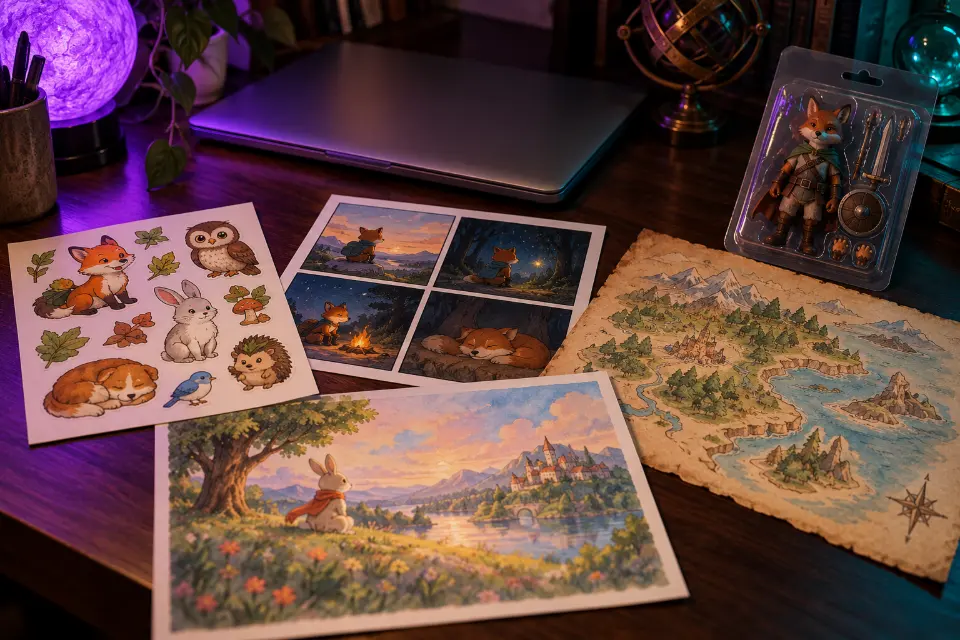
The ChatGPT image prompts below are written for GPT Image 2, the model behind image generation in ChatGPT since April 2026, and each one describes a finished picture in plain sentences: what is in it, where it happens, how it is lit and what shape it needs. Most create something new from text, such as a sticker sheet, a comic, an invitation or a realistic street scene. Three are trend formats that start from your own photo.
Every prompt has a short note on why it works and what to swap. Words in square brackets are placeholders, so replace [city] or [your name] before you send it. To fix a photo you already have, see the ChatGPT photo editing prompts instead.
The short answer
Open a new chat in ChatGPT, paste a prompt, replace the words in brackets and send it. If the result is close, ask for one change at a time in the same chat, for example “same image, but warmer light”, instead of rewriting everything.
How do you prompt the ChatGPT image generator?
Write the way you would brief an illustrator. ChatGPT reads full sentences and keeps track of many details at once, so a specific prompt usually beats a short one. Start with the subject and what it is doing, then the setting, then the medium (photo, watercolor, flat vector, 3D render), then light and color, and finish with the format.
Text is where ChatGPT’s image model is comfortable. Put every word you want in the picture inside quotation marks, keep each line short and say where it goes, such as “headline at the top, date in small letters below”.
A ChatGPT image prompt template you can reuse
Most prompts on this page follow the same order. Copy the skeleton, fill the gaps and leave out what you don’t need.
- Subject: who or what, doing what (“a red fox reading a newspaper”).
- Setting: where and when (“on a park bench on a foggy autumn morning”).
- Medium: “soft watercolor with pencil lines” or “realistic 35mm photo”.
- Light and color: “low golden sunlight, muted greens and rust tones”.
- Text, if any: the exact words in quotes and where they sit.
- Format: square, portrait or wide, for example 1:1, 4:5 or 16:9.
Which trending ChatGPT image prompts are people searching for?
Google’s autocomplete shows what people want from ChatGPT right now. Action figures of themselves, black-and-white portraits, 3D models, cartoon versions, 1980s looks, polaroids, collages and red-background portraits all appear next to “chatgpt image prompts”. Most of these start from a photo, which is why three prompts below are edits.
Viral ChatGPT image prompts come and go, but the structure behind them stays: a recognizable format (a toy box, a caricature, a studio backdrop), your face kept intact and a few personal details that make the picture yours. Swap the details and keep the structure, and a trend prompt stays useful after the hashtag has moved on.
13 prompts to copy and adapt
Action figure of yourself in a toy package
Using my uploaded photo, create a realistic action figure of me with my face clearly recognizable. The figure is sealed in a clear plastic blister pack on a printed cardboard card. Bold letters at the top read “[your name]”, with “[short tagline]” underneath. Molded slots beside the figure hold three accessories: [item one], [item two] and [item three]. Bright toy-store product photo, soft shadow, 4:5 format.Pick accessories that say something about you, such as a laptop, a camera or running shoes. A short line on the card comes out cleaner than a long slogan.
Caricature of you at work
Using my photo, draw a friendly caricature of me at work as a [job]. Keep my face recognizable, with a slightly oversized head and expressive eyes on a smaller cartoon body. Surround me with things from my workday: [three or four props]. Clean digital illustration with bold outlines and soft shading, warm light, plain pastel background, 4:5 format.Naming the props yourself gives you more control than leaving ChatGPT to guess. Keep it kind: exaggerate size, not flaws.
Red backdrop studio portrait
Keep my face, hairstyle and expression exactly as in my photo. Place me in front of a seamless deep red studio backdrop, wearing a plain black crew-neck top. One hard light from the upper left draws crisp shadows on the right side of my face, and a faint rim light separates my hair from the background. High contrast, rich color, sharp eyes, editorial magazine portrait, 4:5 format.The single hard light gives this trend its punch. For a softer version, ask for a large soft light and lower contrast.
Sheet of die-cut stickers
A sheet of eight die-cut stickers of a cheerful round [animal] in everyday moments: sipping coffee, reading a book, waving hello, napping on a laptop, carrying groceries, watering a plant, wearing headphones and holding a tiny umbrella. Thick white border around each sticker, flat colors with light shading, the same character design throughout, evenly spaced on a plain light gray background, 1:1 format.Listing every pose keeps the character consistent. Swap in your own animal or moments from your day.
Four-panel comic with dialogue
A four-panel comic in a clean, colorful cartoon style, arranged in a 2 by 2 grid, about a houseplant that wants more sun. Panel 1: the plant droops on a dark shelf, speech bubble “Is it morning yet?” Panel 2: its owner opens the curtains. Panel 3: the plant has grown huge overnight. Panel 4: the owner, buried in leaves, says “Maybe less sun.” Clear lettering, 1:1 format.Keep each speech bubble under six words; short lines come out right far more often than long ones. Read the lettering before you share it.
Step-by-step infographic
A clean vertical infographic titled “Pour-Over Coffee in 5 Steps”. Five numbered sections from top to bottom, each with a simple flat icon and a short caption: “1. Heat water to 200°F”, “2. Rinse the filter”, “3. Add 20 g of coffee”, “4. Pour slowly in circles”, “5. Wait and enjoy”. Warm cream background, dark brown text, one accent color, generous spacing, 2:3 format.Swap in any process you want to explain: a recipe, a workout or a school experiment. Past five steps the text gets small and mistakes creep in.
Birthday party invitation
A printable birthday invitation with a hand-painted watercolor border of balloons, confetti and small stars. Centered text in a friendly rounded font: “You’re invited” at the top, “[name] turns [age]” as the large headline, and “[date] · [time] · [place]” in smaller letters below. Soft pastel palette, plenty of white space, 5:7 portrait format.Quotation marks tell ChatGPT exactly which words to letter. Print one test copy first, because small letters can come out slightly soft.
Coloring page for kids
A black-and-white coloring page of friendly dinosaurs having a picnic in a meadow: a long-necked dinosaur sharing sandwiches, a small triceratops with a juice box, butterflies and simple flowers around them. Thick clean outlines, no shading, no gray areas, large open shapes that are easy to color, plain white background, portrait page, 3:4 format.“No shading” and “large open shapes” are what make it printable. Replace the dinosaurs with whatever your child loves this week.
Isometric cutaway room
An isometric 3D cutaway of a small, cozy home studio: a wooden desk with two monitors, a guitar on a wall stand, shelves of records, a cat asleep on a beanbag, string lights and a window showing evening rain. Soft clay-like 3D render, warm light inside against a cool blue night outside, tidy details, floating on a plain dark background, 1:1 format.Fill the room with your own hobbies, but keep the warm-inside, cool-outside contrast.
Storybook illustration
A children’s storybook illustration of a small girl in a yellow raincoat and a shy red fox sharing an umbrella on a forest path in light rain. Loose watercolor washes with fine ink lines, soft greens and warm oranges, gentle morning mist between the trees, calm mood, empty space at the top of the page for text, 4:3 format.The empty space leaves room for your own words. Repeat the style sentence on every page so the book stays consistent.
Realistic street photo
A realistic candid street photo of a busy fruit market in [city] at 8 in the morning. A vendor stacks oranges while a customer counts coins, crates of produce in the foreground, low sun cutting between buildings and long shadows on the pavement. 35mm lens at eye level, natural colors, fine film grain, slight motion blur on people walking past, 3:2 format.Small actions like counting coins make a scene feel caught rather than posed. Name a real city for local details, or describe the street yourself.
Hand-drawn fantasy map
A hand-drawn fantasy map of an island kingdom on aged parchment. Mountains in the north, a river winding to a harbor town in the south, a dark forest in the west and small sailing ships offshore. Labels in elegant hand lettering: “[kingdom name]”, “[town name]” and “Whispering Woods”. A compass rose in one corner, sepia ink with faded watercolor tints, 3:2 format.Three or four labels come out cleanly; a map crowded with names usually doesn’t. Handy for tabletop games, stories and school projects.
Night sky phone wallpaper
A vertical phone wallpaper of a still mountain lake at night, the Milky Way reflected in the water, a small wooden cabin with one lit window on the shore and pine trees in silhouette. Deep navy and violet tones with a faint teal glow on the horizon, the main detail in the lower half so the clock and icons stay readable, 9:16 format.Keeping the busy part low leaves the lock screen readable. Change the season or the colors to taste.
ChatGPT image prompt tips for fixing a weak result
ChatGPT remembers the conversation, so a short follow-up in the same chat usually fixes it. Change one thing per message and say what should stay.
- Wrong words in the picture: repeat the exact text in quotes and ask it to fix only the lettering.
- Too busy: ask for “fewer objects, more empty space” or remove one item by name.
- Flat, generic look: add a light source and a time of day, such as “late afternoon sun from the left”.
- Wrong shape: name the format again, because a poster and a phone wallpaper need different crops.
- Style drifts across a series: paste the style sentence from the first prompt into the next one.
ChatGPT image vs Midjourney: which should you use?
ChatGPT is a conversation: you describe the picture in sentences, refine it with follow-ups and can upload a photo to work from, which makes it comfortable for invitations, comics, infographics and anything else with words in it. Midjourney V8.1 runs on midjourney.com and is built around compact visual descriptions plus parameters such as --ar for the format and --sref for a style reference, which helps when a whole series must share one look.
In Prompt Studio you can pick the model and the wording adapts to it, Midjourney parameters included.
What will ChatGPT refuse to make?
OpenAI’s rules restrict some requests, such as explicit images, content meant to deceive and certain images of real people. Rewording a blocked prompt rarely helps, so choose a different idea. With photos of friends or family, ask before you share an edited picture of someone else, and say an image is AI-made when it matters, for example in a school project or a shop listing where buyers expect a real product photo. Before anything goes to print, check names, dates and prices letter by letter.
Which ChatGPT image prompt fits your goal?
| Your goal | Start with | Format |
|---|---|---|
| A profile picture that stands out | Red backdrop studio portrait | 4:5 |
| Inviting people to a party | Birthday party invitation | 5:7 |
| Explaining a process | Step-by-step infographic | 2:3 |
| A rainy-day activity for kids | Coloring page for kids | 3:4 |
| A map for a game night or a story | Hand-drawn fantasy map | 3:2 |
| A new lock screen | Night sky phone wallpaper | 9:16 |
Questions and answers
Which ChatGPT can create images?
Image generation is part of ChatGPT on the web and in the mobile apps, and it runs on OpenAI’s GPT Image 2 model. Your plan decides how many images you can make.
Are ChatGPT images free?
That depends on your plan. OpenAI sets each plan’s image limits and changes them from time to time. The prompts on this page are free to copy, change and reuse.
What are some cool ChatGPT image prompts to start with?
Begin with prompts that don’t need your face, such as the sticker sheet, the coloring page or the phone wallpaper. They show how ChatGPT handles style, light and format before you try a trend edit with your own photo.
Are ChatGPT images unique?
Each image is generated fresh, so the same prompt gives a different result every time. Plain, generic prompts can still produce pictures that look alike, which is one more reason to add your own names, places and colors.
Do JSON image prompts work better in ChatGPT?
A JSON prompt is the same set of details written as code-like fields. ChatGPT can read it, but you don’t need it: plain sentences carry the same information, are easier to edit and work in other generators too.
Can I use these prompts in Gemini or Midjourney?
Yes, the descriptions carry over. Gemini reads them as they are; for Midjourney, the format moves into the --ar parameter. Prompt Studio does that rewriting for you when you switch the model.