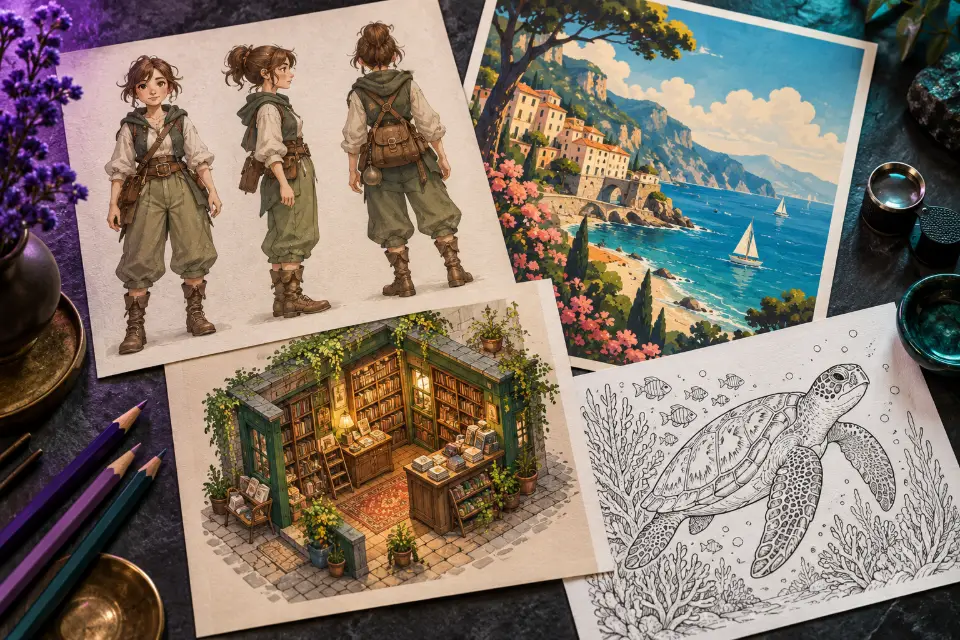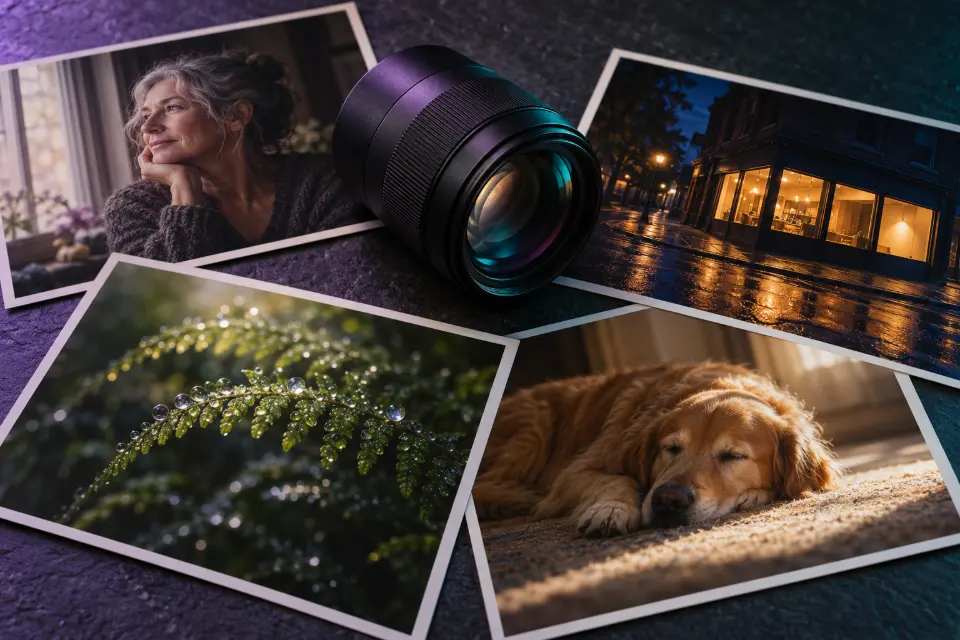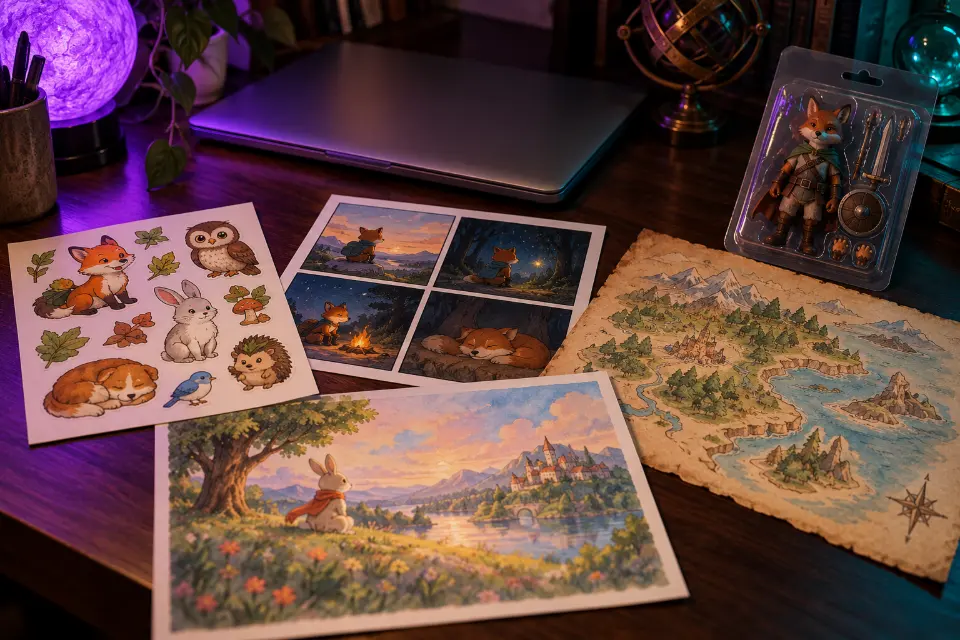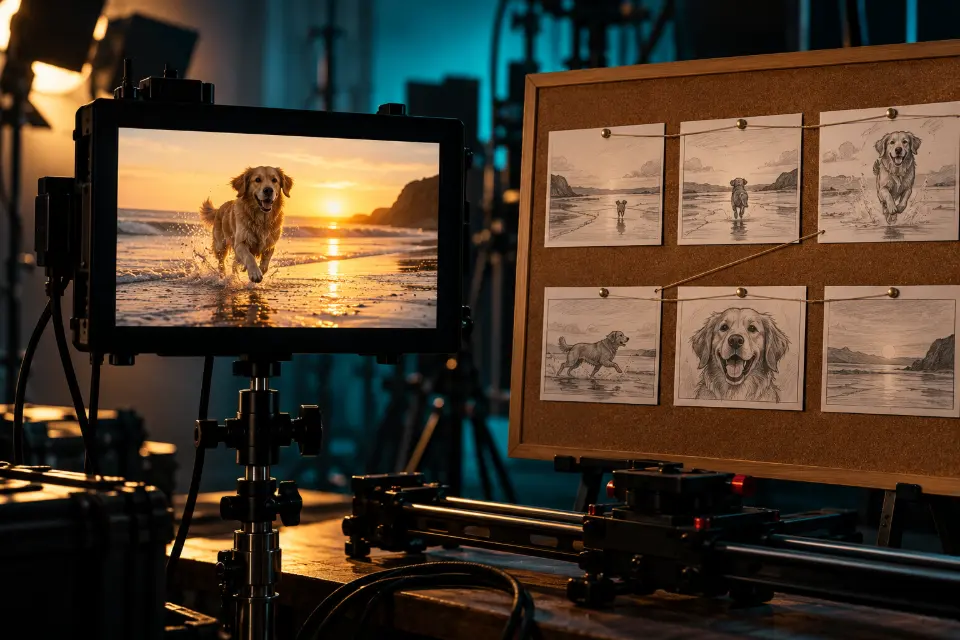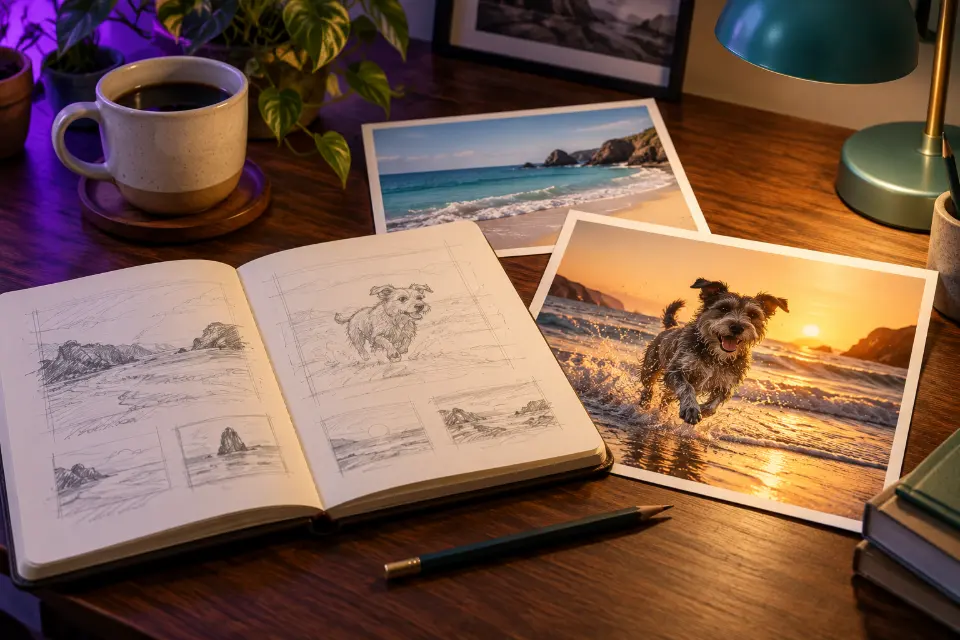
Good AI image prompts describe a picture the way you would brief a photographer or an illustrator: the subject, where it is, how it is lit, what kind of image it is and the format you need. Most weak results come from prompts that name a topic, such as “a dog on a beach”, instead of describing a picture.
This guide gives you a simple formula, shows how vague prompts turn into specific ones and ends with 12 examples. Each example note starts with the weak version it replaced, so you can see which details made the difference. The approach works in ChatGPT, Gemini, Midjourney, FLUX.2 and most other image generators.
The short answer
Write a short phrase each for the subject, the setting, the light, the camera or medium, the style and the format, then delete anything that is not visible. For photo edits, start with what must stay the same and only then describe the change.
What do good AI image prompts have in common?
They answer the questions a photographer would ask before a shoot. Who or what is in the picture, and what are they doing? Where are we, and at what time of day? Where does the light come from? Is it a photo, a watercolor or a 3D render? Will it end up as a phone wallpaper or a website banner?
An image model cannot ask these questions back. Whatever you leave out, it fills in with the most average answer it knows, which is why short prompts produce pictures that look like stock photos of nothing in particular. You do not need special vocabulary; plain, specific sentences are enough for current models.
How to write AI image prompts: a six-part template
Fill in the parts in this order. Not every prompt needs all six, but checking each one takes seconds and catches most gaps.
- Subject: the main person, animal or object, with two or three details (“a scruffy gray terrier with a red collar”).
- Setting: place, time of day, season or weather.
- Light: the source and its quality – window light, overcast sky, low sun behind the subject.
- Camera or medium: “close-up, 85mm portrait lens” for photos, “gouache illustration” or “clay 3D render” for art.
- Style and mood: a color palette, an era or a feeling, in a few words.
- Format: 1:1 for a profile picture, 4:5 for an Instagram post, 9:16 for stories, 16:9 for banners.
Before and after: how to write better AI image prompts
A typical first try is “a cozy room”. It gives you a cozy room, but a generic one. Apply the formula and it becomes: “A small reading nook under a slanted attic window at night, a deep green armchair with a knitted throw, a stack of paperbacks on the floor, one brass lamp casting warm light, rain on the glass, calm and quiet, 4:5.” Every added phrase makes a decision the model would otherwise make for you.
The rewrite used no magic words. It added a specific place, three concrete objects, one light source and a mood. When a result disappoints, look for the part of the formula you skipped and add a phrase for it, rather than piling on “beautiful” or “high quality”.
How to write AI prompts for image editing
Editing a photo you upload follows a different order, because the model needs to know what it may not touch. Start with a keep sentence (“Keep my face, hairstyle, glasses and expression exactly the same”), then describe one change, then ask it to match the light and perspective of the original so the edit blends in.
One change per message is the safest rhythm. Asking for a new background, a new outfit and a new season at once invites the model to redraw everything, including the parts you wanted to keep. ChatGPT and Gemini remember the conversation, so build an edit in two or three short steps.
12 prompts to copy and adapt
A dog on the beach, done properly
A scruffy gray terrier with a red collar running along the wet edge of a beach at golden hour, sand kicking up behind its paws, ears flying, low camera angle at the dog’s eye level, warm backlight from the setting sun, fast shutter freezing the motion, natural colors, 3:2 formatBefore: “a dog on the beach”. The low angle and the backlight make it look like a photo someone waited for; swap in your own dog’s breed and color.
Mountain landscape with a foreground
A still alpine lake at dawn with a thin layer of mist on the water, a wooden rowboat tied to a short dock in the foreground, snowy peaks catching the first pink light, mirror reflection, wide-angle landscape photograph, everything sharp from front to back, cool blue shadows, 16:9 formatBefore: “beautiful mountain landscape”. The dock and the boat give the eye a starting point, which is what makes a landscape feel deep instead of flat.
Cute animal drawing with a real style
A small red fox in a knitted yellow scarf studying a paper map under a giant mushroom, autumn forest floor with acorns and fallen leaves, gouache picture-book illustration with soft textured brushwork, muted orange, olive and cream palette, gentle afternoon light, empty space around the fox, 4:3 formatBefore: “cute fox drawing”. Naming the medium and a palette decides the whole look; try “colored pencil” or “linocut print” for a different book.
A sign with text that spells correctly
A hand-painted wooden sign above the door of a small corner bakery, the sign reads “[bakery name]” in cream serif letters with a thin gold outline, a striped awning below, morning sun on the brick wall, a bicycle with a bread basket leaning nearby, realistic photo, straight-on view, 3:2 formatBefore: “a sign for my bakery”. Short text inside quotation marks is copied far more reliably; still check the spelling before you use the image.
A food photo with direction
Overhead photo of a bowl of roasted tomato soup on a crumpled linen napkin, a swirl of cream and torn basil on top, a piece of crusty bread at the edge of the frame, a vintage spoon, soft window light from the left with gentle shadows, muted earthy colors, food magazine style, 4:5 formatBefore: “a picture of soup”. “Overhead” and “light from the left” are the two decisions food photographers make first; keep them when you swap the dish.
A style taken from an era, not an artist
A roadside diner at night with a glowing neon sign without lettering, two classic cars parked out front and a waitress visible through the big window, painted in the style of 1950s gouache advertising illustration, flat bold shapes, warm turquoise and cherry red palette, slight paper texture, 3:2 formatBefore: “retro diner”. An era plus a technique gives a consistent style without imitating a living artist; swap the decade and the technique together.
Flat lay of a workspace
Top-down flat lay of a tidy wooden desk: an open sketchbook with pencil drawings of leaves, a mug of tea, two paintbrushes, a small potted succulent and a phone lying face down, soft daylight from the top of the frame, gentle shadows, neutral beige and green tones, 4:5 formatBefore: “my workspace”. Five named objects and one light direction turn a vague idea into a composition; replace the objects with the tools of your own job.
A portrait edit that keeps you
Keep my face, hairstyle, glasses and expression exactly the same. Place me in the aisle of an old bookshop with tall wooden shelves, holding an open paperback, warm light from a lamp above, soft background blur, natural skin texture, casual knit sweater in [color], 4:5 formatBefore: “make me look nice”. Keep sentence first, scene second, light third – the order that protects your face in ChatGPT and Gemini.
From a pencil sketch to a render
Turn my pencil sketch into a realistic product render. Keep the exact shape, proportions and every design line of the [object] as drawn. Make it from matte white ceramic with a light oak lid, place it on a plain light gray studio background, soft even lighting with a gentle contact shadow, three-quarter viewBefore: “make this sketch real”. Naming the materials is the step people skip, and it is what makes a render believable.
Remove strangers from a travel photo
Keep me exactly as I am, including my pose, clothes and the lighting on me. Remove all the other people and the parked scooters behind me, and rebuild the empty street, stone walls and doorways naturally where they were. Keep the same perspective, shadows and time of day as the original photo.Before: “remove the background people”. Asking it to rebuild what was hidden avoids smeared patches; check doorways and windows, where repairs show first.
Change the season, not the house
Keep the house, the trees, the fence and the camera angle exactly the same. Change the season to deep winter: fresh snow on the roof and the ground, bare branches, a frosted lawn, warm light glowing in the windows, soft blue dusk sky, and match the shadows to the new light.Before: “make it winter”. Listing what stays fixed keeps it your house; the same structure works for autumn leaves or a spring garden.
Same character, new scene
Use the character from my uploaded image. Keep the face, hairstyle, outfit colors and art style exactly the same. Show the character sitting on a train by the window, looking out at snowy fields, chin resting on one hand, soft daylight, same line thickness and coloring as the original, 16:9 formatBefore: “draw my character on a train”. Naming the art style details keeps a series consistent; upload the clearest image of the character you have.
AI image prompt tips: words that change the result
Some words carry more weight than others because they stand for decisions an image maker would make. These are worth learning, and the realistic and Midjourney guides go deeper into each group.
- Light: “window light”, “overcast”, “golden hour”, “backlit”, “direct flash”, “neon from the left”.
- Lens and distance: “close-up”, “wide shot”, “85mm portrait”, “wide-angle”, “macro”, “top-down”.
- Depth: “shallow depth of field” blurs the background; “everything sharp” keeps it in focus.
- Medium: “film photo”, “watercolor”, “gouache”, “ink line art”, “3D clay render”, “screen print”.
- Texture: “natural skin texture”, “film grain”, “paper texture”, “worn edges”.
What to change when a prompt misses
Change one thing per attempt, so you learn what each fix does. If you move a prompt to another generator, Prompt Studio rewrites the same idea in the form that model expects.
- Wrong or missing subject: move it to the start and give it two concrete details.
- Generic stock-photo look: add a specific setting and one light source.
- Face changes in an edit: put the keep sentence first and upload a sharper, front-facing photo.
- Misspelled text: shorten it, put it in quotation marks and check every letter.
- Odd hands: hide them or give them a simple job, such as holding a cup.
The prompt formula at a glance
| Part | Question it answers | Example |
|---|---|---|
| Subject | Who or what, doing what? | A scruffy gray terrier running |
| Setting | Where and when? | Wet edge of a beach at golden hour |
| Light | Where does the light come from? | Warm backlight from the setting sun |
| Camera or medium | What kind of image is it? | Low angle, fast shutter photo |
| Style and mood | How should it feel? | Natural colors, playful |
| Format | Where will it be used? | 3:2 for a blog header |
Questions and answers
How long should an AI image prompt be?
One to four sentences is enough for most pictures. ChatGPT and Gemini read full sentences well, Midjourney does better with shorter, denser descriptions, and in every case each detail should describe something visible.
Are AI art prompts different from photo prompts?
The formula is the same; only the camera part changes. Photo prompts name a lens, a light source and real-world imperfections, while AI art prompts name a medium, such as watercolor or linocut, plus a palette and an era.
Do the same prompts work in every AI image generator?
The idea transfers, the details differ. Midjourney uses parameters such as --ar for the format, while ChatGPT, Gemini and FLUX.2 take the format as a sentence. Some apps also have a separate box for things to avoid.
What are negative prompts?
A negative prompt lists things you do not want, such as “text, watermark, extra fingers”. Some apps have a dedicated field, Midjourney uses --no, and in chat-based tools you can add a short “Avoid:” sentence at the end.
Do I need an AI image prompt generator?
No, the formula above is enough. A generator such as Prompt Studio saves time when you switch between models, because it adapts the wording and the format to each one, but your own details still make the picture.
Why does AI get hands and text wrong?
Hands can take countless positions and text needs every letter in the right order, which is hard for image models. Current models are much better than earlier ones, but check every result at full size before you use it.