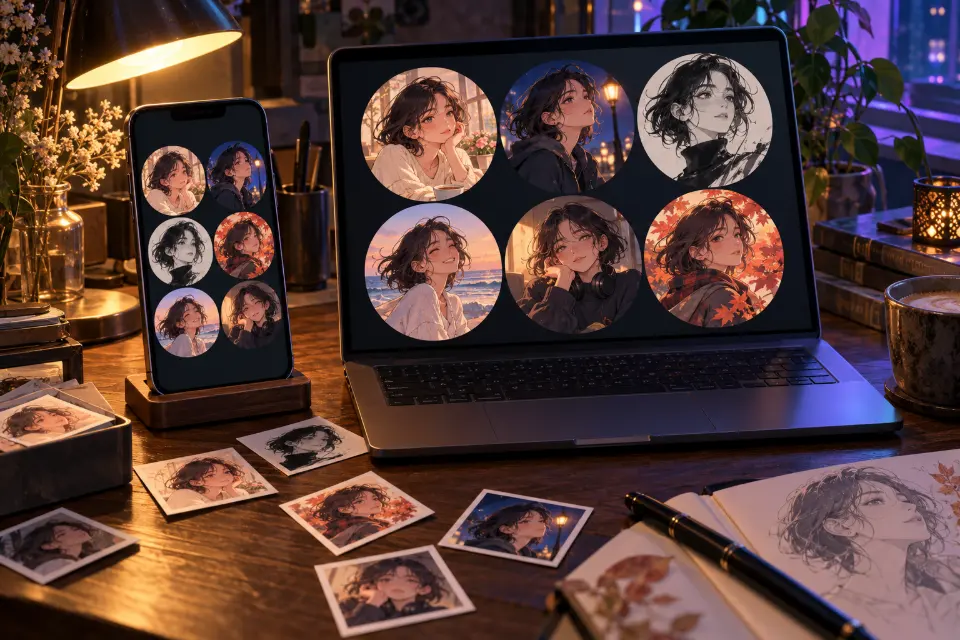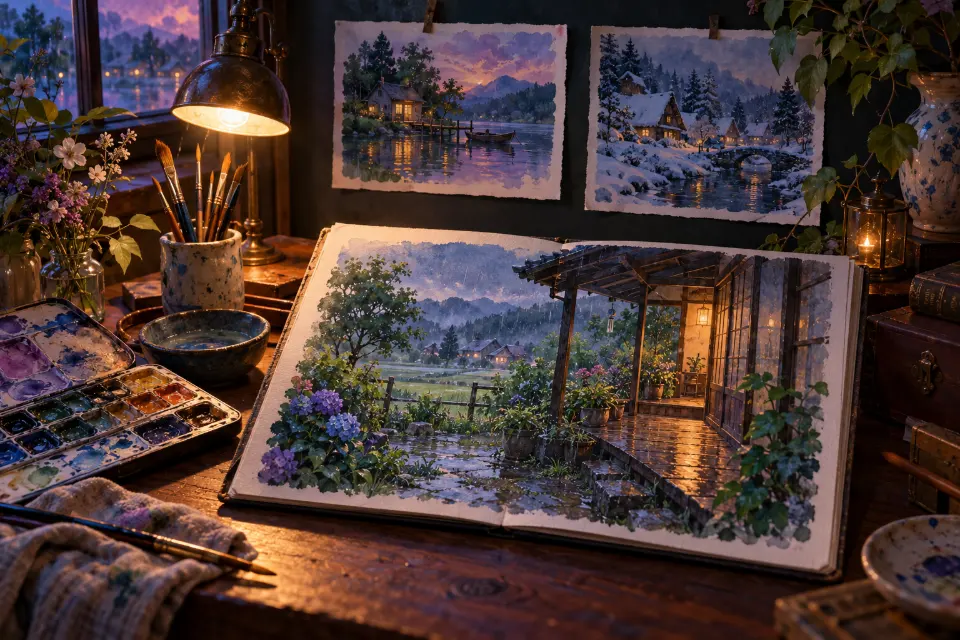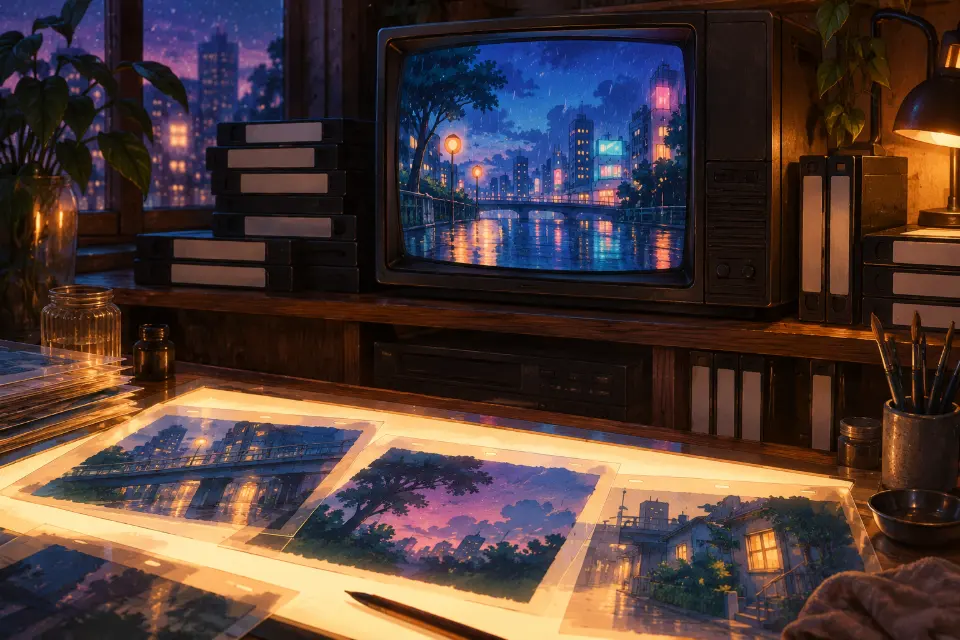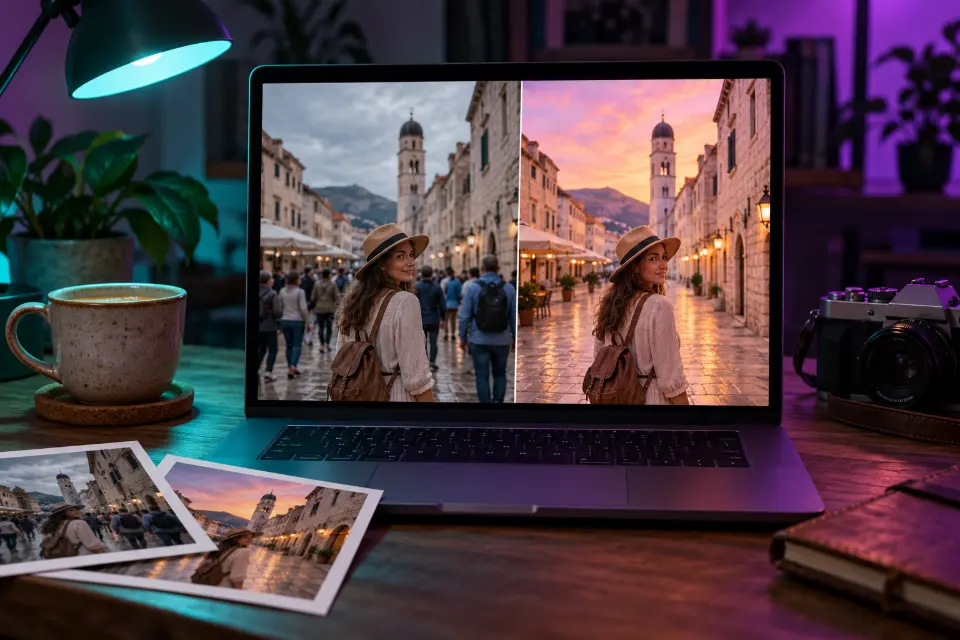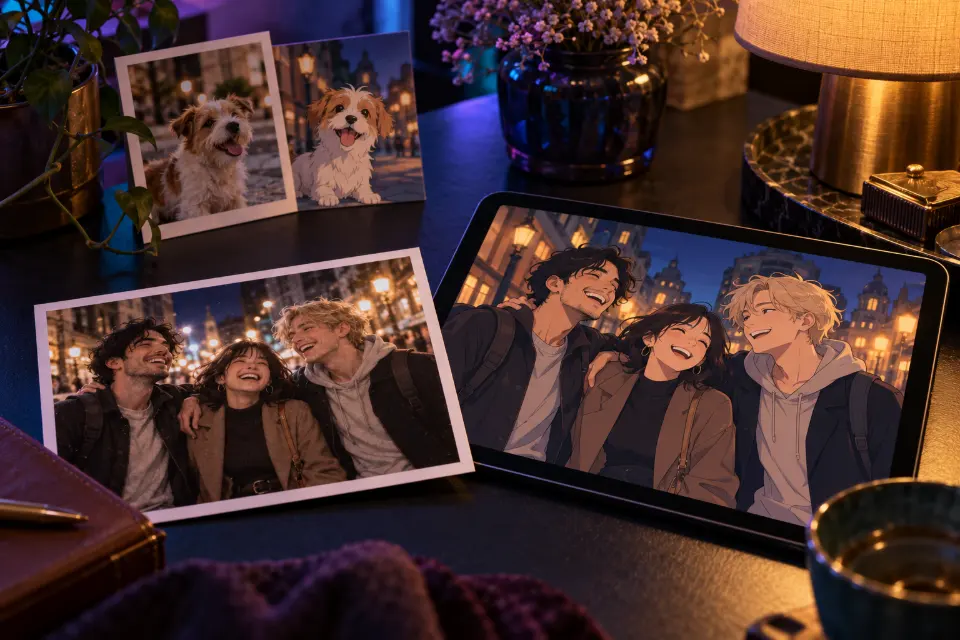
To turn a photo to anime with AI, upload the picture to ChatGPT or Gemini and describe two things: what has to stay the same (face shape, hairstyle, the people and where they stand) and how the anime version should be drawn. That short structure is what separates a result that still looks like you from a generic cartoon character.
The prompts below cover the photos people actually convert: selfies, couples and friend groups, pets, a room, a street from a trip, a wedding or a family picture. Each one keeps the composition of your original and changes only the drawing style, unless the prompt says otherwise.
The short answer
Upload one clear photo, paste a prompt and fill in the brackets. If the face changes too much, reply “keep the face shape, hairstyle and expression closer to my photo” in the same chat; if it looks too realistic, ask for flatter colors and cleaner outlines.
How do you turn your photo into anime with a prompt?
Once you know the order, each photo takes about a minute.
- Choose a sharp photo with even light. Small, blurry or half-shaded faces lose their features first.
- Open ChatGPT or Gemini, start a new chat and upload the photo.
- Paste a prompt and replace the words in square brackets.
- Compare the result with the original side by side: the hairline, eye shape and glasses are where likeness slips.
- Fix one thing per follow-up message instead of rewriting the whole prompt.
Anime filter or prompt: which converts a photo better?
An anime filter in a camera or social app applies one fixed style in a second, often live on video. That is fun, but everyone gets the same look, and filters tend to swap your features for a template face. A photo to anime prompt is slower, yet it lets you choose the line weight, the palette, the background and exactly what to keep, which matters for a picture you plan to print, frame or use for months.
Use a filter for a quick laugh, and a prompt when the result should look like you and suit the photo.
Which photos convert to anime best?
Photos with a clear subject and simple light convert most cleanly: a portrait by a window, friends standing in a row, a pet looking at the camera, a street with strong perspective. Harder cases are crowded shots with tiny faces, dark party photos and pictures that already carry heavy beauty filters, because the model has to guess. Crop those closer or brighten them before you convert.
Photos of other people need their permission, and pictures of children are best kept for private family use.
13 prompts to copy and adapt
Portrait converted with everything in place
Convert my photo to anime style. Keep my face shape, hairstyle, hair color, eye color and expression, and keep my clothes and the background layout the same. Redraw everything with clean line art, flat cel shading with two tones, large expressive eyes and slightly simplified features. Soft painted version of the original background, same framing as my photo.The all-purpose version: everything stays where it is and only the drawing style changes. Start here, then adjust.
Group photo as an anime illustration
Turn this group photo into an anime illustration. Keep every person, their positions, heights, hairstyles and outfits exactly as in the photo, and keep each face recognizable. Bright anime style with clean outlines and soft cel shading, each person with their own eye color and expression from the photo, a painted version of the same location behind them, warm daylight.Naming positions and heights stops people from swapping places. With more than five people, crop the photo into two parts for clearer faces.
Couple photo with a sunset glow
Redraw the two people in my photo as anime characters. Keep both faces recognizable, their hairstyles, outfits and the way they stand together. Soft romantic anime look with gentle line art, warm pastel colors, sunset light behind them making the edges of their hair glow, a painted version of the original place, same composition as the photo.Backlight flatters in anime as much as in photos. For two profile pictures that fit together, use the matching anime pfp prompts.
Your pet as an anime-style animal
Turn my pet in this photo into an anime-style animal. Keep its breed, fur color, markings, eye color and pose exactly. Big expressive eyes, soft fluffy fur drawn with clean lines and two-tone shading, a cozy painted background based on the original room, warm lamp light, same framing as the photo.Markings are the first thing an anime redraw loses, so the prompt lists them. Add “sitting next to me” if you are in the photo too.
Travel photo as an anime background
Convert my travel photo of [city or place] into an anime background painting. Keep the buildings, the street layout and the perspective exactly as in the photo, but remove the crowd. Hand-painted anime scenery style, crisp edges on the buildings, a rich sky with large clouds, late afternoon light with long shadows, colors slightly more saturated than the original.Without the crowd, a snapshot becomes a scene you could place a character in later. Shop signs keep their shape, but their text may change.
Your room as a cozy anime backdrop
Turn this photo of my room into an anime background. Keep the furniture, the window, the shelves and every object in the same place. Cozy anime interior art with clean outlines and soft cel shading, a warm desk lamp switched on, blue evening light coming through the window, a little extra glow on the screen and the plants, same camera angle.A converted room works as a stream backdrop or a desktop wallpaper. Ask for morning light if you want a brighter version.
Wedding photo as an anime print
Redraw our wedding photo in anime style for a framed print. Keep both faces recognizable, the dress, the suit, the flowers, the pose and the venue layout exactly as in the photo. Elegant anime look with fine line art, soft cel shading, ivory and gold palette, gentle light, a few petals in the air, same composition, high detail for printing.Check the faces at full size before you order a print. The same prompt fits an anniversary or engagement photo.
Family photo for the album
Turn this family photo into a warm anime illustration for our family album. Keep everyone in the same positions, with their own hairstyles, glasses, clothes and expressions, and keep each face recognizable. Gentle anime style with soft outlines and cel shading, warm afternoon light, a painted version of the same garden or room behind them.A gentle style suits family pictures with kids. Keep these for the family rather than posting them publicly.
Action photo as a sports anime frame
Convert my action photo into an anime sports frame. Keep my pose, face shape, hairstyle, uniform colors and number. Bold line art, dramatic cel shading, speed lines behind me in the direction I am moving, a blurred painted version of the field or court, bright stadium light with a strong rim light along my outline.Speed lines that follow the movement make a still photo feel animated. Works for skating, dance or any fast shot.
Turn yourself into an anime fantasy character
Turn me into an anime fantasy character from my photo. Keep my face shape, hairstyle, hair color and eye color recognizable. Dress me as a traveling [mage, knight or archer] in a practical outfit with a long cloak, standing on a cliff path above a misty valley at sunrise. Clean line art, cel shading, painted background, three-quarter view, 2:3.Your features stay; only the outfit and the setting change. Choose a role and one signature color for the cloak.
Photo as a bright anime key visual
Convert my photo into a modern anime key visual. Keep my face, hairstyle, outfit and pose recognizable. Crisp thin line art, glossy highlights in the eyes and hair, strong saturated colors, a lens flare from behind, the background redrawn as a bright city skyline under a deep blue sky, poster-like composition, 4:5.Key visual means a poster-style image with clean, bright light. It suits photos where you look straight at the camera.
Photo to anime line art for coloring
Turn my photo into black anime line art on a white background, like an uncolored drawing. Keep my face shape, hairstyle, glasses and outfit details. Clean, even outlines, no shading, simplified folds in the clothes, a light outline of the background, high contrast, ready to color by hand.Use it as a coloring page or as a base to trace and finish yourself. Ask for thicker lines if you plan to print it small.
Dark night photo as a glowing anime scene
Convert this dark night photo to anime. Keep the people, their faces, poses and positions recognizable. Redraw the scene as a glowing anime night with clear outlines, neon signs and streetlights turned into soft colored glows, stars in the sky, warm light on the faces so the expressions are easy to read, deep blue shadows, same framing as the photo.Dark photos are the hardest to convert, so the prompt adds light on the faces. Brighten the original a little first if faces are barely visible.
Why doesn’t my photo to anime result look like me?
Fix one thing at a time in the same chat:
- Face changed: list what to keep (face shape, hairline, eye shape, glasses) and use a sharper photo.
- Looks like a filter, not a drawing: ask for “clean outlines and flat two-tone shading”.
- Too realistic: remove words like detailed skin or lens and add “simplified features”.
- People swapped places or merged: say how many people there are and where each one stands.
- Background disappeared: add “a painted version of the original background”.
Is a free photo to anime converter as good as ChatGPT or Gemini?
Free converter apps are quick, and some are fine for a single selfie. Many offer only fixed styles, and some add a watermark or ask you to sign up before you can download. ChatGPT, with GPT Image 2, and Nano Banana 2 in Gemini accept a full description, so you control the likeness and the look; both offer image editing in their free tiers, within limits that change from time to time. Images made with Gemini can carry Google’s invisible SynthID watermark.
In Prompt Studio you can open any prompt here, choose your model and get wording adapted to it.
Converting photos of other people
Turn photos of friends, partners or family into anime only with their permission, and ask before you post the result. Do not convert strangers’ photos or pictures of famous people, and never use an anime version to pretend to be someone else. Most apps also refuse some requests involving public figures, and rephrasing will not change that. If you convert photos for others, for example as a printed gift, make sure the photo is theirs to give.
Which photo to anime prompt fits your picture?
| Your photo | Start with | Tip |
|---|---|---|
| A selfie or portrait | Portrait converted with everything in place | Face fills about a third of the frame |
| Friends in a row | Group photo as an anime illustration | Up to five people per image |
| Your dog or cat | Your pet as an anime-style animal | Name the markings |
| A street from a trip | Travel photo as an anime background | Ask to remove the crowd |
| A dark party photo | Dark night photo as a glowing anime scene | Brighten the original first |
Questions and answers
What is a good ChatGPT photo to anime prompt?
Upload your photo and write: “Convert my photo to anime style. Keep my face shape, hairstyle, eye color and expression the same. Clean line art, flat cel shading, a painted version of the background.” Then fix details one message at a time.
Can Gemini turn a photo into anime?
Yes. Nano Banana in the Gemini app edits uploaded photos, so every prompt on this page works there. Say what to keep first, then describe the style.
How do I convert a photo to anime for free?
Use the free tier of ChatGPT or Gemini with a prompt from this page. How many images you can make changes from time to time; the prompts themselves are free.
What anime filter is everyone using?
It changes with each trend, as camera and social apps keep releasing new anime effects. A prompt in ChatGPT or Gemini gives you a similar look with more control over your face and the background.
Can I turn a group photo into anime?
Yes. Use the group prompt and say how many people are in the photo and where each one stands. Faces need to be large enough to see clearly, so split very large groups into two images.
Can I convert my photo to 90s anime or a cozy painted style?
Yes. Replace the style sentence with era or mood words, such as thick outlines, muted colors and soft film grain for the 1990s look. The 90s anime and Ghibli-style collections have prompts for both.