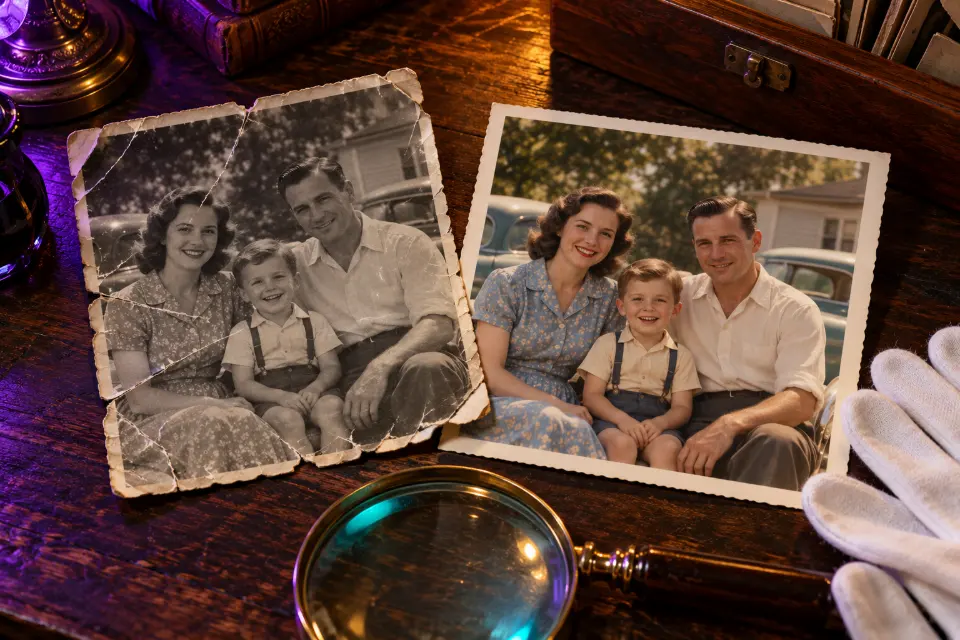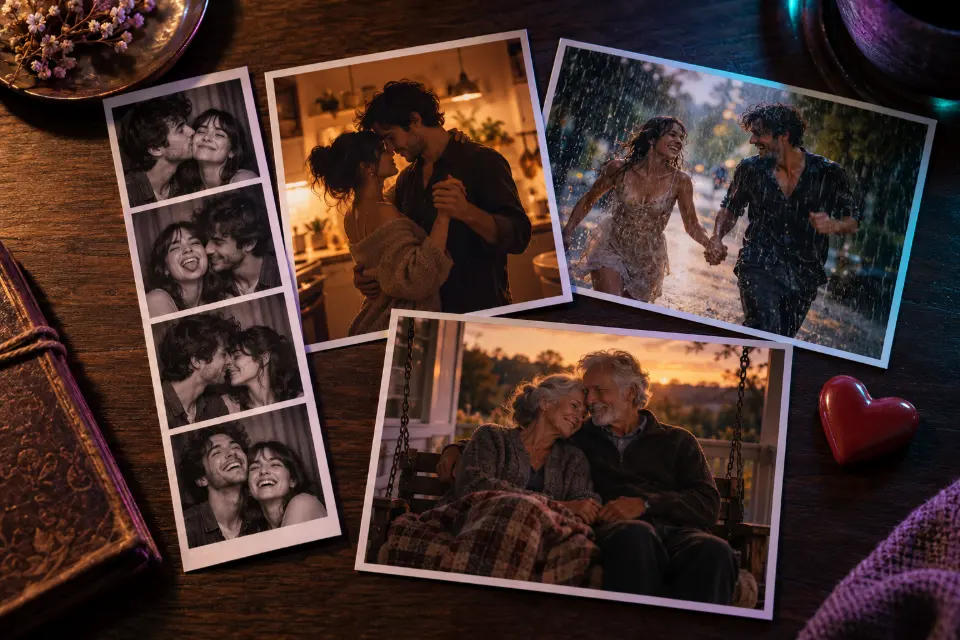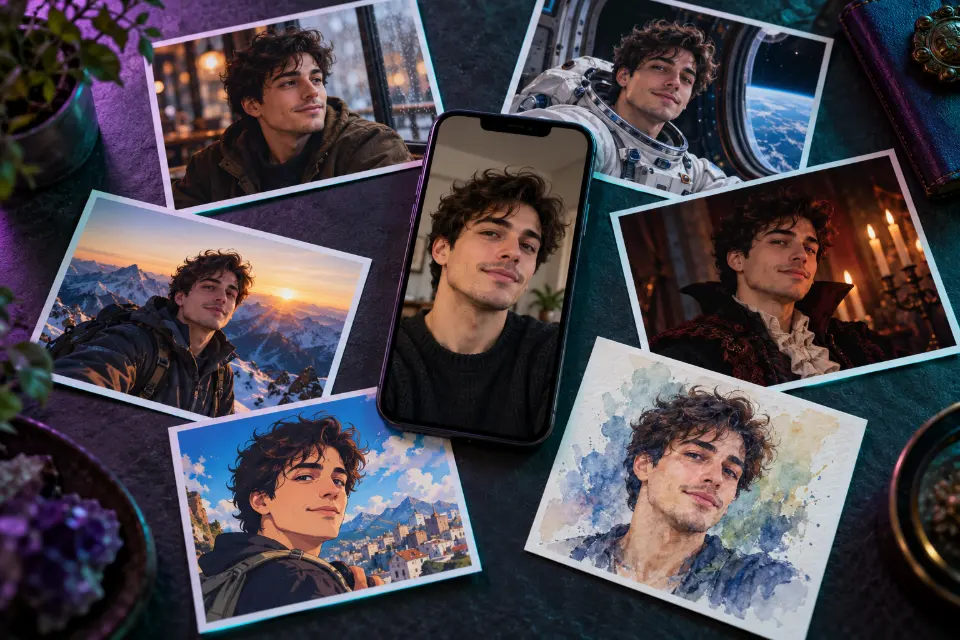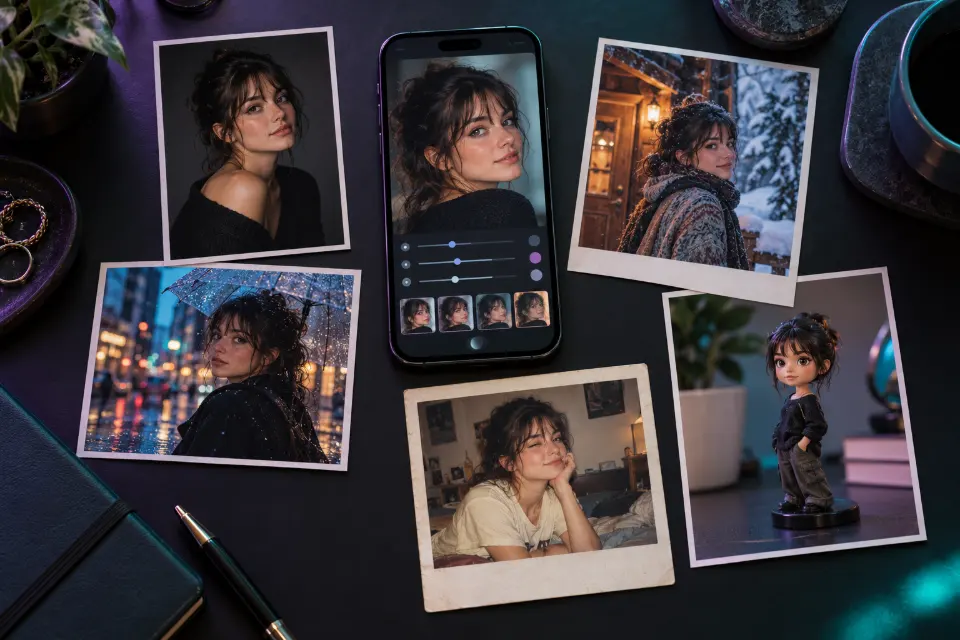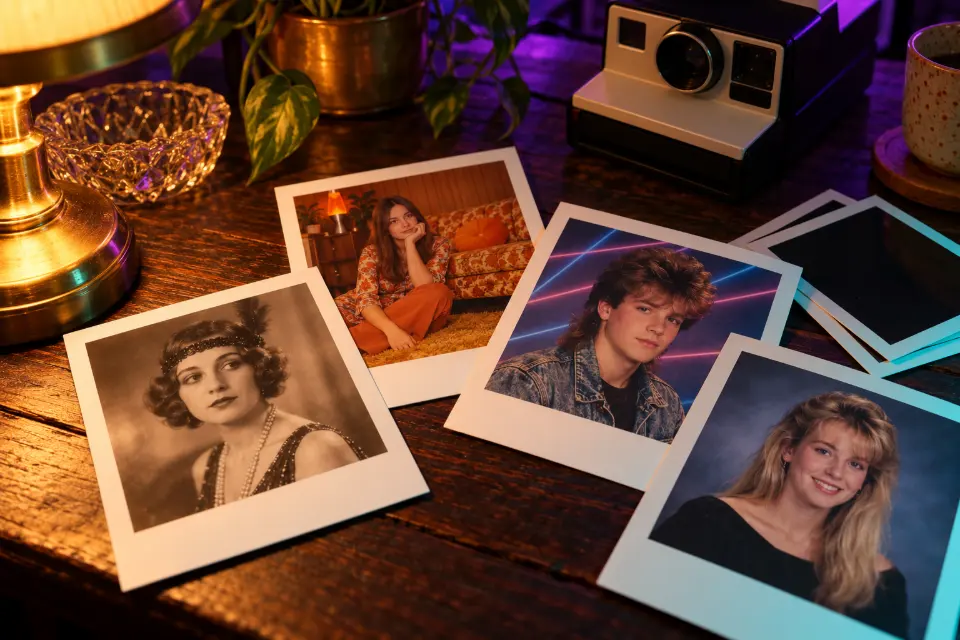
An AI polaroid photo needs three things in the prompt: the square print with its thick white border, the soft flash and faded color of instant film, and a moment that looks unplanned. The 14 prompts below cover the instant photo trends, including the hug with your younger self, and then travel back through the decades, from 1920s sepia to early-2000s digital camera flash.
They are written for Gemini and ChatGPT, and most start from your own photo. Each has a note on what makes the era convincing, and words in square brackets are placeholders.
The short answer
Upload a clear photo, paste a prompt and fill in the brackets. If the result looks like a modern photo with a filter, add one more flaw, such as soft focus or a light leak, and change the clothes and room to match the decade.
How do you write a polaroid AI prompt that looks real?
A convincing instant photo comes from small flaws, not from the word “vintage”. Describe the print first: a square image in a thick white frame with a wider bottom border. Then the camera: direct flash, soft focus, faded colors with a warm or green cast, fine grain and perhaps a light leak. Finally the moment: a dim room, a slightly awkward pose, nobody quite ready.
Polaroid is a brand name, so the prompts here say “instant film photo” instead. Image models understand the description, and you avoid logos on cameras and frames.
Which details make a vintage photo AI prompt look like the right decade?
Every decade has a few visual tells. Put two or three of them into your prompt, together with period clothes and hair.
- 1920s: sepia tones, painted studio backdrops, formal poses, soft focus.
- 1960s: saturated slide-film reds and blues, crisp sun, dark corners.
- 1970s: faded orange and brown tones, wood paneling, washed-out shadows.
- 1980s: neon, laser backdrops, soft-focus glamour, big hair.
- 1990s: mottled studio backdrops, direct flash, slightly soft prints.
- Early 2000s: compact digital camera flash, cool blue cast, visible noise.
Gemini AI polaroid photo or ChatGPT: where do you make it?
Both work. Gemini and ChatGPT accept several photos in one message, which the younger-self prompt needs, and both follow plain descriptions of film and flash. You don’t need a separate AI polaroid photo generator app either: the look comes from the prompt, not from a special tool. Images made with Gemini can carry Google’s invisible SynthID watermark, and Prompt Studio rewrites the wording when you switch the model.
14 prompts to copy and adapt
Instant film portrait of you
Keep my face, hair and expression exactly as in my photo. Turn it into a vintage instant film photo: a square image inside a thick white paper frame with a wider bottom border, soft focus, slightly faded colors with a warm yellow cast, a gentle direct flash and a dark background falling off behind me. Fine grain, a small light leak in one corner, the print lying on a wooden table.The wide bottom border and the faded flash look are what read as instant film. Leave out the table if you only want the square photo.
Hug your younger self on instant film
I am uploading two photos: a recent photo of me and a childhood photo of me. Keep both faces exactly as they are. Show my adult self gently hugging my younger self, both smiling, in front of a plain white curtain, lit by a single soft flash as if snapped with an instant camera in a dim room. Slight blur, faded warm colors, thick white instant photo border.Upload both photos in the same message before the prompt. Choose a childhood photo where your face is clear; the plain curtain keeps attention on the two of you.
Instant photo held up against the real scene
Keep my face and outfit from my photo. Show a hand holding a small instant film print in the foreground; inside the white-bordered print I am laughing at [place], while the same place continues in the real background, slightly out of focus, so the print lines up with the scene behind it. Late afternoon light, warm faded colors inside the print, natural colors outside it, 4:5 format.Lining the print up with the background is what makes people look twice. Beaches, city bridges and festival crowds work well.
Your pet on instant film
Keep the exact look of the pet in my photo, including fur color and markings. Turn the photo into a vintage instant film print: my pet lying in a patch of sunlight on a kitchen floor, warm faded colors, soft focus at the edges, a little overexposure where the sun hits, fine grain and a thick white border with handwriting in pen reading “[pet’s name]”.A handwritten name on the border makes it feel like a keepsake. Short names come out cleaner than long captions.
Scattered instant photos with captions
A flat lay of six vintage instant film photos scattered on a worn wooden table, each with a thick white border; three carry short handwritten captions in blue pen: “[caption one]”, “[caption two]” and “[caption three]”. The photos show summer moments: a lake jetty, a bonfire, ice cream cones, a view from a car window. Soft daylight, a strip of tape on two corners, 4:5 format.Three captions are plenty; text on every print tends to get messy. Handy as a cover for a photo album or a summer recap.
1920s sepia studio portrait
Keep my face and expression recognizable from my photo. Restyle it as a 1920s studio portrait: sepia tones, soft focus, a painted backdrop, me seated on a carved wooden chair in period clothes [a suit with a waistcoat / a drop-waist dress with pearls], hair styled for the decade. Gentle window light from one side, faded edges and fine grain, printed on thick cream card, 3:4 format.Naming the clothes of the decade does more than the word “vintage”. A calm expression suits the formal look of studio portraits from that time.
1960s color slide travel photo
Keep my face, hair and pose from my photo. Restyle it as a 1960s color slide from a summer trip: me leaning against a two-tone vintage convertible by a coastal road, rich saturated reds and a deep blue sky, warm skin tones, fine grain and slightly dark corners. Clothes and sunglasses from the early 1960s, bright midday sun with crisp shadows, 3:2 format.Saturated reds and crisp sun separate slide film from faded prints. Name your real destination to anchor the scene.
1970s family photo at home
Use everyone from my photo and keep all faces recognizable. Restyle it as a 1970s family snapshot in a living room with wood paneling, an orange shag rug, a plaid sofa and a houseplant in a macramé hanger. Period clothes and hairstyles, faded warm colors leaning toward orange and brown, soft focus, some grain and slightly washed-out shadows, 4:3 format.The living room details carry the decade, so keep them. A fun gift for parents who remember those rugs.
1980s studio portrait with a laser background
Keep my face and smile recognizable from my photo. Turn it into a 1980s studio portrait: big hair styled for the decade, a bold [color] outfit with shoulder pads, a soft-focus glamour glow and a background of glowing blue and purple laser beams. Slightly chin-up pose, one hand near my face, studio flash, 1980s film colors, 4:5 format.The laser background and the hand-near-face pose are the details everyone remembers. Swap the shoulder pads for a denim jacket for a casual version.
Friends in a 1980s arcade
Use the people from my group photo and keep every face recognizable. Show us in a crowded 1980s video arcade at night, gathered around a game cabinet and laughing, in period outfits: windbreakers, high-top sneakers, big hair. Neon pink and cyan glow on our faces, slight motion blur, grainy flash snapshot feel, 3:2 format.Neon light on faces does most of the work. Leave out real game titles; generic cabinets look just as convincing.
1990s yearbook photo
Keep my face and expression recognizable from my photo. Turn it into a 1990s school yearbook portrait: head and shoulders, slightly turned, in front of a mottled blue-gray studio backdrop. Hair and clothes from the mid-1990s, soft studio lighting with a gentle glow, slightly soft focus and the color of a printed yearbook page, 4:5 format.The mottled backdrop is what makes it read as a yearbook. Upload your friends’ photos too and ask for a page of portraits for the full spread.
Early 2000s digital camera party photo
Keep every face from my photo recognizable. Restyle it as a party snapshot from an early 2000s compact digital camera: harsh direct flash, bright faces against a dark room, a slightly cool blue cast, low resolution with visible digital noise, a little motion blur and people mid-laugh. Clothes and accessories from around 2003, 4:3 format.Digital noise and a cool cast separate this from the film looks. Compact cameras usually shot in 4:3, so keep that shape.
1970s road trip at a desert motel
A 1970s road trip photo: a wood-paneled station wagon parked in front of a small desert motel at sunset, a neon vacancy sign glowing, suitcases strapped to the roof rack, cactus and mountains behind. Faded color film with warm orange tones, soft grain, slightly washed-out blacks, square instant film format with a thick white border.No people needed, which makes it handy for a blog header or a playlist cover. Add “a family stretching their legs” for a human touch.
1950s diner at night
A 1950s chrome diner at night on a quiet highway, a red neon sign without readable words, a couple of vintage cars parked outside, warm light spilling through big windows onto wet pavement. Vintage color film look with rich reds and teal shadows, gentle grain and a soft glow around the neon, 3:2 format.The soft glow around bright lights, called halation, is a real film trait that sells the era. Add snow for a holiday card.
Why does my AI polaroid photo look too clean?
Image models lean toward clean, sharp results, so you have to ask for the flaws. Fix one thing per message.
- Too sharp: add “soft focus” and “slight motion blur”.
- Colors too perfect: ask for “faded colors with a warm yellow cast” or “a slight green tint in the shadows”.
- Missing or wrong frame: describe “a thick white border, wider at the bottom”.
- Looks like a modern photo with a filter: change the clothes, hair and room to the decade too.
- Faces drift: put the keep sentence first and use a sharper source photo.
Instant photos with celebrities or with loved ones who have passed
Celebrity versions of the trend put you next to a real famous person. Skip them: they can mislead, they may break the app’s rules and the person never agreed to it.
Pictures with a loved one who has died are different and deeply personal. Some people find comfort in them, others find them hard to look at. If you make one, use a photo you have the right to use, share it only with family who want it and remember that it shows an imagined moment, not a memory.
Questions and answers
What is the prompt for a polaroid photo in Gemini?
Upload your photo and use the instant film portrait prompt above. It keeps your face, then asks for a square image in a thick white border, a soft flash, faded warm colors and fine grain.
Can you make a picture into a polaroid with AI?
Yes. Upload it and ask for “a vintage instant film print with a thick white border” while keeping everything in the photo the same. For a physical print, any photo printer that handles square formats will do.
How do I make the polaroid with my younger self?
Upload a current photo and a clear childhood photo of yourself in the same message, then use the younger-self prompt. A plain background and soft flash keep the two faces in focus.
What is an AI yearbook photo?
A portrait restyled to look like a school yearbook picture from a past decade, usually the 1990s: a mottled studio backdrop, period hair and clothes and soft studio light. Use the 1990s yearbook prompt with your own photo.
Why don’t the prompts say Polaroid?
It is a brand name, and brand names can add logos to cameras and frames. Describing the look as “instant film photo with a thick white border” gets you the style without them.