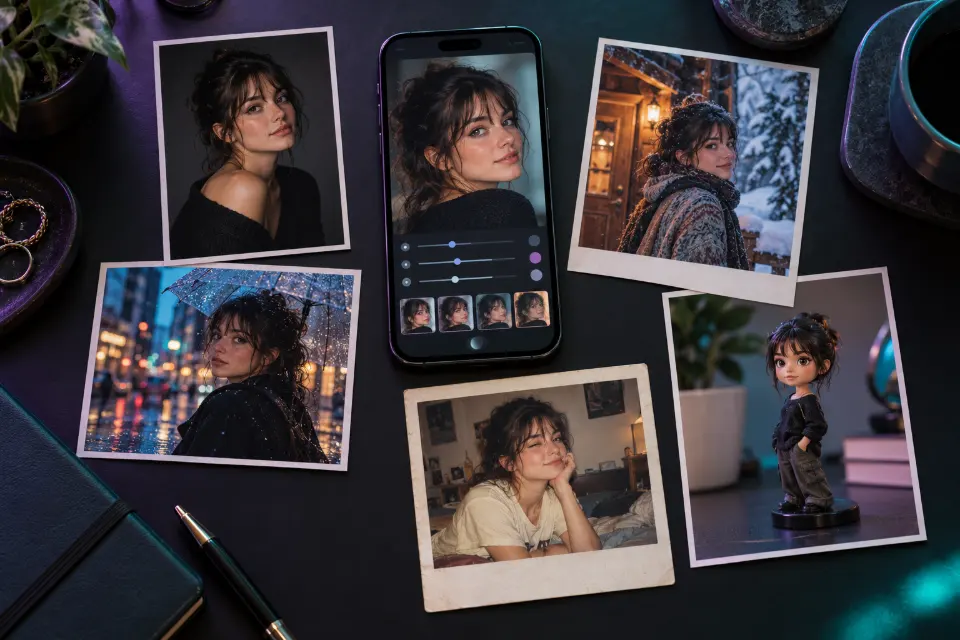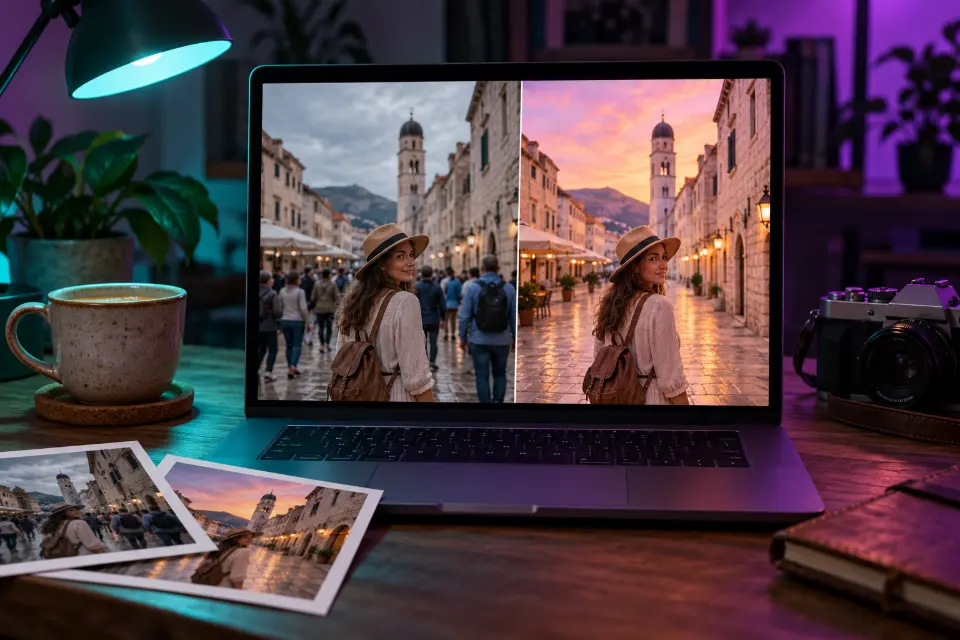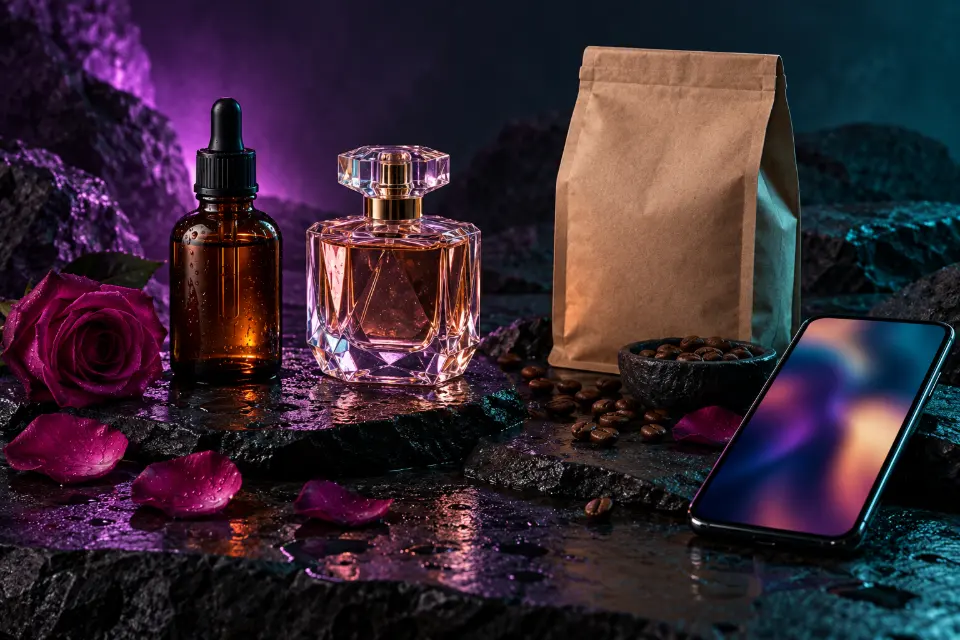
Useful AI product photography starts from a photo of your real product and tells the model to keep its shape, label and colors exactly as they are while it builds a new scene around it. That way you get shop and ad images that still show what buyers will receive, without renting a studio.
The 14 prompts below cover the shots a small shop needs: a clean white-background main image, lifestyle scenes for skincare, candles, coffee, jewelry and clothing, ad banners with room for text and a packaging concept for products that do not exist yet. They are written for Nano Banana 2 in Gemini and ChatGPT, and most also work in FLUX.2 and Seedream.
The short answer
Upload a clear photo of your product, paste a prompt and replace the words in brackets. Before you publish anything, check the label, the color and the proportions against the real product.
Can I use AI for product photography?
Yes, as long as the picture still shows your actual product. Editing a real photo is the honest route: the model keeps the item and changes the surroundings, the light and the props. Generating a product from a text description alone is fine for concepts and mood boards, but buyers notice when the jar they receive looks different from the one in the listing.
Check the rules of where you sell. Some marketplaces require the main image to show the product alone on a plain white background, and most prohibit images that misrepresent size, color or what is in the box.
Product photography at home: shoot a good starting photo
The better your starting photo, the less the model has to invent. A phone is enough:
- Shoot by a window in daylight, with no direct sun on the product.
- Use a plain background, such as a sheet of white paper or a bare wall.
- Hold the phone level with the product and show it whole, with a little space around it.
- Wipe off dust and fingerprints, because the AI tends to sharpen them.
- Make sure the label is in focus and readable, so the model has something to copy.
- Take one photo per angle you need instead of asking the AI to invent the back of the box.
What goes into an AI product photo prompt?
Every prompt below follows the same order. First the keep sentence: shape, label, colors, proportions and any print stay exactly as in the photo. Then the scene – surface, background and two or three props that tell buyers what the product is for. Then the light, written the way a photographer would set it up, and finally the format of the channel the image is for.
Props should explain, not decorate. Coffee beans next to a coffee bag or lemon slices beside a lemon soap help a shopper understand the product in a second. A scene full of random objects makes the product harder to see.
14 prompts to copy and adapt
White background main image
Use the product from my photo and keep its shape, label, colors and proportions exactly the same. Place it on a pure white background, centered and filling about 85 percent of the frame, with soft even studio lighting and a faint natural shadow underneath. No props, no text, no reflections, sharp focus on the label, 1:1 format.The classic marketplace main image. If the background comes out gray, ask for “bright pure white background, no gradient”.
Skincare bottle on wet stone
Keep my skincare bottle exactly as it is, including the label, cap and glass color. Stand it on a smooth wet gray stone in shallow clear water with gentle ripples around the base, a few droplets on the glass, fresh morning light from behind and to the side, soft green leaves out of focus in the background, 4:5 format.Water and backlight say “fresh” without a word of copy. Swap the leaves for slices of the ingredient your product is made with.
Perfume bottle with a glowing outline
Keep the perfume bottle from my photo unchanged, including its shape, cap and label. Place it on glossy black glass with a mirror reflection below, a single hard light behind it that draws a bright outline around the bottle, the liquid glowing amber, a few [flower] petals scattered in front, dark smoky background, 4:5 format.Backlight is the trick for glass: it shows the shape and makes the liquid glow. Choose petals that match the scent.
Jewelry close-up on linen
Keep my ring exactly as it is: the same band shape, metal color, stone cut and setting. Show it in a macro close-up resting on folded natural linen, soft diffused light with small bright sparkles in the stone but no blown-out highlights, warm neutral tones, very shallow depth of field, 1:1 format.Jewelry needs sparkle without glare, so the prompt asks for both. Count the stones in the result, since models like to add extra ones.
Floating sneaker ad shot
Keep my sneaker exactly as in the photo, with every stitch, color panel and print unchanged. Show it floating at a slight angle above a pastel concrete floor, a soft shadow on the ground below, clean studio light against a smooth [color] wall, a few small pieces of gravel frozen in mid-air, 4:5 format.Floating products feel energetic and suit social ads. Take the wall color from your brand palette so a series of images looks planned.
Coffee bag on a café counter
Keep my coffee bag unchanged, including the label text and colors. Place it on a light wooden café counter with a small pile of roasted beans in front, a ceramic cup of black coffee with a little steam beside it, morning sun from a window behind, a softly blurred café interior in the background, 4:5 format.Steam and beans make the image smell like coffee. For tea or chocolate, change the props and keep the counter and the light.
Candle glowing on a windowsill
Keep my candle jar and its label exactly the same. Light the candle with a small realistic flame and place it on a white windowsill at dusk, a chunky knit blanket folded beside it, blue evening light outside the window, warm glow from the flame on the glass, cozy and calm, 4:5 format.Blue light outside against a warm flame carries the mood. Check that the flame is small and sits on the wick.
T-shirt on an invisible mannequin
Keep the T-shirt from my photo exactly as it is, including the print, fabric color and texture. Show it as if worn by an invisible mannequin, with a natural 3D shape and the neckline open so the inside back is visible, on a plain light gray background, soft even light, front view, 4:5 format.The ghost mannequin look is standard in clothing shops and saves hiring a model. Photograph the shirt flat and wrinkle-free for the cleanest result.
Jar of jam at a picnic
Keep my jar of jam, its lid and its label unchanged. Set it on a checkered picnic blanket in a sunny orchard, with a sliced baguette, a small knife with jam on it and a few fresh [fruit] next to the jar, dappled light through the leaves above, shallow depth of field, 4:5 format.Food products look better in use, which is why the knife with jam on it matters. Match the fruit to the flavor on the label.
Tech product on a desk, banner format
Keep my headphones exactly as they are, including the color, material and shape. Place them on a minimal dark desk next to a laptop, a soft cool glow from a monitor off-screen, a warm lamp in the background, clean reflections on the desk, calm evening mood, product on the right third of the frame, 16:9 format.The wide format works as a website header, and the right-third placement leaves room for a headline on the left.
Product held in a hand for scale
Keep my product exactly as in the photo, same size, shape, label and colors. Show it held in one hand with short natural nails against a softly blurred garden background in the afternoon, fingers wrapped naturally around it, warm daylight, the label facing the camera in sharp focus, 4:5 format.A hand shows the real size instantly, which helps buyers and cuts returns. Check the grip and regenerate if the product shrinks or grows.
Ad image with space for a headline
Keep my product unchanged. Place it on the right side of a wide frame on a smooth [color] surface, with a soft gradient background and a gentle shadow, leaving the left half completely empty and evenly lit for a headline and a button added later. Bright, clean studio light, 16:9 format.Asking for empty space is easier than removing clutter later. Add your text in a design tool rather than in the prompt, so it stays sharp.
A color variant you actually sell
Keep everything in this photo exactly the same – the product shape, the background, the light and the camera angle. Change only the color of the [product part] to [color], with the same material finish and realistic reflections, so it looks photographed in the same session.Useful when you sell several colors but photographed only one. Use it only for variants that exist, and compare the shade with the real item.
Packaging concept for a new product
Product photo of a packaging concept for [product type]: a matte [color] box with a simple white illustration of [motif] and the name “[brand name]” in clean sans-serif letters, standing next to the product on a light stone surface, soft studio light, minimal premium look, 4:5 format.Good for testing ideas before you order packaging; it is a concept, not a product photo. Keep the name short so the lettering comes out right.
Nano Banana or ChatGPT as an AI product photo editor?
Both follow these prompts with an uploaded photo, and both change with every update, so a quick test with your own product tells you more than any comparison chart. Run the white-background prompt in each and keep the one where the label text survives intact.
Stay in the same chat for a whole product series. Follow-ups such as “same scene, but on a white marble surface” keep the style consistent across images. In Prompt Studio, switching the model rewrites the prompt in that model’s wording.
Why does the AI change my label or product?
Models redraw the whole image, and small details drift first. If something changes:
- Garbled label text: put the keep sentence first, upload a sharper photo and ask it to “copy the label exactly from my photo”. If it still fails, place your real product photo over the scene in an editor.
- Wrong proportions: compare it with a known object, such as “the bottle is as tall as a coffee mug”.
- Color shift: name the color and compare the result with the real item.
- Floating look: ask for a contact shadow where the product touches the surface.
- Extra parts: list what the product includes, so nothing gets added.
Keep product images honest
An AI scene is a backdrop, not a promise. Shoppers compare the parcel with the photos, so every edit has to survive that comparison. Show the real size, color and contents, never add features or accessories that are not included, and use variant images only for versions you actually sell. If your marketplace or ad platform asks you to disclose AI-generated or edited images, do so. Keep one plain, unedited photo in the gallery as a reference, too: honest images mean fewer returns and better reviews.
Which shot does each channel need?
| Where it goes | Shot to use | Format |
|---|---|---|
| Marketplace main image | White background main image | 1:1 |
| Product page gallery | Lifestyle scene and a close-up | 1:1 or 4:5 |
| Instagram feed | Lifestyle scene with props | 4:5 |
| Stories and Reels covers | Vertical lifestyle scene | 9:16 |
| Website header or display ad | Ad image with space for a headline | 16:9 |
Questions and answers
Is AI product photography free?
The prompts on this page are free to copy and change. Generating the images depends on the current plans and daily limits of the app you use, which change from time to time.
Can AI product photos replace a photographer?
For simple shop images and social posts, AI edits of a good phone photo often do the job. Complex products, exact fashion colors and large campaigns still benefit from a photographer, and many shops use both.
Do these AI product photography prompts work in Gemini?
Yes. They were written for Nano Banana 2 in Gemini and for ChatGPT. Upload the product photo first, then paste the prompt into the same message.
Can I add a model to AI product photos?
You can ask for a generated person wearing or holding the product, but keep the product sentence first and check it closely. Never put a real person’s face into an ad without their permission.
What background should I use for AI product photos?
White for marketplace main images, then backgrounds that explain the product: a bathroom shelf for skincare, a café counter for coffee, a desk for tech. Keep it simple enough that the product is the first thing people see.
Are AI product photos allowed on marketplaces?
Generally yes, as long as they show the product accurately. Check each marketplace’s image rules: some require a plain white main image, and misleading images can get listings removed.