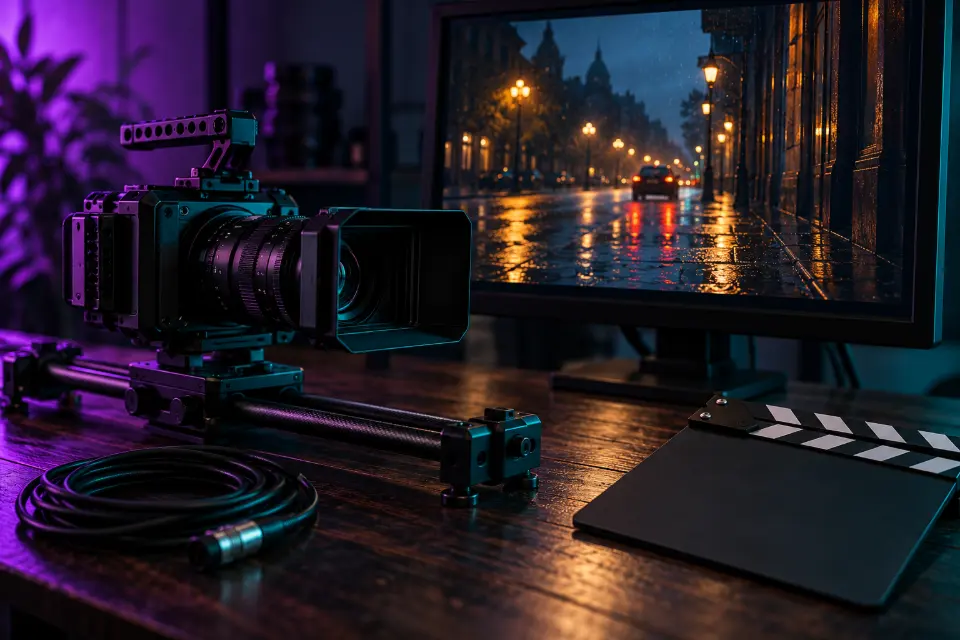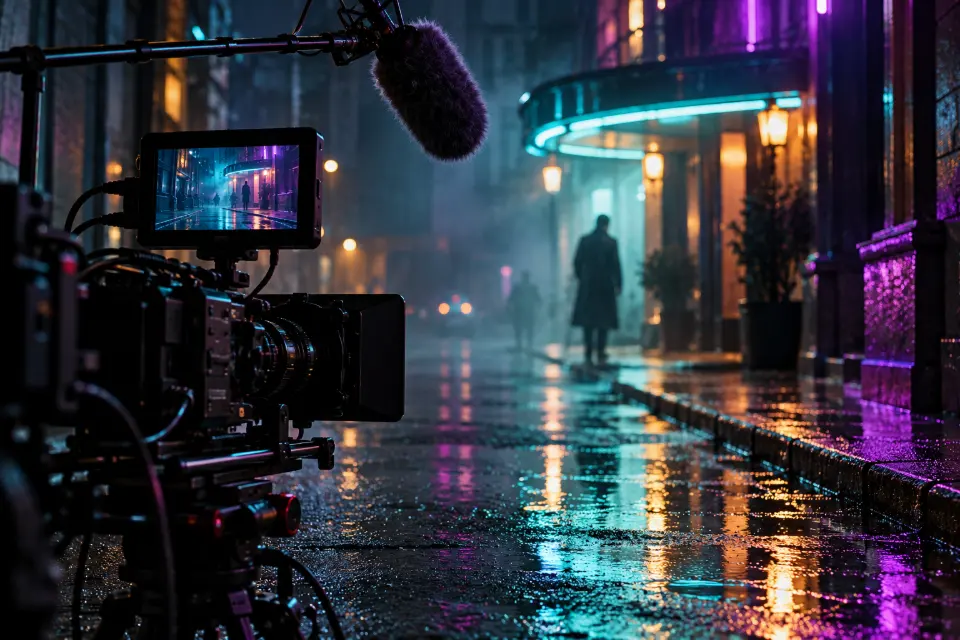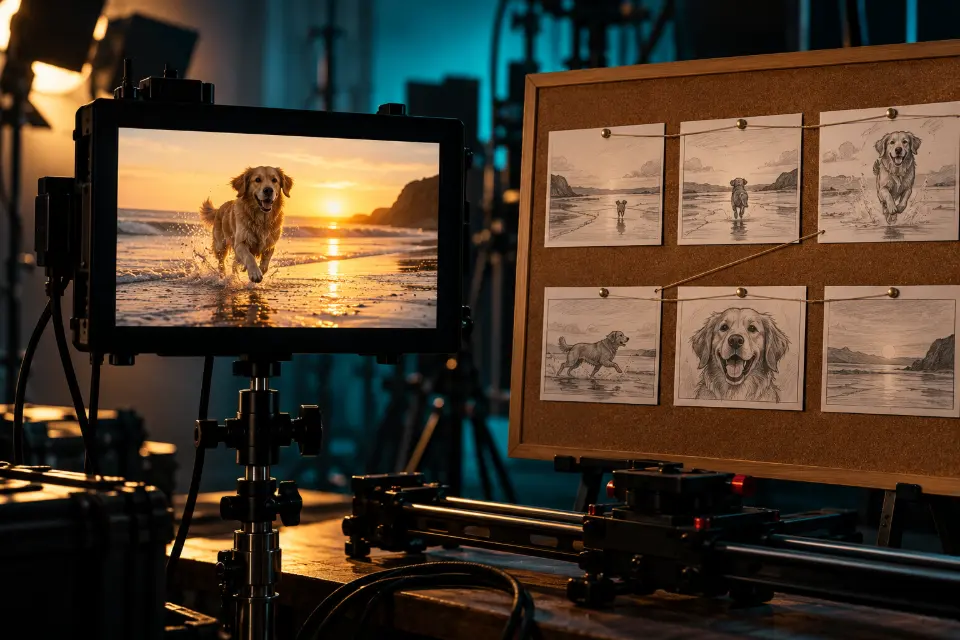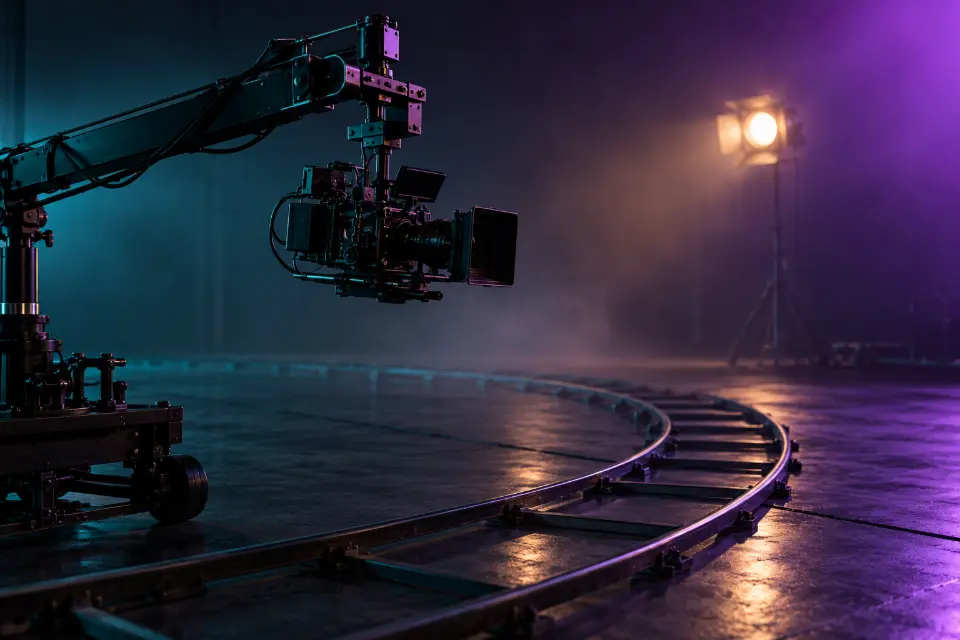
AI camera movement prompts work when they name one move, its direction and its speed, and tie it to what the shot should show: “slow push-in toward her face as she reads the letter” beats “cinematic camera”. Video models such as Veo 3.1, Kling 4.0 and Seedance 2.5 know the same film vocabulary that camera crews use, so the right word gives you a dolly, an orbit or a drone reveal instead of a random drift.
Below are 14 realistic prompts, each built around one move, plus a cheat sheet and the camera angles to pair with them. Words in square brackets are placeholders.
The short answer
Choose the move you need from the cheat sheet, copy the matching prompt and swap the scene for your own while keeping the camera sentence as written. Use one move per shot and name its speed.
What are the basic camera movements?
Camera moves fall into two families. In the first, the camera stays in place and turns: a pan swings left or right, a tilt looks up or down. In the second, the whole camera travels: a dolly or push-in moves toward or away from the subject, a tracking shot moves alongside it, a crane rises or sinks, an orbit circles around it. A zoom is neither, because it only changes the lens, which is why it looks flatter than a real push-in.
Handheld and locked-off describe how steady the camera is. The cheat sheet below the prompts lists each move with the words to write.
How do you write camera movement into an AI video prompt?
Put the camera in its own sentence after the action, so the model knows what moves and what stays. Then add the details it needs:
- The move and its direction: “pulls back”, “orbits 180 degrees to the left”.
- The speed: slow, steady, fast, at walking pace.
- The start or end point: “from the boots up to her face”, “until the whole room is visible”.
- One move per shot; two only when they form one gesture, such as rising while pulling back.
AI camera angle prompts: where the camera sits
The angle sets the mood before anything moves. Eye level feels neutral, a low angle makes a person look strong or a jump look higher, a high angle makes them look small, and an overhead shot turns a table into a graphic layout. Over-the-shoulder puts the viewer in a conversation, and point of view puts them inside the scene. Lens words help too: “wide lens” exaggerates depth and speed, “telephoto” compresses the background. Write the angle first and the move second: “low angle, slow tilt up”.
14 prompts to copy and adapt
Slow push-in on a quiet moment
An elderly woman at a kitchen table reads a handwritten letter. Slow push-in from a medium shot to a close-up of her face as she presses her lips together and then smiles. Soft window light, muted colors, realistic film look. Sound: a clock ticking, paper rustling, no music.A push-in tells the viewer to pay attention to a feeling. Keep it slow; a fast push-in reads as shock instead.
Pull-back reveal at a park chess table
Extreme close-up of a weathered hand moving a wooden chess knight. The camera pulls back slowly to reveal two old friends playing chess at a park table, surrounded by fallen autumn leaves and a few pigeons. Overcast light, soft colors, realistic.Start tight and end wide to turn a detail into a story. Swap chess for cards, dominoes or a sketchbook.
Side tracking shot with a dog walker
Side tracking shot at walking pace: a dog walker with five leashed dogs of different sizes strolls along a city sidewalk in the morning. The camera moves parallel to them, shop windows sliding past in the background, the smallest dog trotting to keep up. Bright sun, realistic street colors.Matching the camera to the walking pace keeps the group sharp while the background moves. Give one dog a small detail to watch.
Full orbit around a dancer
A ballet dancer holds a still arabesque in the center of a dark stage under a single spotlight, dust glowing in the beam. The camera orbits slowly 360 degrees around her at chest height. High contrast, deep shadows, elegant and quiet.A still subject makes an orbit easy for the model, since only the camera moves. Use it for statues, cars or a hero product too.
Crane up over a vineyard dinner
Long outdoor dinner table in a vineyard at dusk, candles and glasses, friends laughing. The camera starts at table level and cranes up slowly above the guests until the string lights and the rows of vines fill the frame. Warm golden light fading to blue. Sound: laughter, glasses clinking, soft guitar.Rising above a crowd gives a scene scale, which makes it a natural opening or closing shot. Works for weddings and birthdays.
Rotating top-down drone over a lagoon
Aerial top-down drone shot descending slowly over a turquoise lagoon while rotating clockwise, a single wooden boat in the center, the shadow of the boat on the sandy bottom. Clear midday light, crisp water texture, realistic travel footage.Top-down drone shots turn a landscape into a pattern. The slow rotation adds life without a horizon to keep level.
Handheld follow through a market
Handheld follow shot from behind a delivery cyclist weaving slowly through a crowded morning market, crates of fruit on his rack. The camera bobs naturally as if carried by someone jogging after him. Dappled sun through awnings, realistic documentary look. Sound: bicycle bell, vendors calling, crates creaking.Handheld adds urgency and realism, so use it for documentary and vlog scenes. Write “natural” shake, or it can look like an earthquake.
Locked-off shot in a late-night laundromat
Locked-off wide shot of a late-night laundromat: a man folds towels at a counter while dryers spin behind him and a cat walks slowly along the top of the machines. Static camera on a tripod, steady fluorescent light with a green tint. Sound: dryer hum, a buzzing light, a zipper.Saying both “locked-off” and “on a tripod” stops models from adding a drift. A still frame lets small actions carry the clip.
Dolly zoom in a hotel corridor
Dolly zoom effect: a woman stands still in a long hotel corridor with patterned carpet as she realizes something. The camera moves backward while zooming in, so she stays the same size in the frame and the corridor seems to stretch behind her. Dim warm wall lamps, tense mood.The dolly zoom is hard for AI, so describe what it looks like, not only its name. Expect a few tries.
Whip pan from barista to customer
Start on a close-up of a barista pouring latte art. Fast whip pan to the right with strong motion blur, landing on a customer by the window who takes the first sip and closes her eyes. Warm café light, shallow depth of field.A whip pan links two moments without a cut. Keep both halves simple so the blur in the middle carries the transition.
Low-angle tilt up to a hero moment
Low angle on worn boots standing on wet pavement. The camera tilts up slowly to reveal a firefighter taking off her helmet after a long night, smoke drifting behind her, dawn light on her tired face. Realistic, muted colors. Sound: dripping water, distant radio chatter.Tilting up from the feet builds the reveal and the low angle adds respect. Swap in a farmer, a nurse or a runner at a finish line.
Overhead slide across a picnic table
Overhead camera sliding slowly from left to right along a long wooden table as hands set out a picnic: fresh bread, cheese, a bowl of berries and a jug of lemonade. Soft natural light, linen tablecloth, clean food styling.A sideways slide over a table shows many items in one shot, which suits menus, recipes and shop sets.
Over-the-shoulder shot of a mural painter
Over-the-shoulder shot from behind a young painter as she adds the last brushstroke to a large mural of a whale. The camera then drifts slowly to the side until the whole wall is visible. Late afternoon sun, bright paint colors. Sound: brush on concrete, distant traffic, birds.Starting over the shoulder puts the viewer in her place before the reveal. The sideways drift does the reveal for you.
Camera move added to a landscape photo
Animate my uploaded landscape photo with camera movement only: a slow push-in toward the horizon, clouds drifting gently, grass moving a little in the wind. Keep the composition, colors and every object exactly as in the photo. No people or animals appear.A slow push-in is the safest move for image to video, because the model never has to invent the hidden sides of things.
Why does AI video ignore my camera movement?
Most of the time the move is buried or competing with something else. Check these first:
- Two moves that fight: “orbit and push-in and tilt” becomes a wobble. Keep one.
- A fast subject and a fast camera: slow one of them down.
- Vague words: “dynamic camera” means nothing; write the move.
- Image to video with big moves: orbits and long crane shots make the model invent hidden areas. Use a push-in or a gentle pan.
- Preset clashes: if the app has a camera preset selected, delete the camera sentence or match it.
Do Kling AI camera movement prompts work in Veo?
Yes. Kling, Veo, Seedance, Runway and Hailuo all respond to standard film terms, so the camera sentence rarely needs changing between them. The bigger differences lie elsewhere: Veo, Kling and Gemini Omni can also make the sound in the prompt, and platforms such as Higgsfield add camera presets that replace the written move. When you pick a preset, keep the prompt about the subject and the light. Prompt Studio adapts the rest of the wording when you switch models.
Camera movements cheat sheet
| Move | Write this | What it does |
|---|---|---|
| Push-in (dolly in) | slow push-in toward her face | Draws attention to a feeling or detail |
| Pull-back (dolly out) | pulls back to reveal the whole room | Gives context, ends a scene |
| Tracking shot | tracks alongside him at walking pace | Travels with a moving subject |
| Orbit | orbits 180 degrees around the bottle | Shows shape and depth |
| Crane up | cranes up above the crowd | Adds scale, opens or closes a scene |
| Pan or tilt | slow pan left across the skyline | Looks around from one spot |
| Drone reveal | aerial shot rising over the ridge | Reveals a landscape |
| Handheld | handheld, slight natural shake | Feels real and immediate |
| Locked-off | static camera on a tripod | Lets the action carry the shot |
Questions and answers
Why are AI videos in slow motion?
Many models drift toward slow, floaty motion when the prompt gives no pace. Name the speed (“real-time speed”, “brisk walk”, “fast whip pan”), keep the clip short and only write “slow motion” when you want it.
What is the difference between a zoom and a dolly in a prompt?
A zoom changes the lens, so the background flattens while the camera stays put. A dolly or push-in moves the camera, so foreground and background shift against each other, which looks more natural. Write “push-in” when you want real movement.
How do I add camera movement to an image to video prompt?
Say “camera movement only”, keep the move small and slow, and add a sentence that keeps the composition. A push-in or gentle pan works best; orbits force the model to invent what the photo never showed.
Is there an AI camera angle prompts generator?
Prompt Studio on LoschaZ is free and lets you pick a model, then formats prompts like these for it. The angle and move vocabulary on this page works in any video model, so you can also write it yourself in a minute.
What makes a camera movement look cinematic?
A reason and a steady pace. The move should follow the story, such as pushing in when someone realizes something or rising when a scene ends, and it should be slow enough to feel planned. Random motion reads as amateur even in a sharp clip.
Can I combine two camera movements in one shot?
Yes, if they form one gesture, such as “cranes up while pulling back” or “tracks alongside, then slows to a stop”. A chain of three or more moves in a short clip usually turns into a wobble.