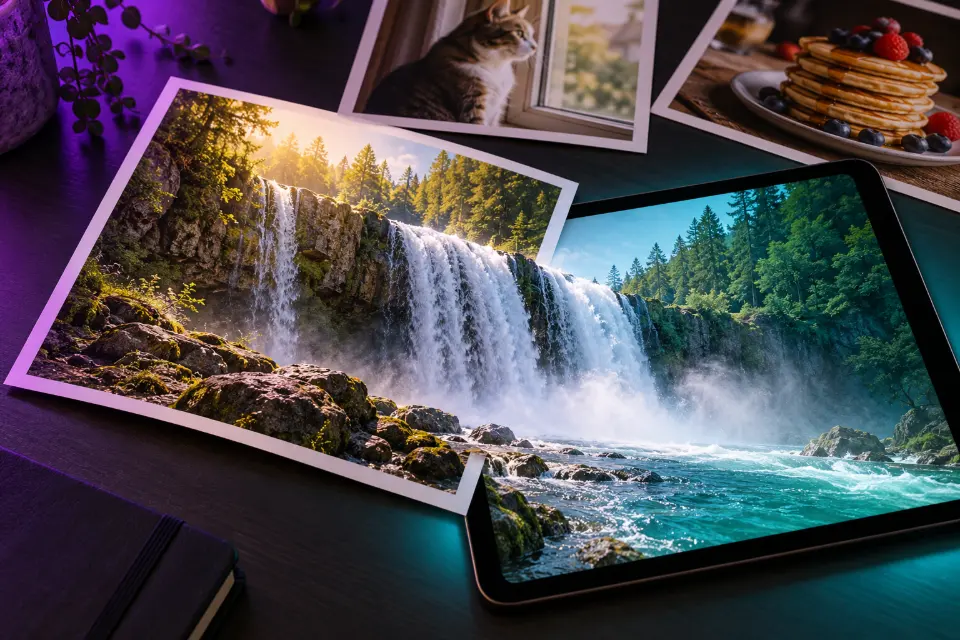
A good image to video prompt describes what moves in your photo, not what the photo shows: the model can already see the person, the room and the light, so your words should say what must stay the same, what moves, how much and what the camera does. Kling 4.0, Veo 3.1, Seedance, Runway, Hailuo and Grok Imagine all animate a still this way.
The 14 prompts below start from typical photos people actually have on their phones, from a portrait or a sleeping cat to a product shot, an old family print and a child’s drawing. Each note explains why it works. Words in square brackets are placeholders.
The short answer
Upload your photo in the image to video mode, paste the prompt that matches it and replace the bracketed words. Keep the first sentence, which protects your photo, and start with 5 to 8 seconds.
What should an AI image to video prompt say?
Write it in three parts. First the keep sentence: “Keep the face, clothing and background exactly as in the photo.” Then the motion: one main movement plus a little ambient life, such as a head turn and hair in the breeze. Then the camera: still, a slow push-in or a gentle pan.
Movements that fit the photo look natural. A person sitting can breathe, blink, smile and turn; asking them to stand up and leave makes the model invent legs, a floor and a doorway it never saw. The same goes for the camera: the further it travels, the more it has to make up.
Image to video prompt ideas: which photos animate well?
The photo matters as much as the prompt. These traits give the model the least to guess:
- Sharp focus on the subject, with the face or product large in the frame.
- Some space around the subject for movement, and no hands or paws cut off at the edge.
- Even light without heavy filters, stickers or text on top.
- For pets and people who move, the whole body in view.
- A plain or simple background if the camera is going to move.
Image to video prompt for Gemini and other apps
In Google Flow and the Gemini app you can start a Veo 3.1 clip from a photo, and Veo adds sound when the prompt has a “Sound:” line. Kling has its own image to video mode with a negative prompt box and, in version 4.0, several reference images. Grok Imagine animates photos inside the Grok app, and Seedance, Runway and Hailuo accept a starting image too. The prompts here are plain English, so the same text works across them; Prompt Studio adjusts the wording when you pick a model.
14 prompts to copy and adapt
Outdoor portrait with wind and a glance
Animate my uploaded outdoor portrait. Keep the face, hair color, clothing and background exactly as in the photo. A soft breeze moves the hair and the scarf, the person looks out toward the horizon, then turns their eyes back to the camera with a small smile. The camera stays still, the light does not change.Wind gives life to the whole frame while the face stays nearly still. Remove the scarf if there is none in your photo.
Couple photo that starts to slow dance
Animate the couple in my uploaded photo. Keep both faces, their clothes and the setting exactly the same. They sway slowly together as if slow dancing, she rests her head on his shoulder and he closes his eyes. The camera pushes in very slowly. Warm light as in the photo, gentle and romantic.Swaying fits almost any standing couple photo without new steps or turns. Swap she and he to match the two people.
Gentle motion for an old family photo
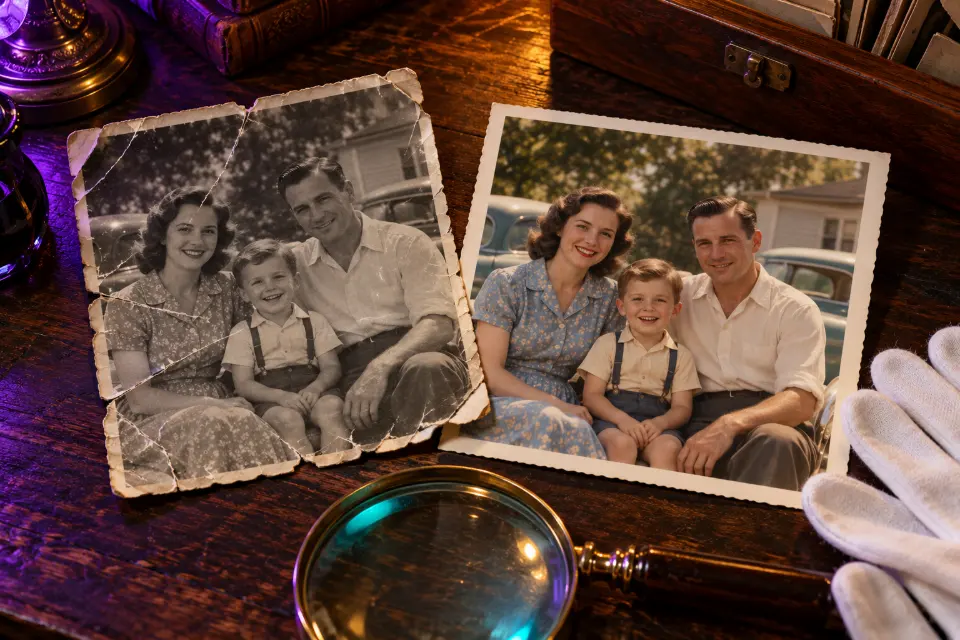
Animate my scanned old family photo with very subtle motion. Keep every face, the clothing, the composition, the black and white tones and the film grain exactly as in the original. The people blink and breathe, the man in the center lifts his chin slightly. No speech, no new smiles, no added people. The camera stays still.Small, honest motion respects the original. The “no new smiles” line stops models from changing expressions people never made.
Cat by the window watching birds
Animate my uploaded photo of my cat at the window. Keep its fur pattern, eye color and the room exactly as they are. Its eyes follow something moving outside, its ears twitch and the tip of its tail flicks twice. The camera stays still, soft daylight from the window.Eyes, ears and tail tip are the cat’s most natural small moves. Leave out jumps unless the photo shows room to land.
Product photo with rising steam
Animate my product photo of [product name] in a coffee cup. Keep the cup, the label and the table exactly as in the photo. Steam rises slowly from the coffee, a sliver of morning light moves across the table, and the camera pushes in slowly toward the cup. Cozy, warm, premium commercial look.Steam and moving light make a product photo feel alive without touching the product itself. Swap steam for condensation on a cold drink.
Waterfall photo with flowing water
Animate my landscape photo of a waterfall. Keep the rocks, trees and colors exactly as they are. The water falls and foams naturally, mist drifts up from the pool, leaves tremble in the breeze and clouds move slowly across the sky. The camera stays still on a tripod.Natural elements loop well and look real. A still camera keeps the composition you chose when you took the photo.
Night city photo with traffic trails
Animate my night photo of a city street. Keep the buildings, signs and composition exactly as in the photo. Car lights stream along the road as glowing trails, a few office windows switch on and off, and the camera pans slowly to the right. Long-exposure look, cool blue and warm orange tones.Light trails turn a still street into motion without inventing people. Keep the pan slow so the buildings stay straight.
Honey pouring over a stack of pancakes
Animate my food photo of a stack of pancakes. Keep the plate, the pancakes and the table setting exactly as they are. A stream of golden honey pours from the top of the frame, spreads over the top pancake and drips slowly down the sides. Slight steam, soft daylight, close-up food commercial look.One pour is a clear action with real physics. Change honey to syrup or chocolate sauce to match the dish.
A child’s drawing that comes to life
Animate the drawing in my photo. Keep the crayon lines, colors and paper texture exactly as they are, so it still looks hand-drawn. The drawn dragon flaps its wings, lifts a little off the paper and breathes a small puff of crayon-colored smoke, then lands again. The camera stays still above the page.Asking to keep the crayon texture stops the model from turning the drawing into a polished cartoon. A lovely surprise for a young artist.
Selfie that says hello
Animate my uploaded selfie. Keep my face, hair, clothes and background exactly the same. I smile, wave at the camera and say, “Hi Grandma, see you on Sunday.” Natural head movement, the camera stays still, the light does not change. Sound: my voice, quiet room tone.A short spoken line makes a sweet video message. Use your own photo, keep the line short and change the name and day.
Horse in a field, mane in the wind
Animate my photo of a horse in a field. Keep its coat color, markings and the landscape exactly as they are. The horse lifts its head from the grass, its mane and tail move in the wind and it flicks one ear. Tall grass sways around it, clouds drift slowly. The camera stays still.Wind on the mane carries most of the motion. Ask for walking only if the photo shows open ground in front of the horse.
Painting that keeps its brush strokes
Animate my photo of a painting of a harbor. Keep the brush strokes, colors and canvas texture exactly as they are, so every movement looks painted. The water ripples gently, the boats rock slightly at their moorings and the painted clouds drift to the left. The camera pushes in very slowly.Saying “every movement looks painted” keeps the style intact. Photograph the painting straight on and without glare.
Sunlit room for a rental listing
Animate my photo of a living room. Keep the furniture, walls, windows and layout exactly as they are, with nothing added or removed. Afternoon sunlight moves slowly across the floor, the curtains sway a little, and the camera glides slowly forward into the room. Bright, airy, realistic interior look.“Nothing added or removed” keeps a listing honest. Use the clip to show light and space, never features the room does not have.
Teddy bear that waves back
Animate my photo of a teddy bear sitting on the sofa. Keep the bear, the sofa and the light exactly as in the photo. The bear slowly turns its head toward the camera, lifts one paw in a small wave and freezes back into its pose as if nothing happened. Everything else stays perfectly still.Funny image to video works best when only one thing moves. Try it with a garden statue, a doll or a portrait on the wall.
Why does my photo change in the video?
Image to video always reinterprets the picture a little, but big changes have clear causes:
- The face drifts: put the keep sentence first and ask for smaller movements.
- New objects appear: add “nothing added or removed”.
- The body bends oddly: the action needs parts of the body the photo does not show. Choose a smaller action.
- The style turns glossy: name the original look, such as film grain, crayon or oil paint.
- It drifts more toward the end: shorten the clip to 5 seconds.
Old photo to video prompts: go gently
Animating a photo of a grandparent or someone who has died can be moving, and it can also upset people who did not expect it. Ask the family first, keep the motion small, and do not make the person speak words they never said. Share it as an AI animation, not as found footage, and keep the original scan next to it. If the photo is damaged, restore it before you animate, so the model does not turn scratches into moving artifacts.
What to ask for in your photo
| Your photo | Ask for | Avoid |
|---|---|---|
| Portrait | Blink, breath, hair in the wind | Standing up, walking away |
| Pet | Head tilt, ear flick, tail wag | Running across the room |
| Landscape | Water, clouds, swaying grass | Big orbits around the scene |
| Product | Steam, light sweep, slow push-in | Turning it to unseen sides |
| Old family photo | Blinks and tiny nods | Speech and new smiles |
Questions and answers
Can AI turn a picture into a video?
Yes. Video models such as Kling, Veo 3.1, Seedance, Runway, Hailuo and Grok Imagine take a photo as the first frame and animate it from your prompt. The result is an interpretation, so keep the original and check faces and hands before you share it.
Is there a free image to video prompt generator?
Prompt Studio on LoschaZ is free and formats prompts like these for the model you pick. It only writes the prompt; generating the clip happens in the video app, under that app’s own free limits or plans.
Do Kling AI image to video prompts need a negative prompt?
No, but it helps. A short list such as morphing face, changed eyes, extra fingers, flicker covers the usual problems. Keep it to items, not sentences, and leave the word “no” out.
Do these prompts work as Grok image to video prompts?
The ones without a sound line do. Grok Imagine animates photos inside the Grok app and does best with one simple movement, so start with the cat, horse or teddy bear prompts.
How long should an image to video clip be?
Start with 5 to 8 seconds. The longer a clip runs, the further it tends to drift from your photo, so a short clip with one good movement usually beats a long one with three.
Can I animate a photo of someone else?
Only with their permission, and with a parent’s permission for children. Apps block many requests involving public figures, and you should label the clip as AI when you share it.