The short answer
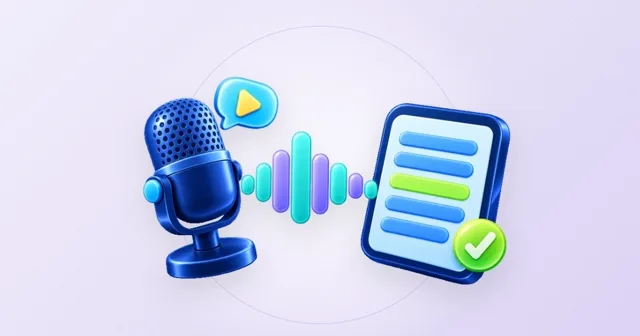
A stem is one group of sounds from a song, such as all the vocals or all the drums, saved as its own audio file. A stem splitter rebuilds those groups from a finished mix: the Stem Splitter gives you vocals, drums, bass and other instruments as four WAV files of the same length, which line up when you place them at the start of four tracks in your DAW.
Open the free toolWhat is a stem? Stems vs multitracks
In a studio, a song starts as many separate recordings: a microphone on the kick drum, one on the snare, two overheads, a bass, three guitars, the lead vocal, a few harmony takes. These single recordings are the multitracks. A song can easily have dozens of them.
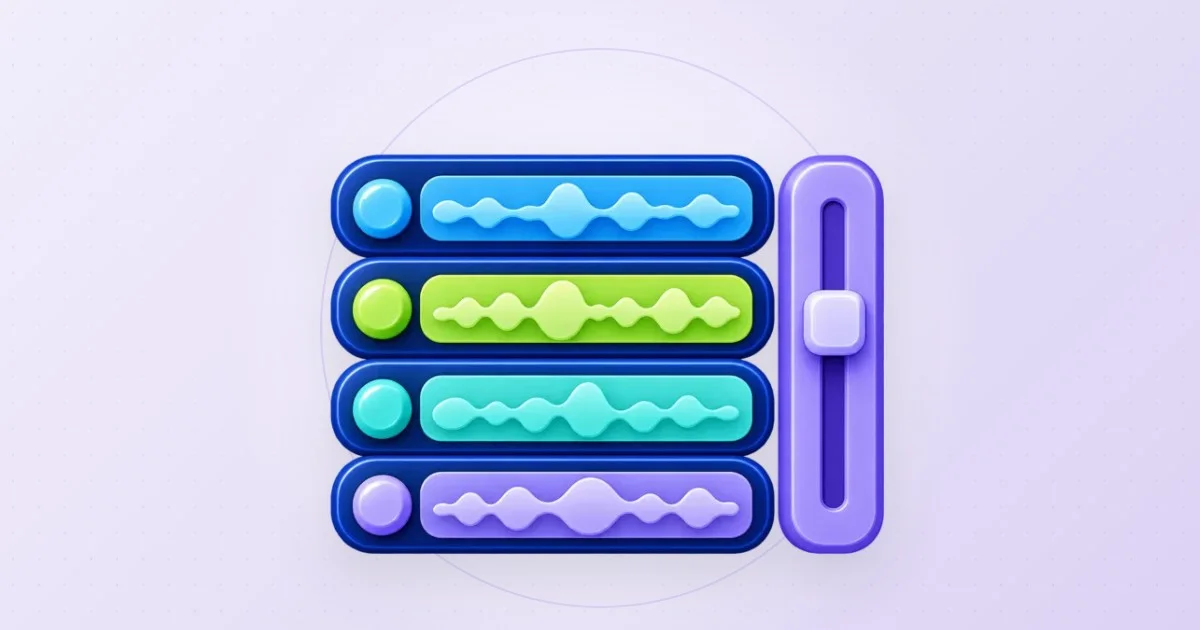
Stems are one step up. Each stem is a group of related tracks mixed together: all drum microphones become the drum stem, all voices the vocal stem, and so on. Played together at their original levels, the stems add up to the finished song. Artists hand out stems for remix contests, mastering engineers sometimes work from them, and live performers use them as backing tracks.
When a song is released, you usually only get the final stereo mix, with everything baked into two channels. That is where stem splitting comes in: it works backwards from the finished mix and estimates what the stems were.
The four stems you get, and what ends up in each
The Stem Splitter uses Meta’s Hybrid Transformer Demucs model, which separates a song into the same four groups used by the research benchmark it was trained for. Here is what to expect in each file:
| Stem | What usually lands in it | Typical use |
|---|---|---|
| Vocals | Lead voice, harmonies, backing vocals, effects on the voice such as reverb and delay | Acapella for remixes, learning a vocal part, writing down lyrics |
| Drums | Kick, snare, hi-hats, cymbals, toms and most percussion | Drum practice, sampling a beat, checking a groove |
| Bass | Bass guitar, synth bass, the low part of an 808 | Learning a bass line, rebuilding the low end in a remix |
| Other instruments | Guitars, piano, keyboards, strings, brass, synth pads and leads, everything else | Practice tracks, chord transcription, new arrangements |
| Instrumental (drums + bass + other) | Everything except the voice | Karaoke and backing tracks |
How an AI stem splitter works
Demucs is a neural network trained on songs whose real stems were known. During training it heard the mix, made a guess for each stem and was corrected against the real ones, many times over. After training, it can make the same kind of estimate for songs it has never heard. According to the Demucs repository, the model used here was trained on the MUSDB dataset plus 800 additional songs.
Hybrid Transformer Demucs looks at the sound in two ways at once. One branch reads the waveform, the raw up-and-down of the signal over time. The other reads a spectrogram, a picture of which frequencies sound at each moment. In the middle, a transformer lets both branches exchange information, so the model can follow a voice even when a guitar plays the same notes. In the paper describing it, this design reached 9.20 dB SDR on the MUSDB test set, a standard measure of separation quality.
Long songs do not fit into the model in one piece. The Stem Splitter feeds the song in parts of about eight seconds that overlap, then blends the overlaps so there are no audible seams. It runs with ONNX Runtime Web in your browser, on the graphics chip when WebGPU is available and on the processor otherwise. The song is never uploaded.
How to use AI stems in your DAW
Every stem from the Stem Splitter is a stereo WAV file at 44.1 kHz and 16-bit with exactly the length of the original song. That makes importing simple:
Download all four stems
Use the download button next to each stem. The files are named after the song plus the stem, such as “drums” or “other instruments”, so they sort together in a folder.
Create a project at 44.1 kHz
Set the project sample rate to 44.1 kHz, or let your DAW convert the files on import. Either works; matching rates just avoids an extra conversion step.
Place every stem at the very start
Put each WAV on its own track and drag it to the first sample of the timeline. Because all four files start at the same moment and have the same length, they are in sync.
Watch out for automatic stretching
Some DAWs try to detect a tempo and stretch audio on import. Turn that off for the stems, or they may drift apart. Set the project tempo to match the song if you want the grid to line up with the beat.
Check the sum
Play all four stems at equal level. They should sound very close to the original. Now you can mute, solo, process or replace each part.
What people do with stems
- Remixes and mashups: keep the vocals, replace drums and bass, or put a new beat under the acapella.
- Practice: mute your own instrument and play along with the rest of the band, or solo it to hear exactly what was played.
- Transcription: chords are easier to hear in the other instruments stem without vocals and drums on top.
- DJ sets: a separate vocal or drum stem lets you build transitions that are not possible with a finished mix.
- Learning to mix: hearing how loud the bass sits against the kick, or how much reverb is on a voice, teaches more than any article.
Limits of AI stems, and the rights question
AI stems are estimates. Reverb from the voice can leave a soft trace in other stems, backing choirs can partly end up in other instruments, and an instrument close to a voice, like a lead synth or violin, can bleed into the vocal stem. Live recordings and low-bitrate files separate less cleanly than studio masters. Official stems from the artist, when they exist, will always be cleaner.
Splitting a song for practice, study or your own experiments is fine. Releasing a remix or using stems in a published video needs permission for the recording and the composition. The U.S. Copyright Office lists derivative works among the owner’s exclusive rights. This is general information, not legal advice.
Questions you might still have
What is the difference between stems and multitracks?
Multitracks are the single recordings of a session, often dozens of them. Stems are groups of those tracks mixed together, such as all drums or all vocals. A stem splitter can only estimate stems, not individual microphones.
Can I separate guitar and piano with the Stem Splitter?
No. Guitar, piano, keys, strings and synths all share the other instruments stem. The Demucs project has an experimental six-source model with guitar and piano, but its authors note that the piano part does not work well yet, and this tool uses the four-stem model.
Will the stems line up in my DAW?
Yes, if each one starts at the very beginning of its track. All stems have exactly the length of the song. Turn off automatic time-stretching in your DAW so they do not drift.
Do the four stems add up to the original song?
Very nearly. Played together at equal volume, they sound close to the original mix. In the tool, “All stems” plays exactly that, rebuilt from the four parts.
Are AI stems as good as official stems?
Usually not. Official stems come from the studio session and are perfectly separated. AI stems are good enough for practice, remixes and study, with small traces in difficult passages.
Sources & useful details
- Meta Research: Demucs music source separation (GitHub)
- Rouard, Massa, Défossez: Hybrid Transformers for Music Source Separation (arXiv 2211.08553)
- ONNX Runtime: how to add machine learning to your web application
- MDN Web Docs: Web Audio API
- MDN Web Docs: WebGPU API
- U.S. Copyright Office: What is copyright?
These guides are written from the current LoschaZ tools and the sources listed above. Examples are illustrations, not tests on every device or promises of an identical result.