To make an AI anime video, describe one shot the way an animator would: the drawing style, a single action, how the camera moves and roughly how long it lasts. Kling, Seedance, Veo, Gemini Omni and Grok Imagine can all animate that; each prompt lists the models it suits.
Sora is no longer an option: OpenAI closed the Sora app in April 2026 and the API in September 2026, so these prompts are written for models you can use today. Prompts that end with a sound line are for Veo, Kling and Gemini Omni, which generate audio with the picture.
The short answer
Paste a prompt into one of the listed models, keep the length close to the seconds shown and replace the words in brackets. To animate your own artwork, upload the picture first and use one of the image to video prompts.
How to make an AI anime video, step by step
A short anime clip comes together in five steps.
- Choose the model: Veo or Kling for dialogue and sound, Seedance for scenes in several shots, Gemini Omni for step-by-step changes.
- Decide between text to video and image to video. Starting from a still you made in Niji 7 or ChatGPT gives you more control over the design.
- Write one shot: style, subject and action, camera movement, light and, for audio models, a sound line.
- Generate five to ten seconds first, then extend or refine what works.
- Join the clips in a video editor and add music you have the rights to.
Why does my AI anime video look 3D?
Video models lean toward realistic motion and lighting unless the style is stated clearly and early. Open the prompt with “2D anime style” or “hand-drawn anime”, then add cel shading, flat colors and a painted background. If the result still looks like a 3D render, remove camera terms that suggest a real lens, such as 35mm or shallow depth of field.
Motion matters too. Anime often holds a pose while hair, cloth and light move, so describe small movements around a still figure instead of constant full-body action. One or two actions per shot keep the drawings stable.
14 prompts to copy and adapt
Anime opening shot on a water tower
2D anime opening sequence shot: a young man in a long coat stands on a rooftop water tower at night while the camera circles him once, city lights spread below, his coat and hair whipping in the wind, then he looks up as a meteor streaks across the sky. Crisp cel shading, painted night sky, strong backlight.One circling move and one look up is all an opening shot needs. Add a sound line if you only use Veo or Kling.
Wobbly soufflé pancakes with café sounds
2D anime close-up in a small café kitchen: a cook slides three tall, fluffy soufflé pancakes onto a plate, they wobble gently, a pat of butter melts and syrup runs down the sides, steam rising. Static camera with a gentle push-in at the end, warm morning light, soft cel shading. Sound: a spatula scraping the griddle, soft sizzling, a quiet café murmurAnime food scenes live on close detail and small sounds. Replace the pancakes with a [dish] and keep the steam and the highlights.
Two-line dialogue at closing time
2D anime medium shot in a small bookshop at closing time. An older shop owner hands a wrapped book to a young customer and says, “Bring it back when you’ve read the last page.” The customer bows slightly and answers, “I promise.” Static camera at eye level, warm lamp light, soft cel shading, mouths moving with the words. Sound: their voices, a clock ticking, rain on the windowShort lines in quotation marks give the model clear words to lip sync. Keep each line under about ten words.
Outfit change in a swirl of paper cranes
2D anime transformation shot: a young woman in everyday clothes opens her hands, hundreds of glowing paper cranes swirl up around her, and her outfit changes into a long sky-blue traveling coat with a satchel and boots, ending in a confident pose as the cranes scatter. The camera slowly circles her, bright clean colors, fully clothed throughout.The cranes cover the change itself, which keeps the clip tasteful and the drawings stable. Swap them for [leaves, petals or sparks].
Training duel with wooden swords
2D anime action shot: two friends spar with wooden practice swords in a sandy courtyard at dawn, trading three fast blocks before both step back and bow. The camera swings around them, motion smears on the quickest swings, sand kicked up at their feet, crisp cel shading, strong rim light from the rising sun.Ending with a bow makes it clear this is practice between friends. Three blocks are enough; longer exchanges tend to lose their shape.
Bring your anime illustration to life
Animate my uploaded anime illustration. Keep the character design, line art, colors and background exactly as drawn. The character blinks, breathes slowly and turns their head slightly toward the viewer, a light breeze moves the hair and the edge of the clothes, a few petals drift past. The camera stays still and the drawing style does not change.Small movements keep a drawing looking like the same drawing. Upload a picture you made or have the rights to.
Turntable of your character design
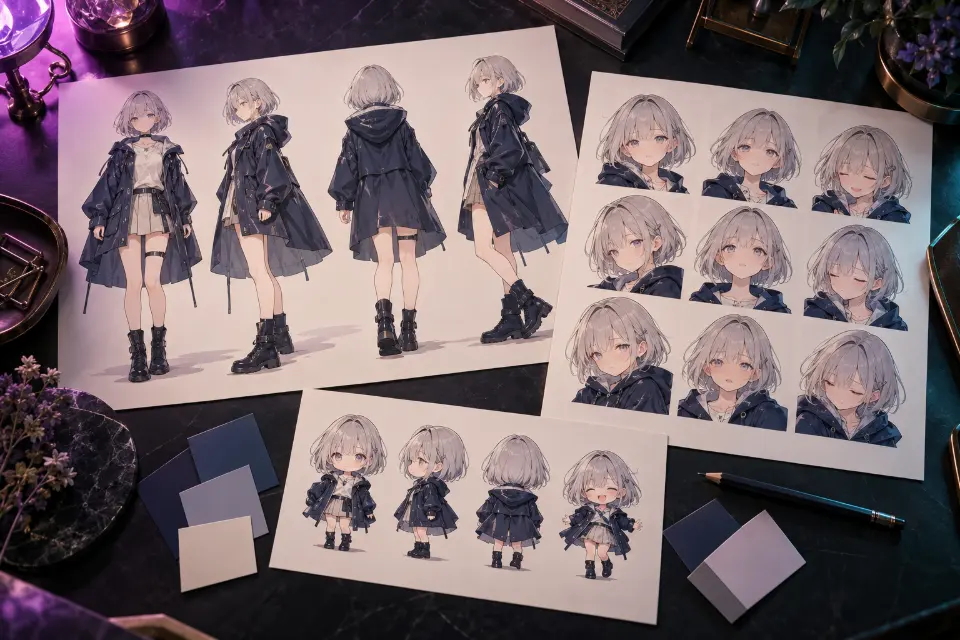
Use my uploaded anime character design as the reference and keep the face, hair, outfit and colors exactly the same. The character stands in a neutral pose on a plain light gray background and holds still while the camera makes one smooth full circle around them at chest height, even studio lighting, clean 2D anime style.A turntable shows how a design works from every side, which helps with a character bible or cosplay. Pair it with the character sheet prompts.
Follow-up: turn the scene into a snowy night
Keep the characters, their drawings, movements, timing and camera exactly as they are. Change only the setting to a snowy night: dark blue sky, snow falling softly through the frame, a thin layer of snow on roofs and shoulders, warm light from the windows, all in the same 2D anime style. Sound: the original audio, a little softer, with a quiet winter windSend this after a first clip in Gemini Omni, and it edits that clip instead of starting over. Change the snowy night to [season or weather].
Chibi bounce loop for emotes
Short looping 2D anime clip of a chibi character with a round head and a yellow raincoat bouncing happily in place, arms waving, a small heart popping above the head at the top of each bounce, thick outlines, flat bright colors, plain white background, static camera, a smooth loop where the last frame matches the first.A white background and a static camera make the clip easy to cut out for a sticker or emote. Describe your own chibi in the first line.
Whale drifting through clouds over a town
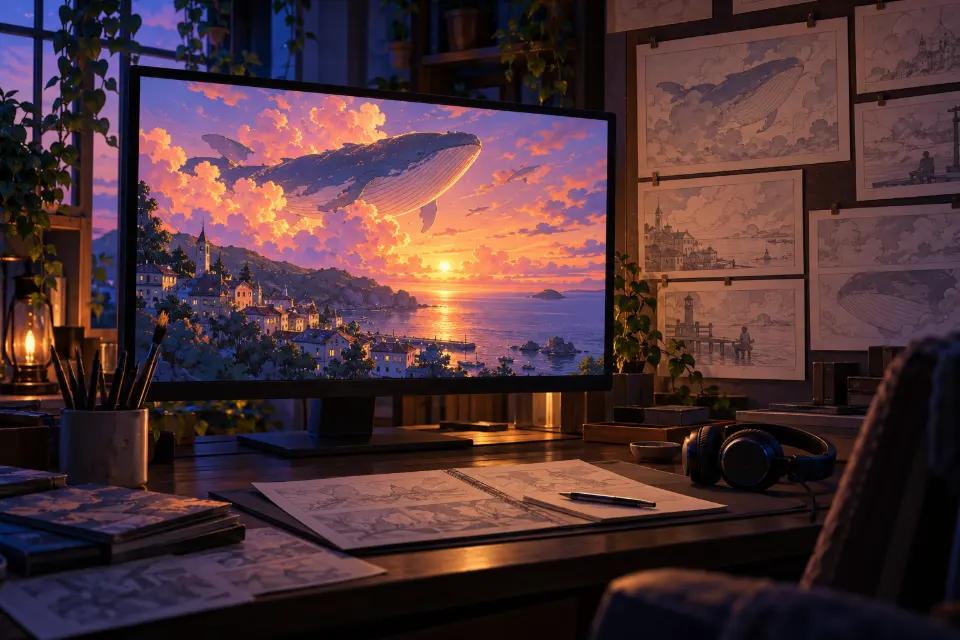
2D anime wide shot of a gentle giant whale swimming slowly through the clouds above a small seaside town at sunset, people on the rooftops looking up and waving, its shadow sliding across the streets. The camera tilts up from the rooftops to the whale. Painted sky in orange and violet, soft cel shading. Sound: a low distant whale call, wind, surprised voices belowA tilt from the people to the sky shows scale before the reveal. Replace the whale with any [gentle giant creature] you like.
Relay race in two shots
2D anime sports scene in two shots. Shot 1: low side angle as a runner sprints the final stretch of a relay with the baton held out, speed lines behind her. Shot 2: close-up of the baton passing into a teammate’s open hand in slow motion, sweat drops catching the sunlight. Same uniforms in both shots, bright summer light, crisp cel shading.Numbered shots put a cut inside one prompt, which suits Seedance. Describe the uniforms the same way in both shots.
Grandfather and grandson flying a kite
2D anime wide shot on a windy beach in the afternoon: a grandfather helps his young grandson launch a red kite, the kite catches the wind and climbs, and the boy laughs and runs along the wet sand. Slow pan following the kite upward, soft cel shading, bright sky with drifting clouds. Sound: strong wind, waves rolling in, the boy’s laughterFollowing the kite with the camera gives the shot a natural ending in the sky. Swap the family members to match your own.
Painted background with a slow pan
Anime background art brought to life: a slow sideways pan across terraced rice fields on a hillside at sunset, layered parallax between the grass in the foreground, a farmhouse in the middle and misty mountains far behind, water in the terraces reflecting the orange sky, birds crossing in the distance, hand-painted texture, an empty scene.Parallax, with near things moving faster than far ones, makes a painted background feel deep. Use it as an establishing shot or a calm ending.
Thirty-second long take in a flower shop
Single continuous 2D anime shot with no cuts: the camera follows a young florist from the quiet street at dawn into her small flower shop as she unlocks the door, flips the door sign, opens the blinds and waters buckets of tulips while sunlight slowly fills the room. Smooth tracking at shoulder height, soft cel shading, warm pastel colors.Long takes need a simple path and a chain of small tasks. Kling 4.0 and Seedance 2.5 were announced with up to 30 seconds per shot; try 10 seconds first.
AI anime video generator from image: start with a still
Image to video gives you more control over the characters than text alone. Make the design first with Niji 7, ChatGPT or Gemini, check the face and outfit, then upload that picture and describe only the motion. The model no longer has to invent the drawing and the movement at the same time.
Say what must stay unchanged, as the illustration and turntable prompts do, and keep the motion small at first. Animate only artwork you made or have permission to use.
Can I still use Sora 2 anime prompts?
Not in Sora itself, which OpenAI shut down in 2026, but the prompts work elsewhere once you adapt them, and most ideas carry over well. Keep the scene, the action and the camera, then trim long prompts down to one or two actions per shot. Put dialogue in quotation marks and use Veo, Kling or Gemini Omni when you want sound; for Seedance, drop the sound line. Prompt Studio removes sound lines for models without audio automatically. Check the length last, since each model has its own limit.
Common mistakes in anime clips and quick fixes
Fix one thing per try and keep the rest of the prompt the same.
- The style turns realistic halfway through: put “2D anime style” at the start and remove lens words.
- Faces melt during fast moves: slow the action down or split it into two shots.
- The character changes between clips: upload the same reference image every time.
- Dialogue is out of sync: shorten the line and use a model with audio.
- Too much happens at once: keep one or two actions per shot.
Which AI anime video generator for which clip?
| Model | Good for | Sound line in these prompts | Worth knowing |
|---|---|---|---|
| Kling 4.0 | Long single takes, several reference images | Yes | Up to 30 seconds in one pass, according to the launch announcement |
| Seedance 2.5 | Scenes in several shots, character references | No | Up to 30 seconds per shot, in Jimeng, Doubao and partner apps |
| Veo 3.1 | Dialogue, ambience and sound effects | Yes | In the Gemini app and Google Flow |
| Gemini Omni 1.1 Flash | Changing a clip with follow-up instructions | Yes | Each instruction edits the previous clip |
| Grok Imagine | Quick tests and short clips | No | Inside the Grok app from xAI |
Questions and answers
Is there a free AI anime video generator?
Some of these apps give free or new accounts a small number of video generations, and the limits change often, so check each app’s current plan. The prompts here and Prompt Studio are free.
How long can an AI anime video be?
Kling 4.0 and Seedance 2.5 were announced with up to 30 seconds per shot. Most anime clips look cleaner at five to ten seconds; join several shots in an editor for anything longer.
Can I make an AI anime video from text only?
Yes. Every prompt here except the image to video ones works from text alone, though a still picture gives you more control over the design.
Which prompts need a sound line?
Only prompts for Veo, Kling and Gemini Omni, which generate audio. Keep the sound line as one final sentence; Prompt Studio removes it when you switch to a model without sound.
Can I use characters from my favorite anime?
Characters from existing series belong to their creators, and many apps block them, so these prompts use original characters. Describe your own hair, outfit and props instead.
How do I make an AI anime video with my own art?
Upload your illustration to Kling, Seedance, Runway or Hailuo and use the image to video prompt above. Name the line art and colors in the keep sentence and ask for small movements first.